


A Trade Hold starts after both sides accept a trade and delays delivery of the items. A Market Hold starts after you create a sell listing and delays when the item becomes available to buyers. If Steam will not let you start the action at all, you are probably looking at an item or account restriction—not either kind of hold. A pending mobile or email approval is a confirmation, which is another separate step.
This guide was checked against Steam's official help pages on August 24, 2026. Valve can change security rules, game-specific systems, and account requirements. Treat the date and reason shown in your Steam inventory, trade offer, confirmation, or Community Market screen as final for your account. SteamVaults cannot remove, shorten, or bypass a Steam hold, restriction, cooldown, confirmation, or Trade Protection rule.
Start with Steam's Trade and Market Holds FAQ, then use the status you can actually see—not a timer guessed by another website.
First identify the state, then decide what to do
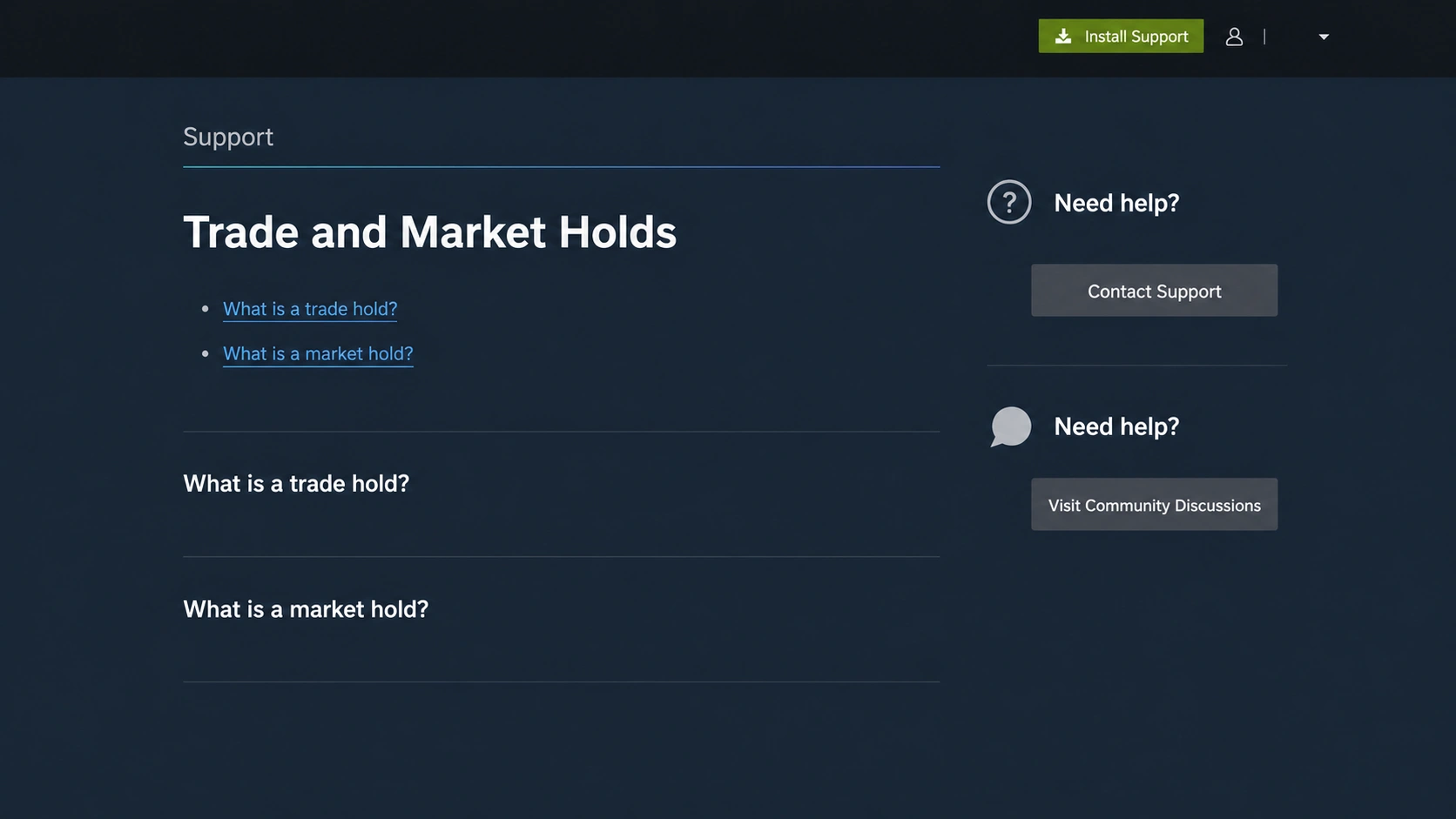
The words sound similar because they all stop an item from moving immediately. The useful difference is where the process stopped.
| What Steam shows | When it happens | What it changes | First action |
|---|---|---|---|
| Trade Hold | Both parties accepted a trade | Delivery to the other inventory is delayed | Read the release time in the trade status |
| Market Hold | A sell listing was created | The item is not yet available to Market buyers | Read the listing's hold status |
Tradable After or Marketable After | Before a trade or listing can start | That item is not yet eligible for the named action | Read the exact item date |
| Account or device restriction | Steam blocks trading or Market access | The action cannot be started from the affected account or device | Read Steam's reason and expiry, if one is shown |
| Confirmation pending | An offer, acceptance, or listing needs owner approval | The action has not completed its approval step | Review the partner, items, quantity, and price in Steam |
| CS2 Trade Protection | A protected CS2 trade was delivered | Items arrive immediately but remain reversible and protected for seven days | Read the shield and protection state in Steam |
Two quick tests solve most confusion. If the item already left the normal approval stage and Steam shows a future delivery or listing time, it is a hold. If the button is disabled, the item description shows an unlock date, or Steam refuses the action, it is a restriction.
A Trade Hold sits after acceptance and before delivery
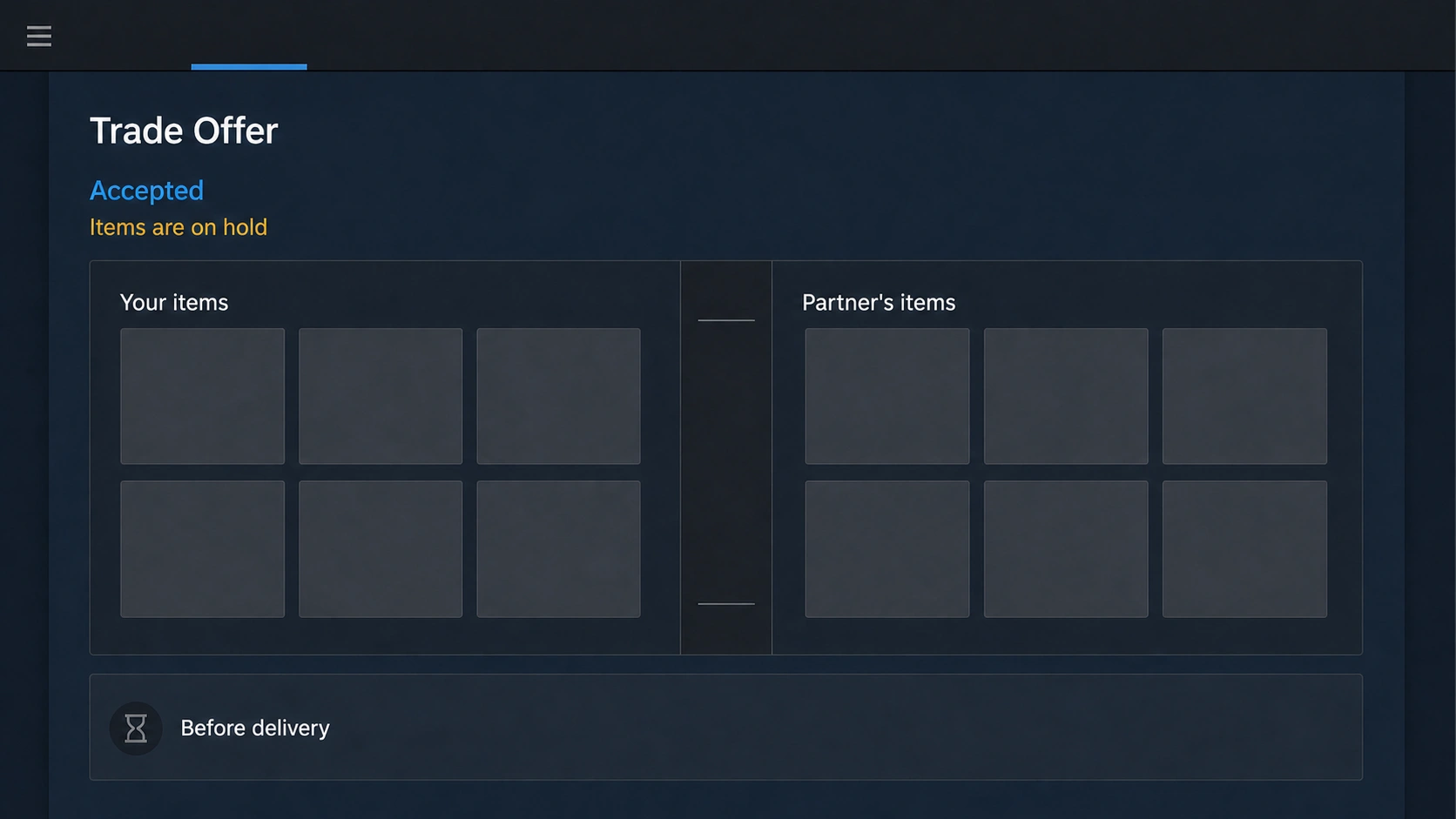
Accepted does not always mean delivered
Valve defines a Trade Hold as the period after both parties accept a trade while Steam holds the items before delivering them. Under Steam's documented Mobile Authenticator condition, that wait can be up to 15 days. “Up to” matters: do not replace the time displayed on the actual offer with a universal 15-day promise.
The hold protects outgoing items when an account has not been protected by the Steam Guard Mobile Authenticator for at least the previous seven days. It gives the owner time to notice and cancel an unauthorized transaction. It is not a queue controlled by the recipient, a marketplace, or SteamVaults.
Canceling an accepted held trade has a consequence
Steam says canceling one of your accepted trades while it is on hold triggers a seven-day trading cooldown. If the trade is unfamiliar, securing the account and stopping the transaction is more important than avoiding a cooldown. If it is your own expected trade, read the offer status before canceling and recreating it; making a new offer does not create a legitimate shortcut around Steam's timer.
A current exception deserves its own label. Steam's Trade Protected Items FAQ says Counter-Strike 2 items are not subject to trade holds or trade escrow. They are delivered immediately under Trade Protection and remain reversible for seven days. Valve currently lists CS2 as the only supported game, so check the official page again if another game or a later policy is involved.
A Market Hold delays visibility of a sell listing
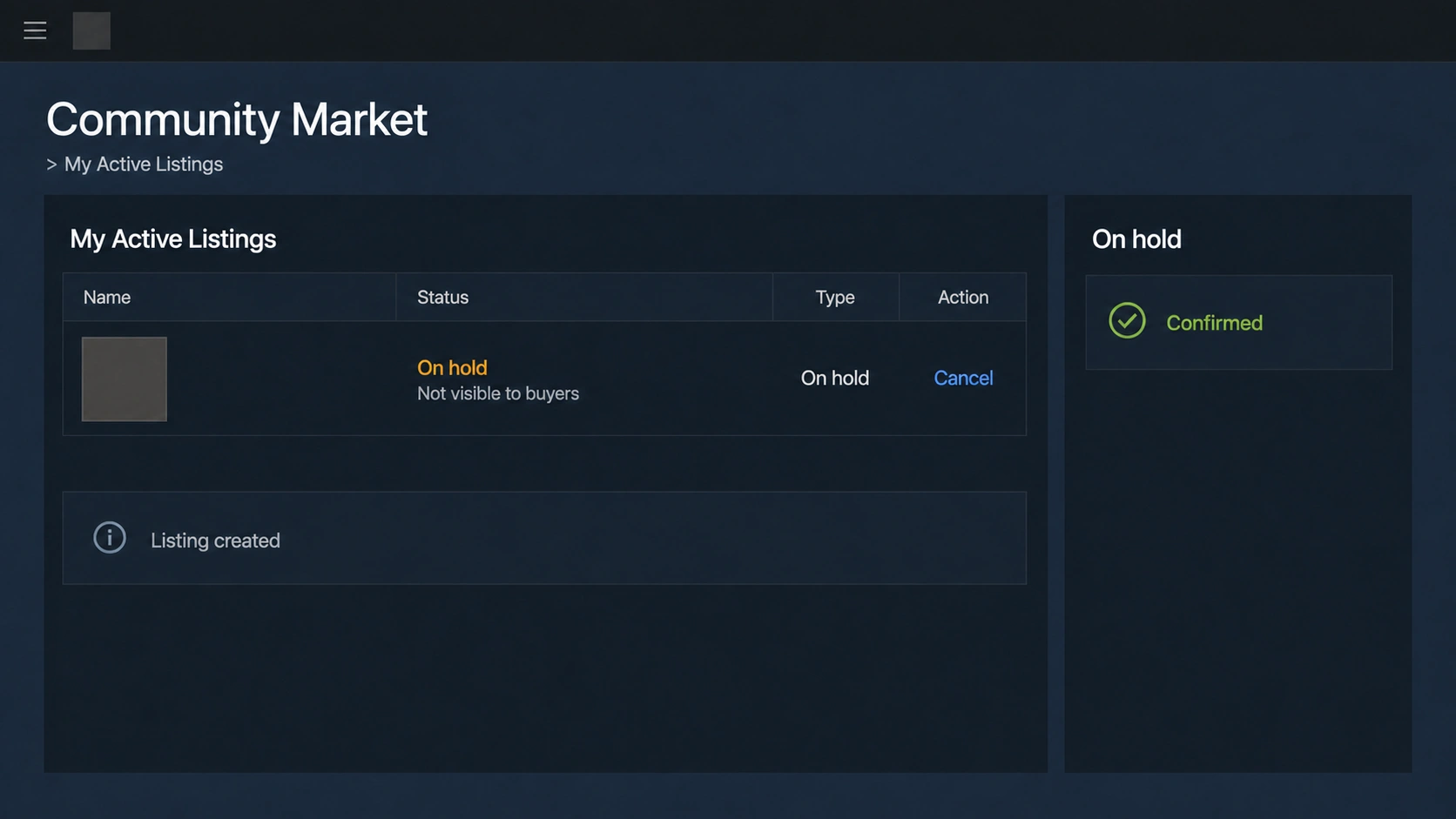
The item is not waiting for a particular buyer
A Market Hold begins after a sell listing is created and keeps the item from becoming available on the Steam Community Market until the hold ends. No buyer has accepted that listing yet. This is different from a buy order waiting for a matching seller, and it is different from an active listing that is visible but has not sold.
The same authenticator-age boundary is central: Steam says trades or Market listings created before a Mobile Authenticator is added, or during its first seven days, are held for 15 days. Transactions created after it has been active for more than seven days are not held for that standard reason. Other item, account, payment, or game restrictions can still apply.
Confirmation and hold are two checkpoints
Steam's Trade and Market Confirmations FAQ describes confirmation as the owner-approval step. If you do not confirm a listing, it is not published. Confirming it proves that you approved that action; it does not retroactively age the authenticator or erase a hold that Steam applies afterward.
An active listing can be removed before another user buys it. A completed Community Market sale is different: the Community Market FAQ says completed transactions cannot be reversed or refunded. Check the item and final price at confirmation rather than treating the hold as a chance to fix any later mistake.
Item and account restrictions are not holds
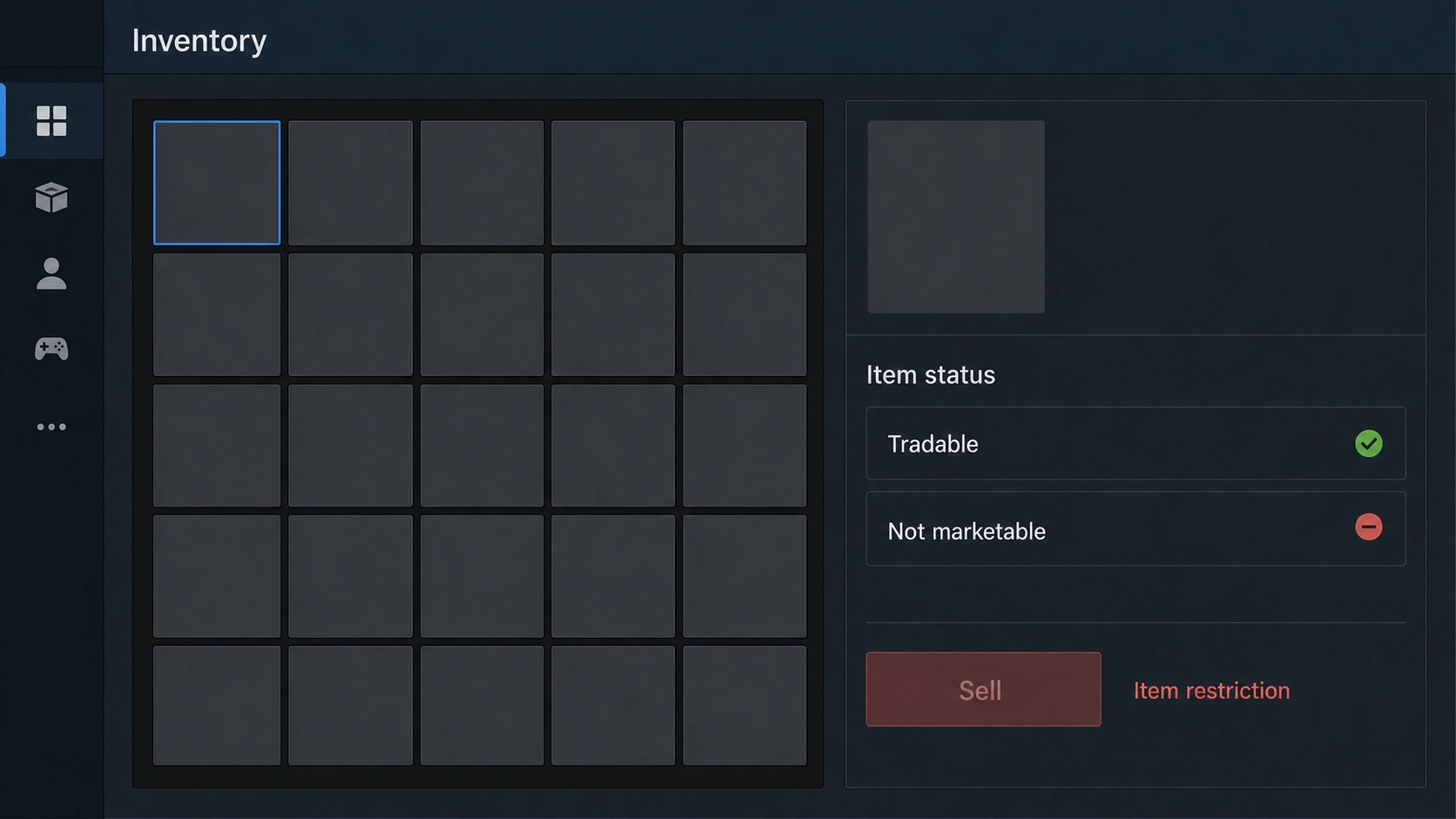
Read Tradable and Marketable separately
An item can be tradable but not marketable, marketable only after a date, or permanently ineligible for one of those actions. These properties belong to the item. A hold, by contrast, delays a transaction or listing that already passed its initial action. The item restriction guide explains where to find both labels and why waiting helps only when Steam shows a timed restriction.
Do not infer Market eligibility from a successful trade, or trade eligibility from a visible Market page. Read the exact item in your own inventory. A generic item page, another copy of the same item, or a third-party inventory estimate cannot replace that status.
Account restrictions stop the action earlier
Steam's Trading and Market Restrictions page lists separate causes such as a newly authorized device, Steam Guard being disabled or newly enabled, a recent password reset, adding or removing a Mobile Authenticator, payment-method checks, Market purchase-history requirements, bans, and cooldowns. Steam says the reason is typically shown when you try the action, and Steam Support cannot modify trading or Market restrictions.
Some examples have their own timers, but copying one number into every situation is unsafe. Market access has requirements that ordinary item trading does not share. Game-specific item rules can also exist even when the account is otherwise ready. Record the exact message, screen, item, and date before deciding that “Steam is holding my trade.”
Mobile Authenticator age and confirmation are separate checks
Installing the app is not the same as finishing the seven-day requirement
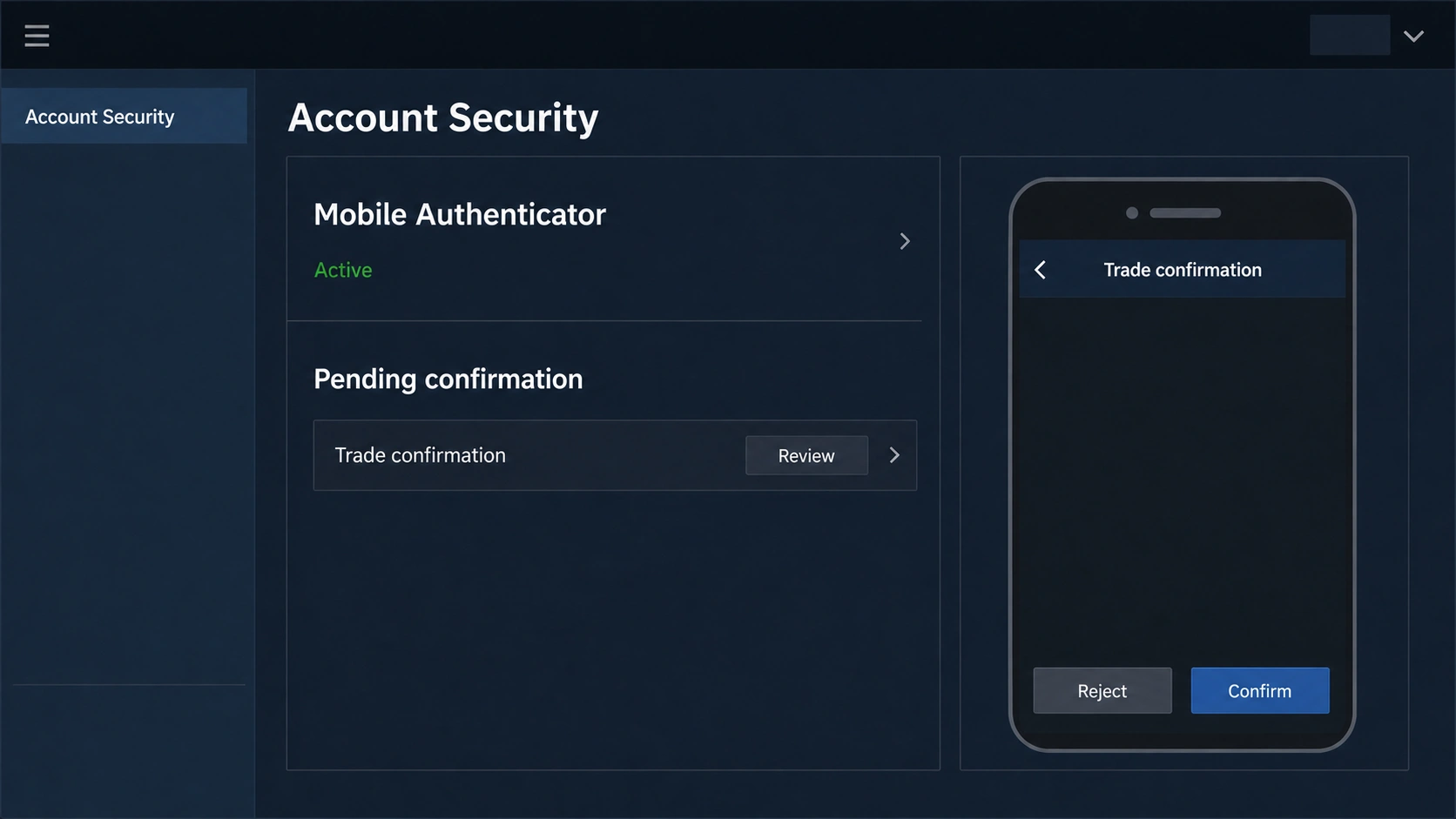
The Steam Mobile App can contain the Steam Guard Mobile Authenticator, but simply installing or signing into the app does not prove when the authenticator was added. Steam's Mobile Authenticator FAQ says new trades and Market listings stop receiving the standard hold after the authenticator has been enabled for more than seven days. Adding it today does not shorten a hold already in progress.
Security changes can produce separate restrictions. The same official page currently says transferring an authenticator to a new phone through the supported flow causes a two-day trade and Market restriction, while removing it can prevent trading and Market use for 15 days. Those are current documented conditions, not guarantees for every recovery path; follow the status Steam shows during your own device change.
A confirmation approves one specific action
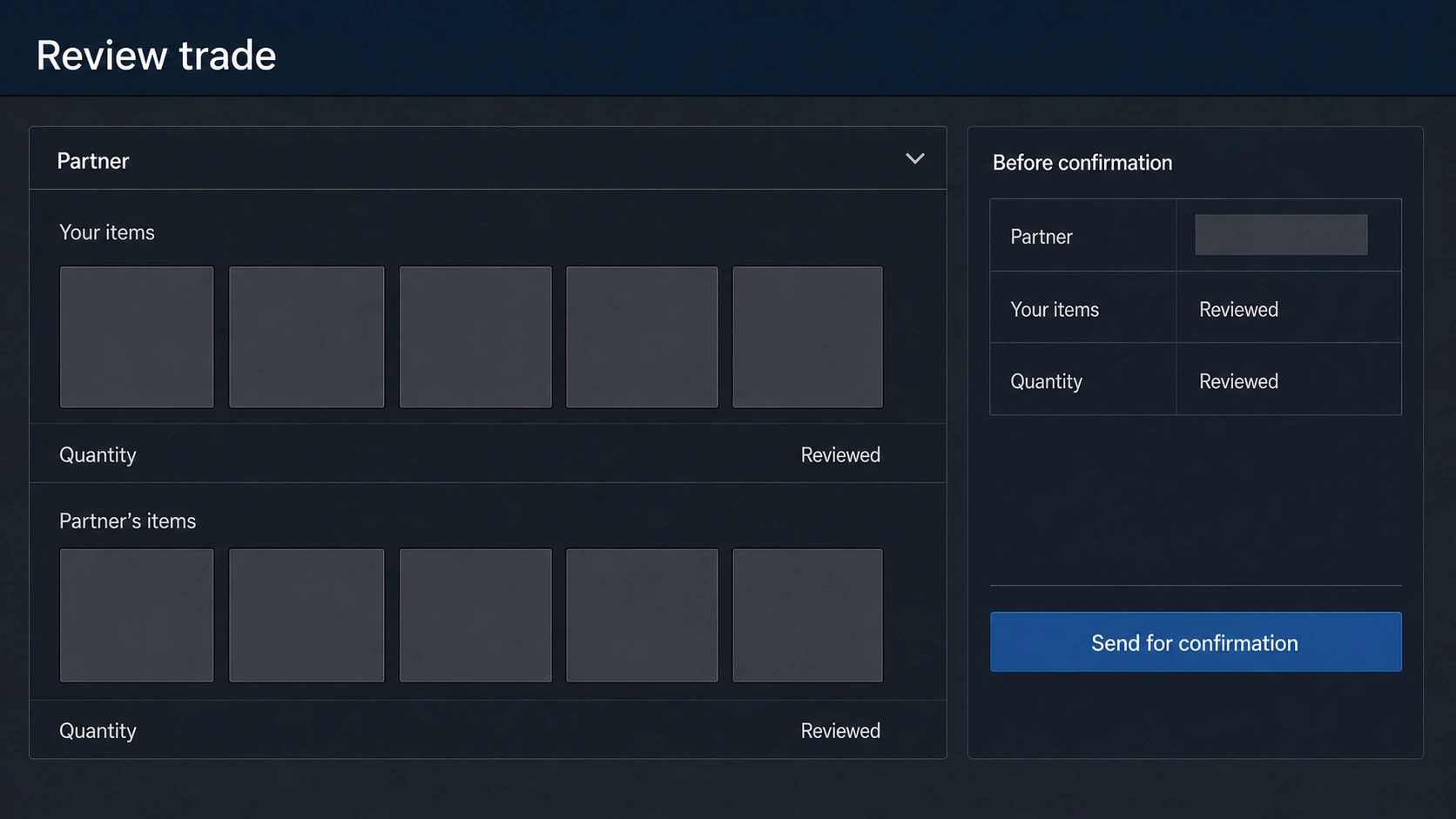
A trade or Market confirmation asks you to approve the exact transaction. Review the account, every item, quantity, and listing price. If you never created it, cancel it and secure the account. If you do approve it, the action may still enter a hold or meet another eligibility rule. “Confirmed,” “accepted,” “held,” and “delivered” are not interchangeable status words.
Never give anyone an authenticator code, SMS recovery code, QR sign-in approval, or authenticator-removal code. Steam says its Support staff will not ask for those codes. A person claiming that a code is needed to release a hold is describing a path outside Steam's documented process.
Diagnose the exact status in seven steps
Use this order. It keeps a visible Steam fact ahead of assumptions about the account.
- 1. Name the action. Are you sending or accepting a trade offer, or creating a Community Market sell listing?
- 2. Check whether Steam let the action start. A disabled button or refusal message points to an item or account restriction.
- 3. Open the exact item description. Record
Tradable,Marketable, and anyAfterdate separately. - 4. Check confirmations. An approval waiting in Steam Mobile or email is not yet a Trade Hold or Market Hold.
- 5. Read the status after approval. An accepted trade with delayed delivery is a Trade Hold; a confirmed sell listing delayed before visibility is a Market Hold.
- 6. Look for a CS2 Trade Protection shield. Immediate delivery plus a seven-day protected state is not a Trade Hold.
- 7. Use Steam's reason and date. If there is no clear message, preserve a screenshot and go through Steam Support rather than repeatedly recreating the action.
| Your situation | Most likely category | What to check next |
|---|---|---|
| Both sides accepted, but the recipient has no items yet | Trade Hold | Trade history and the displayed delivery time |
| You confirmed a sell listing, but buyers cannot see it | Market Hold | My Active Listings and its hold status |
| A mobile approval is still waiting | Confirmation pending | Partner, items, quantity, and price inside Steam |
| The Sell button is missing for one item | Item marketability restriction | That item's Marketable label or date |
| Trading and Market are unavailable across the account | Account restriction | The exact restriction message and official restrictions page |
| A CS2 item arrived with a yellow protection shield | Trade Protection | Protection expiry and reversal state in Trade History |
SteamVaults' trade-hold overview can help organize these categories, but it cannot see every private account timer or replace Steam's final status.
Wait only when Steam gives you something real to wait for
Waiting is reasonable for a displayed timer
Wait when Steam shows a held-until time, a Tradable After or Marketable After date, or a dated account restriction that matches the action you are trying to take. Keep the Mobile Authenticator enabled through its documented warm-up if you want future eligible transactions to avoid that standard hold. Do not remove and re-add it, move the item through another account, or pay someone claiming to “unlock” it. Those actions do not create an official bypass and can add risk or another restriction.
Waiting alone will not make a permanently non-marketable item marketable, approve a pending confirmation, resolve a ban, or correct the wrong recipient. It also will not shorten an existing hold merely because you enabled the authenticator after the transaction began.
Stop when the transaction is unfamiliar
Valve's Recommended Trading Practices says to verify the person and keep all items in one trade. Its trade-redirection guidance says to use every detail in the Steam Mobile confirmation and to slow down when someone applies pressure. Before approval:
- compare the receiving account, items, and quantities with the offer you intended;
- reject any request for a password, authenticator code, recovery code, QR approval, program, or browser extension;
- do not accept a separate promise of cash, Wallet credit, or a later item as if Steam enforced it inside the current offer;
- if an offer or listing is not yours, cancel it, secure Steam and email access, review signed-in devices and trade history, and contact Steam Support.
A hold is a Steam security state, not a service fee and not a speed setting. SteamVaults is independent from Valve. It can explain the status categories and operate only after Steam permits an eligible item to move; it cannot remove, shorten, accelerate, or bypass the hold or restriction shown by Steam. For link and partner checks before a trade, continue with the Steam trade URL safety guide.