


The item is sitting in your inventory, yet it will not appear in a trade offer. Or perhaps it can be traded, but the Sell button is missing on the Steam Community Market. Search for an explanation and you will find several numbers—seven days, fifteen days, sometimes thirty—alongside advice to check Steam Guard. Most of those answers describe a real Steam rule. That does not mean they describe your problem.
Search results tend to bundle several states under “trade restriction.” Steam does not. The item itself may be locked. It may move between users but not qualify for the Market. The item may be fine while the account is restricted. A trade that has already been accepted but is waiting for delivery is something else again.
Do not begin by memorizing the numbers. Open the exact item, read the date Steam shows, and then check whether the warning belongs to the item or the account. That usually tells you whether waiting will help.
> Review note — August 18, 2026: I rechecked Steam's current trading and Market restriction pages, Mobile Authenticator guidance, Trade Protected Items FAQ, the official Sack of Gems listing, and SteamVaults' current public product data. A 2016 Steam discussion appears only as an example of user confusion, not as proof of Valve policy.
An Item Can Be Tradable but Still Not Sellable on the Market
Trading it, listing it, and using it in a game
The inventory does not make this distinction especially friendly to a new user. I treated trading and Market eligibility as nearly the same thing myself until I had to model both states in our own product. In practice, there are three questions.
Tradable tells you whether the item can be included in a trade with another Steam account. Marketable tells you whether it can be listed on the Steam Community Market. Whether the item is usable inside its game is a third property. One “yes” does not fill in the other two.
Some items can be traded between users but never listed on the Market. Others lock both routes for a period after acquisition. An item appearing in the inventory and working in a game may look ready to trade, but Steam treats those states separately.
Two copies of the same item can show different dates
Acquisition time and source matter. A Sack of Gems held for months and another bought five minutes ago point to the same Market listing, but the recently purchased copy may still carry a restriction calculated from its purchase time.
A web search can tell you the usual properties of an item name. It cannot see when the particular copy in your inventory arrived. For that, you have to open the item itself.
Open the Item Description Before Searching for a Fix
A restriction with a date needs a different response from one without a date
If the inventory shows a future Tradable After or Marketable After date, the immediate cause is fairly clear: Steam attached a time restriction to that copy. Toggling Steam Guard or generating a new trade URL will not bring that date forward.
An item that only says it is not tradable or not marketable, with no unlock date, needs a closer look. The game may issue it that way permanently. Crafting, gifting, an event reward, or another acquisition route can also affect its properties. A forum post about an item with the same name becoming available later is not enough evidence that yours will.
The SteamVaults Inventory Checker collects the public Tradable, Marketable, and release descriptions Steam returns. It helps when an inventory contains many items, but it cannot diagnose every account restriction, read a private inventory, or promise that SteamVaults supports every item it displays.
Bought It Today? The Purchase Starts a New Clock
Old Wallet funds do not make a new item old
“That balance has been in my Wallet for weeks. Why is the item locked now?” is a reasonable question. If the restriction belongs to the newly acquired item rather than the funds, Steam counts from the item purchase—not from the day the Wallet was funded.
Sack of Gems makes the difference visible. On August 18, 2026, the data embedded in Steam's official Sack of Gems listing showed both market_tradable_restriction and market_marketable_restriction set to 7. A Sack purchased there therefore carries a seven-day restriction on trading and relisting. That is a setting for this item after a Market purchase, not a universal rule for every Steam item.
A 2016 Steam discussion records almost the same misunderstanding: a user had held Wallet funds for weeks, bought Sacks, and only then discovered another wait. That post is not Valve documentation. It is useful because it shows how easily the age of funds and the age of an item get mixed together. For the current rule, use the official listing and the date in your own inventory.
Price is not the only cost when an item is meant for cash-out or another external trade. An item bought cheaply today may still be useless for today's transfer. Buying ahead is one option, though it also leaves you exposed to price movement and custody risk. I cover that choice separately in the guide to choosing an item for Steam Wallet cash-out.
Sometimes the Item Is Fine and the Account Is Not Ready
Steam Guard and a new device are account conditions
If the item says it is tradable but the trading window itself is unavailable, move your attention to the account. Steam's Trading and Market Restrictions page lists Steam Guard age, newly authorized devices, and changes to the Mobile Authenticator among the possible causes.
Merely turning Steam Guard on is not an instant fix. When it was enabled, whether you recently signed in on a new device, and whether an authenticator was just added or removed all matter. At the time of this review, Steam says a recently enabled Steam Guard setup can lead to a 15-day restriction, while a newly authorized device can be restricted for seven days. Trades created within the first seven days after adding the Mobile Authenticator may also receive a hold of up to fifteen days. The repeated numbers are one reason search snippets can make the situation harder to read.
Password, payment method, and purchase history checks
A recent password reset can produce a five-day restriction, or thirty days if the account had been inactive for more than two months. Steam also treats verification of a new payment method and the purchase-history requirement for Market access as separate conditions. Its current help page says a valid Steam purchase must be older than seven days but not older than one year.
Instead of choosing whichever duration in a search result resembles your case, read the warning at the top of the account and the reason shown by Steam Support. The periods can change; the current Steam page is more useful than a number copied into an old third-party article.
A trade ban or Community Ban is not an ordinary security wait. That needs to be handled through Steam Support. An outside service cannot remove it.
Did the Trade Fail to Start, or Is Delivery Simply Pending?
A blocked action and a delayed result look different
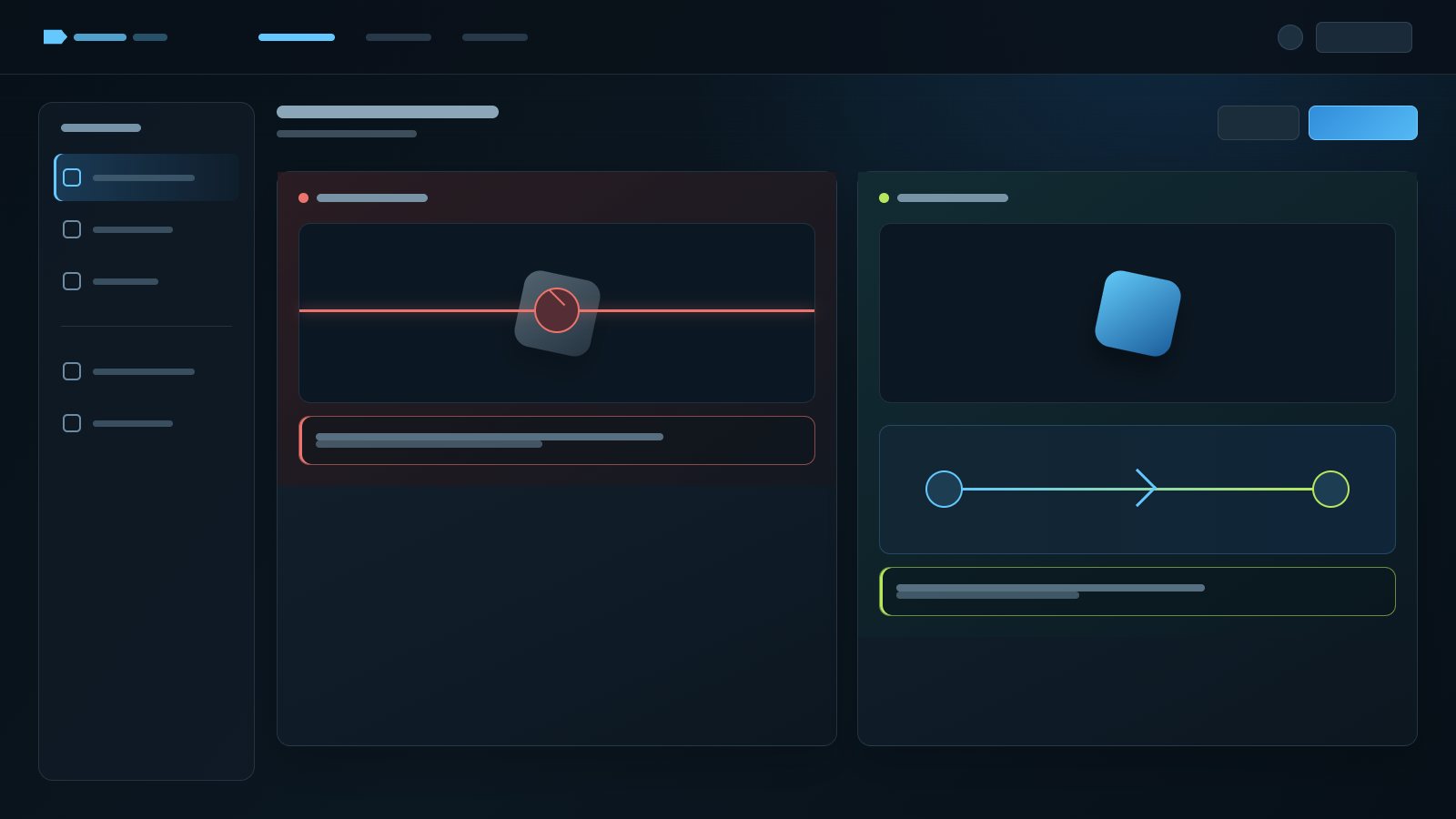
A restriction prevents the action from starting: the item does not enter the offer, or it never appears among the Market items you can sell. A hold happens after a trade or listing process has begun. If both parties accepted but the item has not arrived, repeatedly checking its Tradable label may no longer answer the right question.
For a purchase restriction, wait until the date shown on the item. For an authentication-related trade hold, check Steam's current Mobile Authenticator guidance. Steam also notes that adding the authenticator after a hold has already started does not retroactively shorten that hold.
If the account is well established and Mobile Authenticator has remained enabled, an authentication problem is less likely. A post-purchase unlock date shown on the item still applies.
The CS2 Seven-Day Protection Is a Different Mechanism
The number is the same; the rule is not
Search for a Counter-Strike item and “seven-day protection” often appears beside talk of reversing trades. Valve introduced Trade Protected Items for Counter-Strike in July 2025. Its announcement and support FAQ describe a system that allows eligible Counter-Strike item trades from the preceding seven days to be reversed.
Do not combine that with the one-week purchase restriction on Sack of Gems. A newly purchased Sack is locked from trading and relisting. Counter-Strike Trade Protection creates a reversal window around a recent item trade. Search titles can call both a “Steam seven-day restriction”; the game and the event described in the article tell you which one you are actually reading about.
Five Screens Are Usually Enough to Find the Cause
A one-minute check, starting with the exact item
Open the copy you are trying to move—not a similarly named item and not a generic search result.
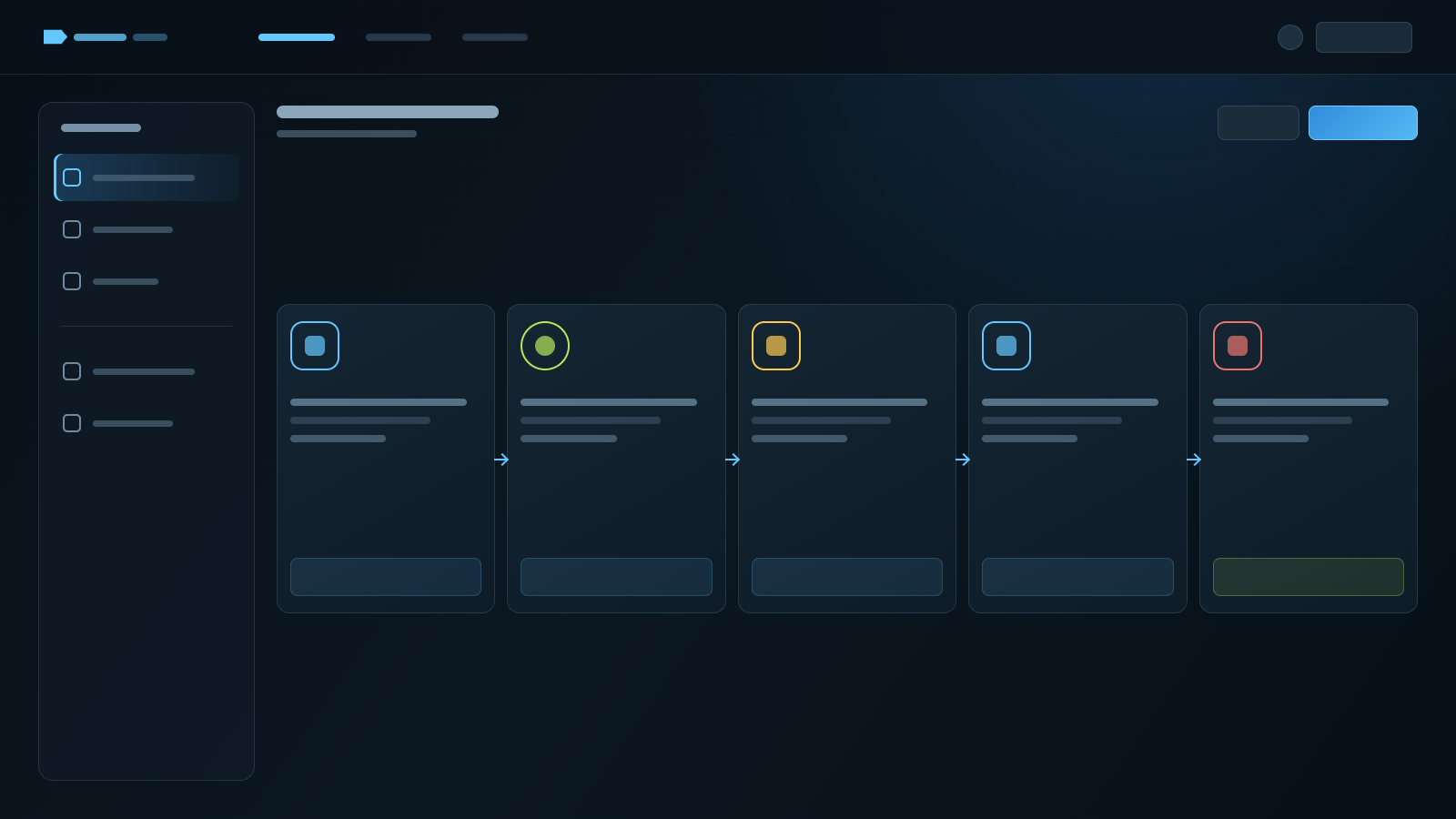
1. Read Tradable and Marketable separately in the inventory description. 2. If a future date appears, note the date and time zone. 3. Open the exact Community Market listing and read its post-purchase conditions. 4. If the item looks normal but trading or the Market is blocked account-wide, check the account warning and Steam Support. 5. If you already accepted an offer, inspect trade history for a pending hold before creating more trades.
Most causes show up by this point. There is no reason to create an API key or install an unfamiliar program. If the trade URL itself worries you, use the separate guide on whether sharing a Steam trade URL is safe. Replacing the URL does not release an item restriction.
A checker sometimes has to say “unknown”
Steam does not always expose the precise reason or unlock date through its public responses. In that situation, a responsible checker can only say it does not know. It cannot read a private inventory by implication or infer account safety from missing data.
The SteamVaults Readiness Check shows item restrictions, account readiness, and trade holds only where they can be observed. Steam client and Steam Support remain the final reference. If the tool disagrees with the screen in Steam, follow Steam's display and check again later.
If you have checked the displayed restrictions but the offer still fails, continue with the trade-offer error checklist. Its first step is to determine whether an offer exists, so a failed-looking response does not lead straight to a duplicate attempt.
Tradable Does Not Automatically Mean Supported by SteamVaults
Support is narrower than the entire Steam inventory
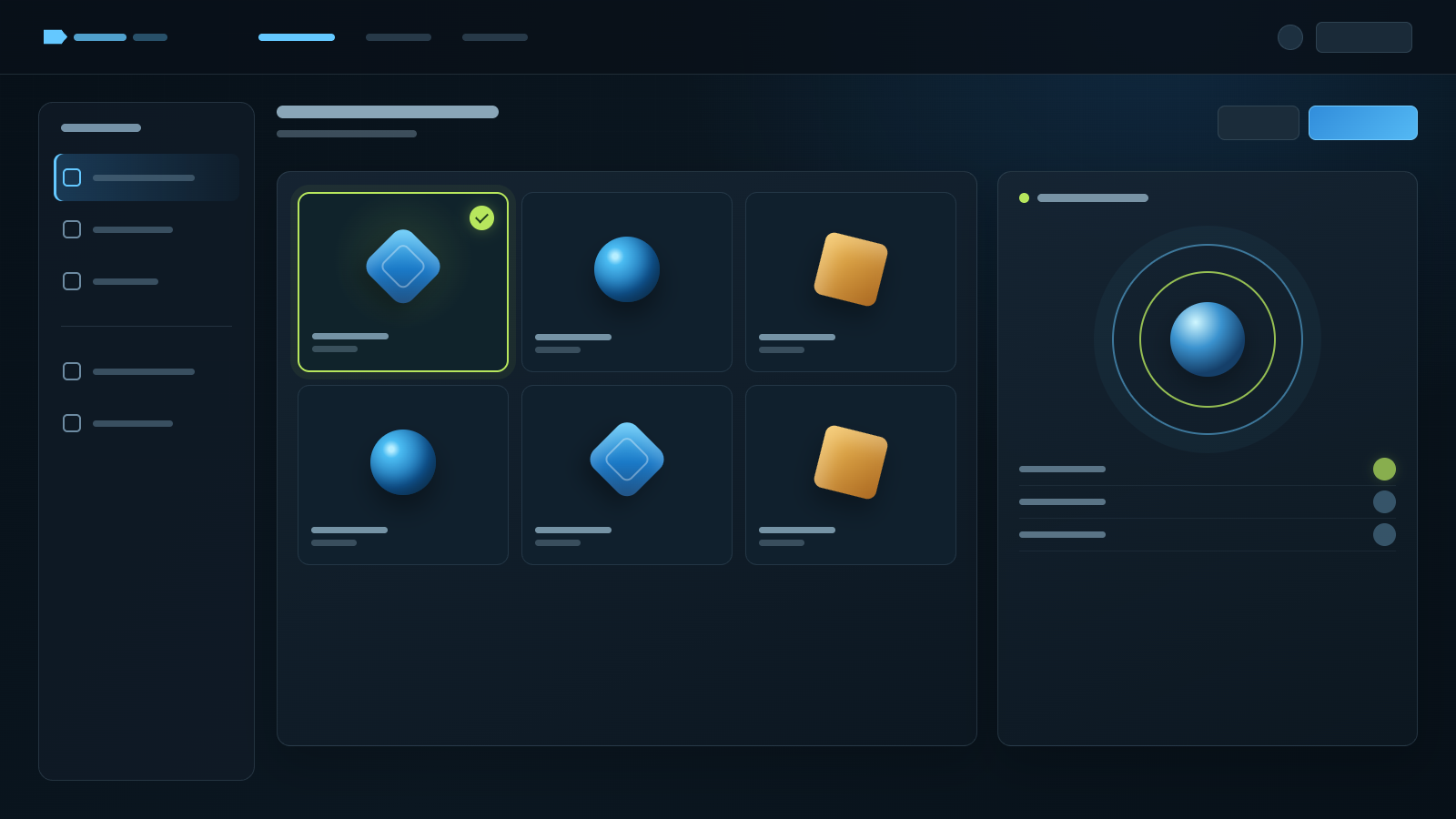
Steam contains a vast range of tradable items. SteamVaults quotes and manages stock for a much smaller catalog. When I checked on August 18, 2026, the public catalog contained one product: Sack of Gems. That describes our current product boundary, not the range of items traded across Steam.
Seeing Tradable: Yes can create the expectation that an item is immediately sellable to SteamVaults. Three conditions must actually line up: Steam must allow the item to be traded, it must be in the SteamVaults catalog, and the relevant buy or sell operation and inventory must be available at that moment.
The Inventory Checker can read public items from CS2, TF2, Dota 2, and Rust without making all of them trade products. Check the current Sack of Gems product page and the live transaction screen before acting. I have deliberately left fixed prices and stock counts out of this article because both can change.
This distinction held up our own implementation for a while. If we read tradability incorrectly, an order can contain an item we cannot receive. If we read catalog support incorrectly, the interface can offer something the service does not actually handle. That is why the item-property check and the product-catalog check remain separate in our logic.
When Waiting Helps—and When It Will Not
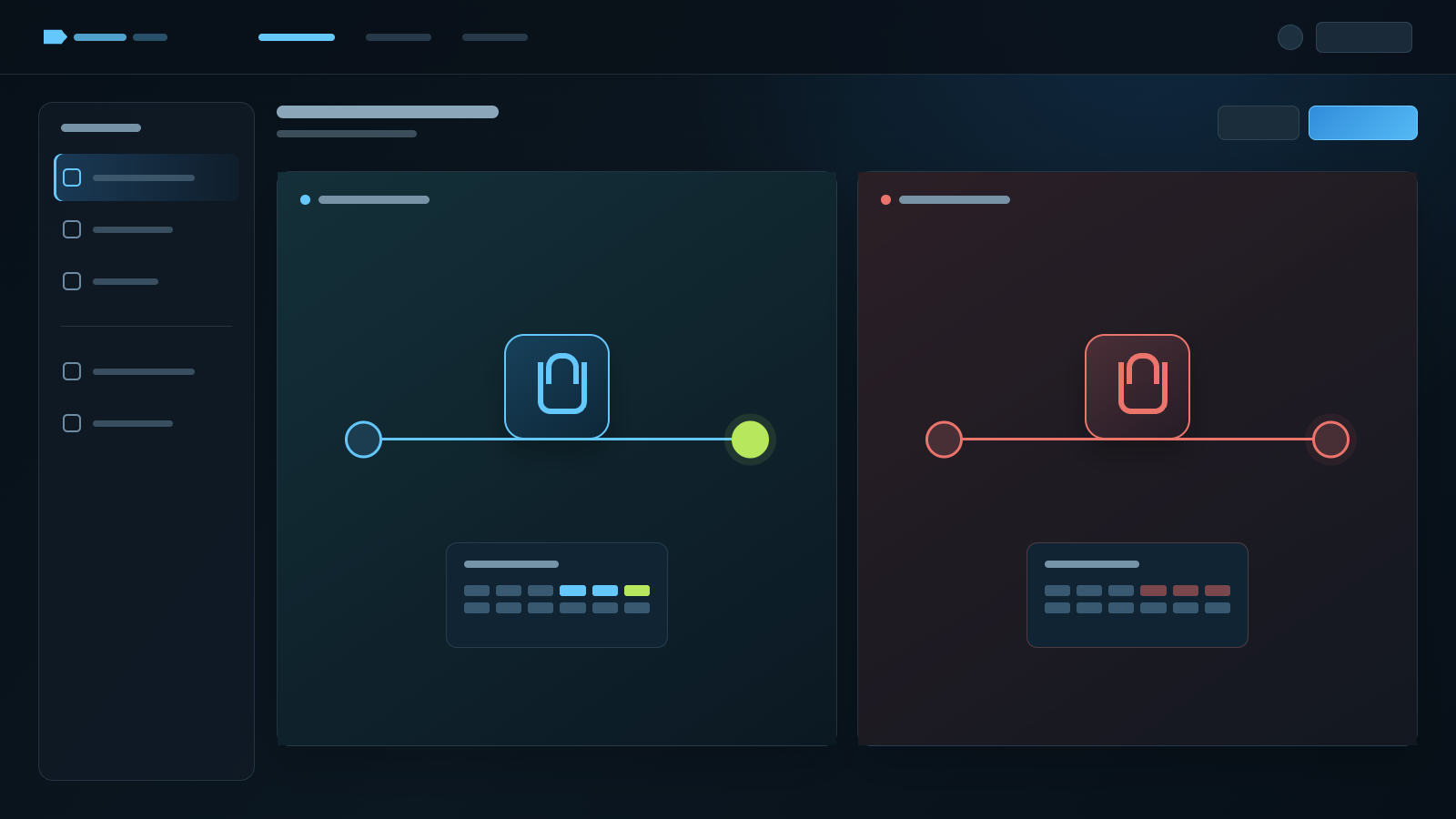
Look for an unlock date before deciding to wait
Waiting is the answer when a post-purchase restriction shows a future unlock date. For an account-security change, keep the required security condition in place and use the end point Steam shows. If an accepted trade is on hold, watch that trade's delivery time rather than creating several replacements.
Waiting does nothing to a permanent item property with no unlock date. An item issued as non-tradable under a game's rules may require a different acquisition route or a different item. An account sanction belongs with Steam Support. No external service can unlock it.
Start with Tradable, Marketable, and any date on the item. Move to the account warning only after that; check trade history if an offer was already accepted. Trying to explain every screen with the same seven- or fifteen-day rule is what creates most of the confusion.
If you are choosing an item for cash-out or top-up, make this check before comparing prices. The item must be tradable, and the service you intend to use must support it. Otherwise it is easy to buy an item with no unlock date at all and still expect it to unlock next week.