SteamVault
Sign in with Steam
SteamVault · TF2 / CS2

Sell Steam Items for CryptoTF2 Keys & CS2 Skins

Wallet up. Cash out.

Top up your Steam Wallet or cash out your inventory — either direction settles in 60 seconds.

USDT · 60-second settlement
Inventory check

Drop a SteamID, profile URL, or vanity. We value your inventory live. Login optional.

Live prices — 3 supported items
Auto-refresh every 60s
How it works
Read more →

Top up Steam Wallet for less. Cash out items for USDT. 60 seconds either way.

01
10s
1. Connect Steam

We never see your password

Official Steam OpenID login. No app install.

02
30s
2. Lock the price

Price frozen for 30 seconds

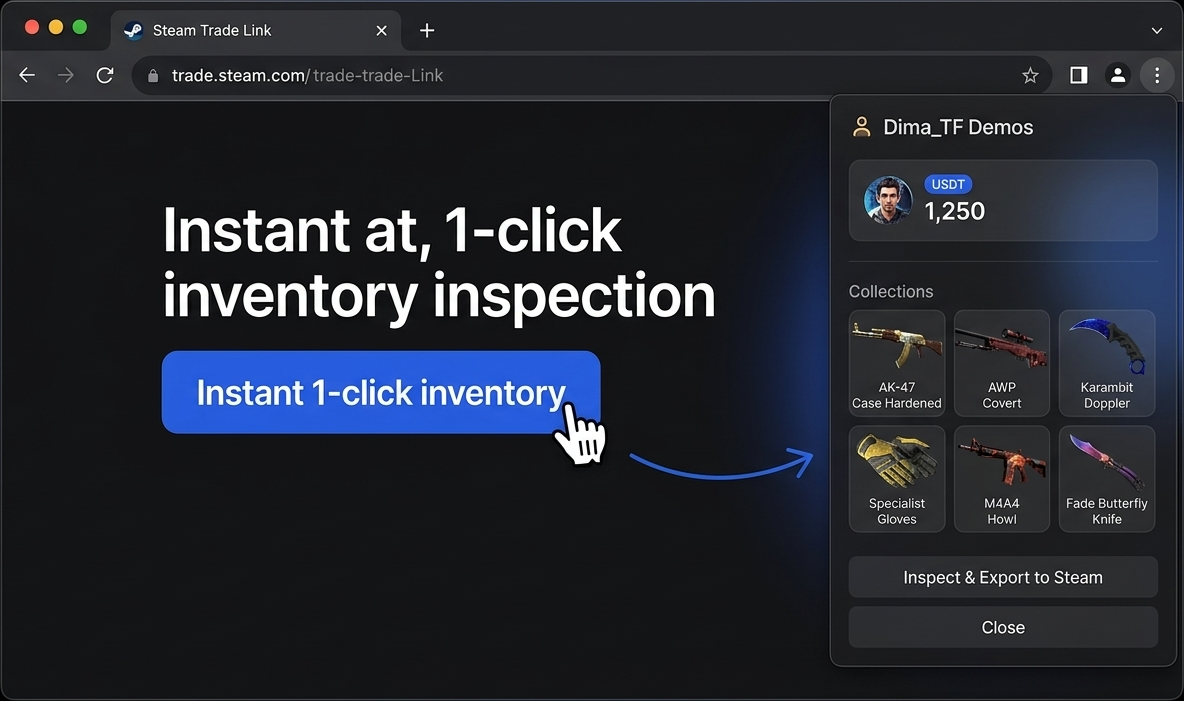
Pick items → live quote → paste your Trade URL.

03
60s
3. Get your USDT

Instant credit to your vault

Accept the trade in Steam Mobile → USDT lands.

Top up Steam Wallet — keep more
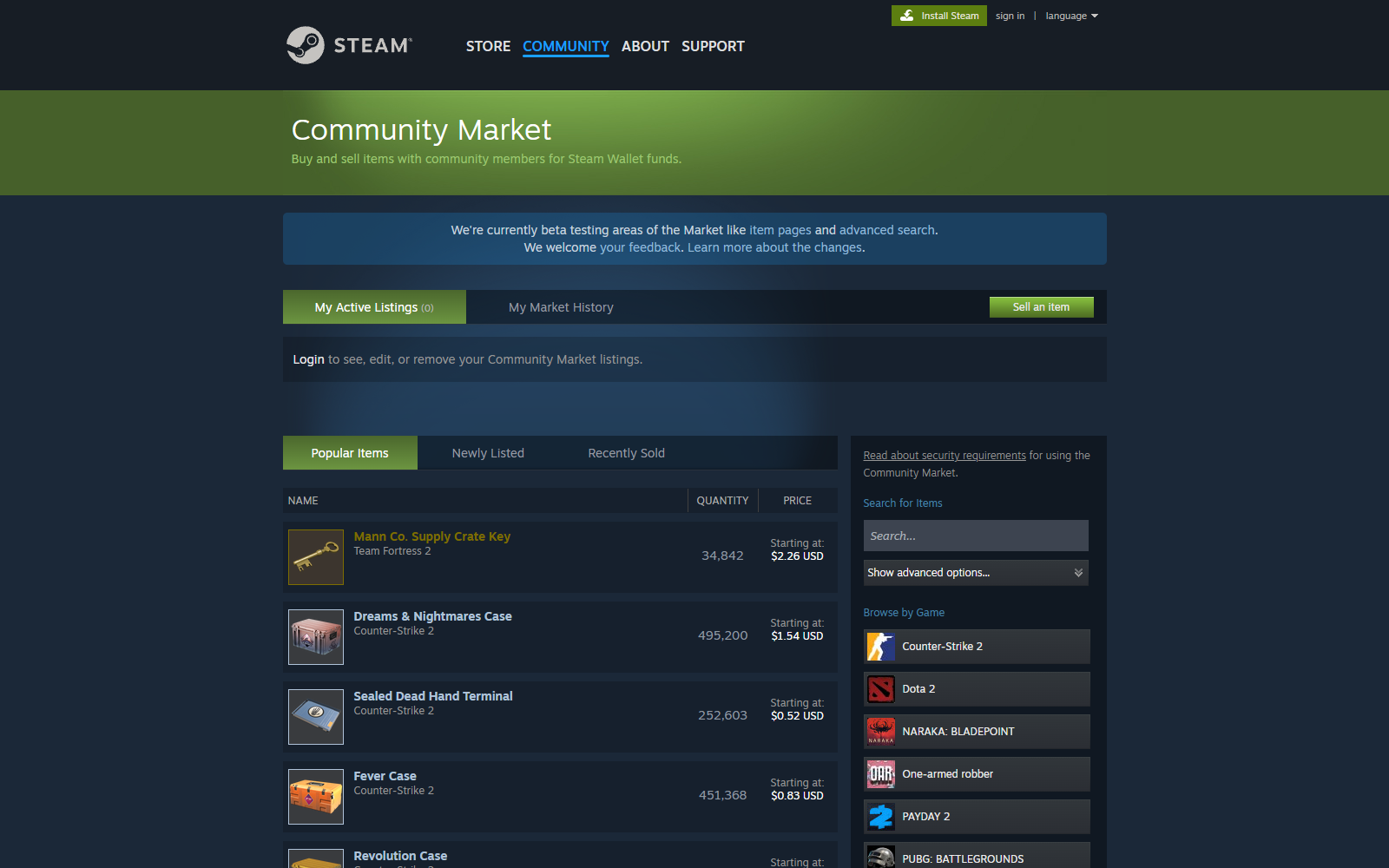
Skip Valve's 13% market fee. Same dollar lands as ~17% more Wallet credit. Pay in USDT, items appear in your Steam inventory under a minute.
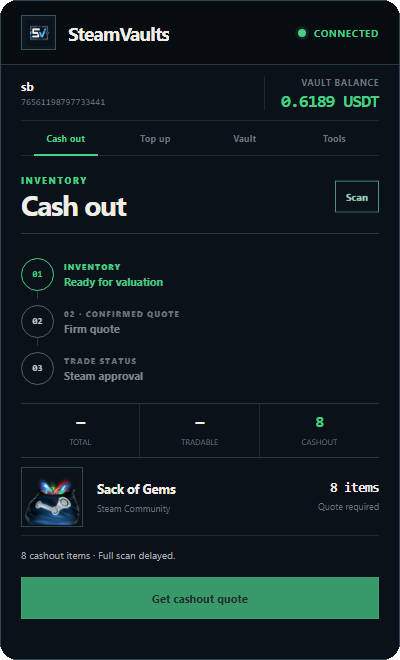
Cash out Steam items — instant USDT
Your TF2 keys and CS2 cases stop being stuck on Steam Wallet. Send to our bot, USDT lands in your site balance in 60 seconds, withdraw on Polygon any time.
60 seconds, fixed price
30-second price lock so the market can't move on you. Bot completes the Steam trade automatically — one mobile-app confirmation and you're done.
FAQ
What is SteamVault?+

SteamVault is an independent third-party marketplace that converts Steam inventory items — TF2 keys and CS2 cases — into USDT in under 60 seconds. We never ask for your Steam password; only your public Steam Trade URL.

How long does it take to sell a Steam item for USDT?+

Roughly 60 seconds. After the quote your price is locked for 30 seconds; you confirm a single trade in the Steam Mobile app, and the bot completes it. USDT is credited to your site balance instantly. On-chain withdrawal is a separate step you initiate from /withdraw.

Why does Steam hold trades for 15 days?+

Whenever either side's Steam Mobile Authenticator has been active for under 7 days, Steam automatically holds every trade for 15 days. Once both sides clear the 7-day mark, trades complete instantly. This is Valve's rule, not ours, and it applies across TF2, CS2, Dota 2 and the rest of Steam.

Is my Steam account safe? Do you need my password?+

We never see your Steam password. SteamVault only needs your public Steam Trade URL — a token Steam generates specifically to receive trade offers. You confirm every trade yourself in the Steam Mobile app; we cannot log in or move items without that confirmation.

What is the SteamVault fee or spread?+

The on-site spread is roughly 3%, in line with other Steam item cash-out marketplaces. Zero platform fee, zero subscription. On withdrawal you only pay the blockchain network gas (about $0.80 on Polygon, etc.).

Can I sell items I just bought from the Steam Market?+

Items bought from the Steam Community Market are locked for trading for 7 days after purchase — this is Steam's rule, not ours, and it applies to every game, not just CS2. Items from drops, unboxing, or ordinary trades can be sold to SteamVault immediately.

Is SteamVault affiliated with Valve or Steam?+

No. SteamVault is an independent third-party service and is not affiliated with Valve, Steam, or any of their products. All trades remain subject to Steam's policies, holds, and trade restrictions.