
Steam Hidden Games vs Private Games: Who Can Still See Them?
Hidden games tidy your own Steam Library. Private games change what other Steam users can see. See the documented differences, limits, and settings paths.
Article languages
On this page
It is easy to think a game has one public state on Steam: visible or hidden. Steam does not treat it that way. A title can be absent from the Library list you use every day while still appearing in places other people read, such as a profile's recent-games area. It can also remain listed in your own Library after you make it private, even though other users no longer see its ownership or play history. Neither result means that a setting failed.
The missing question is usually: which screen are you trying to change?
A Steam game can surface in more than one place. There is the account holder's Library, but also a Community Profile, a recently played section, the in-game status seen in Friends or chat, activity feeds, profile showcases, and store-page signals about friends who own a game. Those are not copies of one simple list. They serve different parts of Steam, so a setting aimed at one of them should not be expected to rewrite all the others.
Valve's Steam Private Games FAQ draws a deliberate line between the two controls. Hiding a game is a way to organise the game list in the Steam client. Making a game private controls whether its ownership, in-game status, playtime, and activity are shown to other Steam users. A private game remaining in its owner's Library is therefore part of the documented design, not evidence that the privacy setting did nothing.
This is not an argument for using the more extensive setting by default. If the only annoyance is a crowded Library, a Library control is enough. If the concern is a particular game's trail on a profile or around Friends, that is a different job. Name the screen first; the right setting becomes much less mysterious afterward.
A hidden game changes your Library, not everyone else's view
Hidden Games is a Library-organising feature. It suits a game you do not want occupying space in the game list you browse in the Steam client. A Library often holds more than the titles someone is actively playing: old purchases, short experiments, games left for later, and items that simply no longer need to be in the everyday list. Moving one of them out of sight is a small piece of housekeeping.
The target of that housekeeping matters. Hiding a game changes the game list for the account holder. It does not turn the game into a separate account state for everyone else to interpret. Steam's separate Private Games setting is the one that addresses what other users see around ownership and activity.
If those public-facing surfaces are not part of the problem, hiding has no further job to do.
| The screen causing the problem | The setting that fits | The main surface Steam changes |
|---|---|---|
| Your own Library is too long and you want one title out of the way | Hide | Your Steam client Library list |
| You do not want other Steam users to see a game's ownership, playtime, in-game status, or activity | Make the game private | Public-facing profile, Friends, chat, activity, and related Steam surfaces |
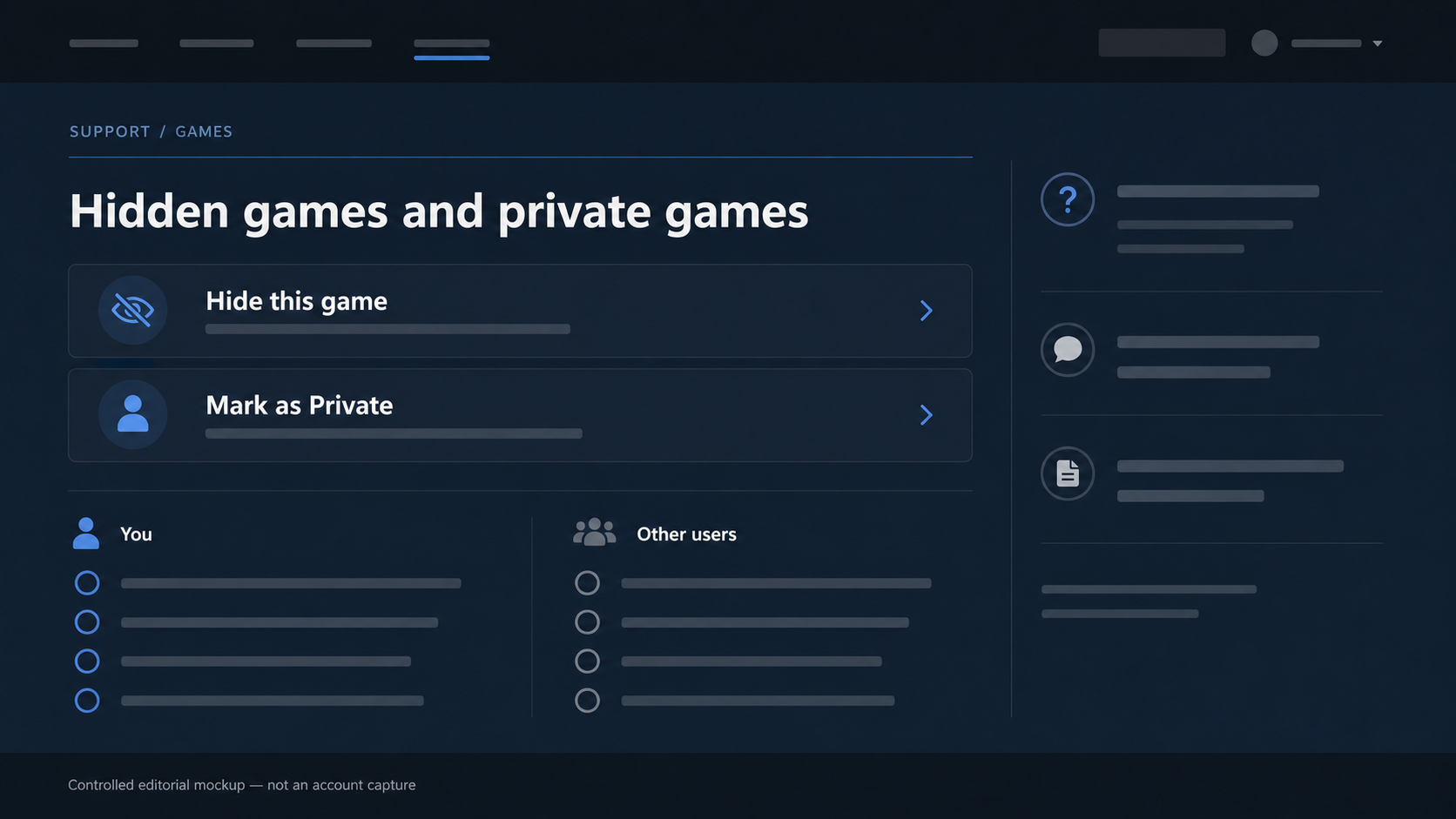
That comparison is not a strength ranking. Hiding is not an incomplete version of privacy, and privacy is not a tidier kind of hiding. Each setting answers a different request. A game that disappears only from your own Library after you hide it is behaving exactly as a Library-organising control should.
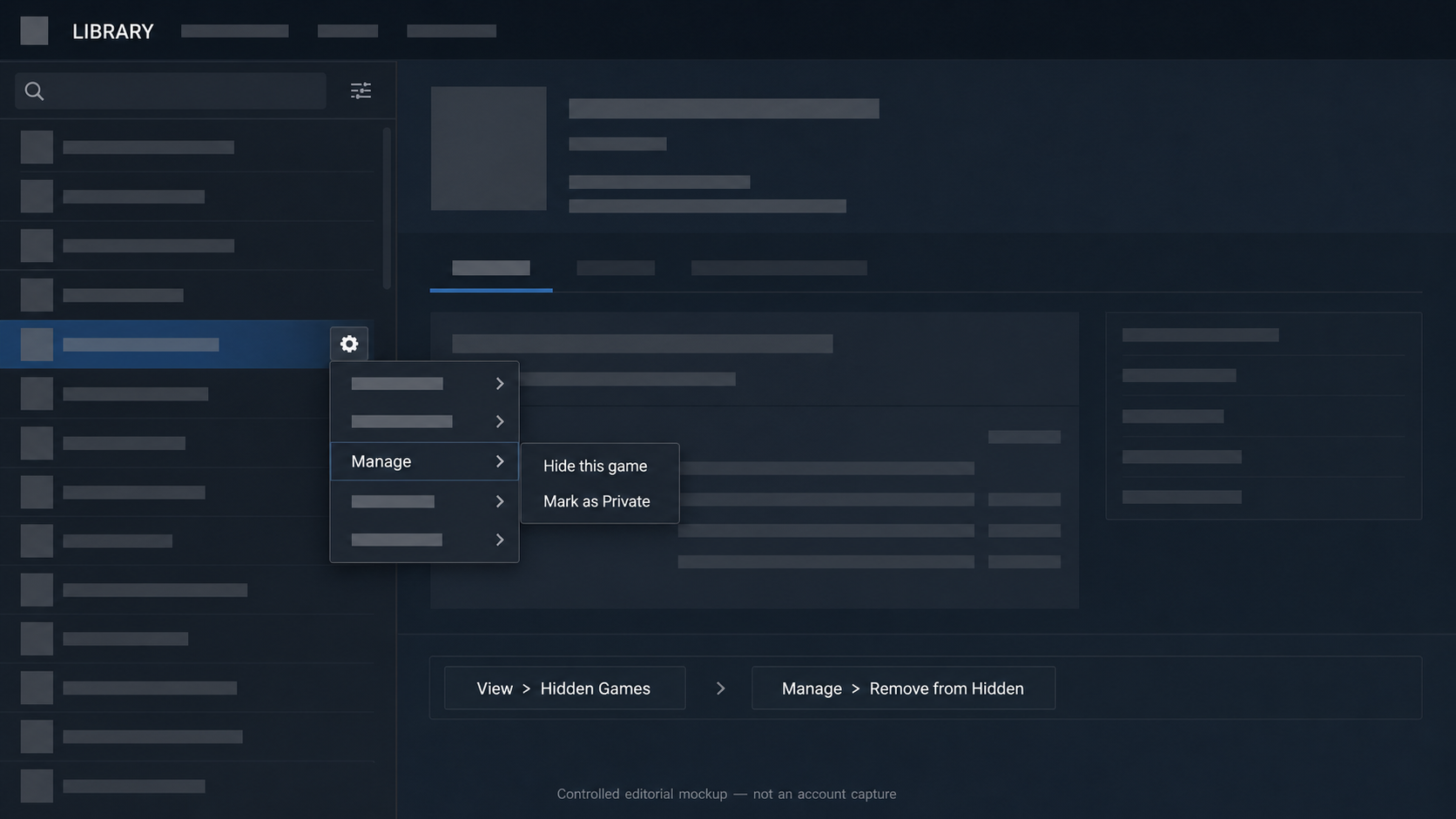
Steam also documents how to bring a hidden game back into view: in the client, open View > Hidden Games, then use Manage > Remove from Hidden on the game. That recovery path is useful for the practical reason it exists. A game can be set aside without losing the ability to find it again in the Library.
It helps to resist turning a simple Library choice into a statement about the game itself. Hiding does not need to mean that the game is unwanted, embarrassing, finished, or gone. It only says that the game does not need to be on the current Library shelf. If that is the only screen that needs clearing, making the game private would change more than the problem calls for.
A private game affects more than the game list on a profile
Private Games is aimed outward. Steam says that a private game hides its ownership, in-game status, playtime, and activity from other users while keeping the game visible to its owner in the Library. In practical terms, that game remains visible in the account holder's Library while becoming much harder for another Steam user to connect to that account through normal public-facing game records.
The Library remains the owner's working space. That part is intentional.
Valve lists several surfaces where that distinction matters. A private game does not appear in the game list on a Community Profile or in the recently played games section. Its playtime is not shown to other users. The documented effect is limited to what other users see on those surfaces.
Friends can encounter game information without opening a profile at all, which is why the setting reaches beyond the profile page. When a private game is running, Steam says it does not show the account as In-Game for that title in Friends or chat. Activities from the game, including a first play or an achievement, are not shown in Steam Friends activity feeds. These are the casual, ambient signals that make a game visible even when nobody is deliberately inspecting a profile.
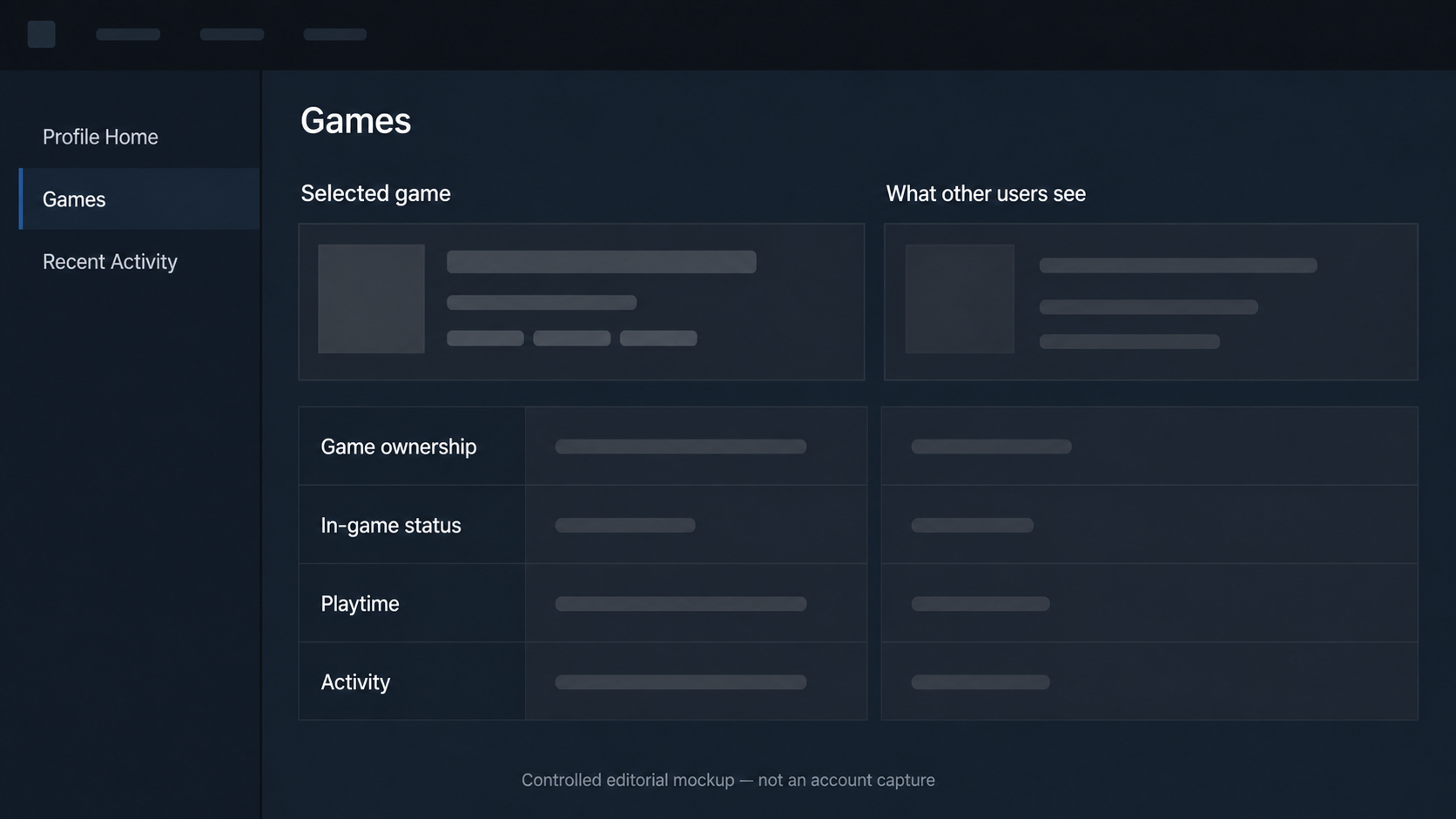
There are also profile showcases. Steam's FAQ says a private game and its achievements are not displayed in showcases such as a rare-achievement showcase. That is distinct from a profile game list or a recently played row: showcases are places a user may have chosen to feature an achievement. The outcome is still the same within Steam's documented scope—the private game is not displayed there.
The store provides another example of why “it only hides my profile” is too narrow. On a game's store page, a person who has marked the game private does not appear in the friends-who-own-it area for their Steam friends. When a friend attempts to gift that private game, Steam also says it no longer shows the usual indication that the recipient already owns it.
That last point needs a precise reading. The FAQ describes the ownership indication Steam displays during that gift attempt. It does not promise a particular result for every gift, nor does it explain what every friend will choose to do after seeing the screen. What it does establish is that private-game ownership is not exposed in those specific friend-facing store and gifting signals.
Taken together, the listed effects explain why making a game private can feel broader than hiding it. It is not just a missing title in one section. Steam is treating the game as private across several ways another person might otherwise learn that it is owned, being played, or associated with activity on the account.
That broader reach is useful only when it matches the actual concern. Someone who only wants to avoid scrolling past a title in their own Library has no reason to assume that profile showcases, store-page ownership signals, or Friends status need to change. Conversely, someone concerned about a game's public trail should not stop at whether the title remains in their own Library. These are different observations of the same account, not contradictory ones.
Private Games also pause a few Steam features
The privacy setting is not limited to what a profile displays. Steam says that a game cannot earn Steam Trading Cards while it is private. That is the relevant fact here. Whether a given game has cards available, whether an account has drops remaining, or what happens after a setting is changed are separate questions; this FAQ does not answer them, so this article does not fill in those gaps.
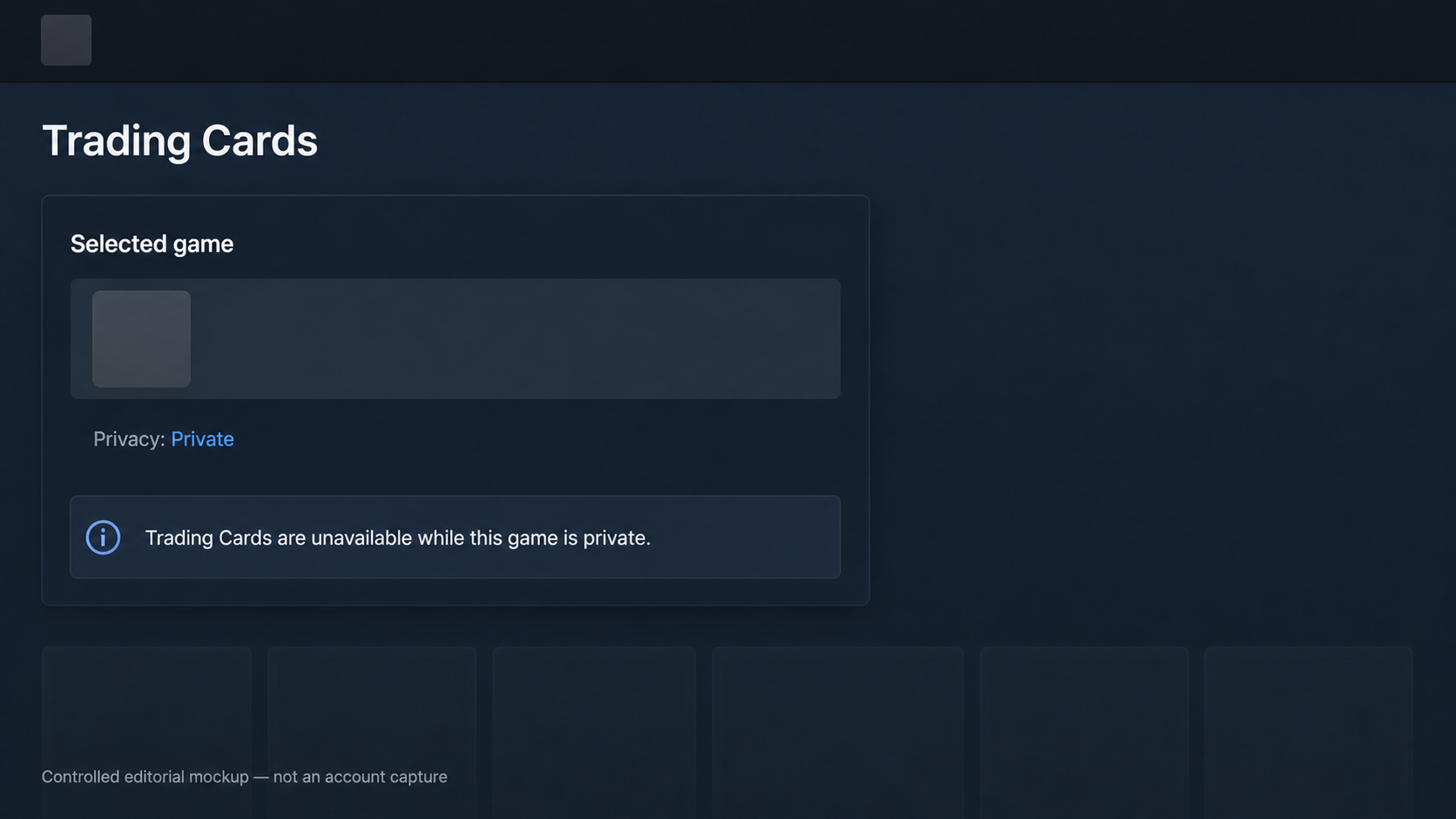
Steam documents one other narrowly scoped consequence: if local network game-file transfer is enabled, other users cannot transfer files for a private game from that account. This should not be stretched into a claim about every installation or download method. The documented rule is specifically about local network game-file transfer.
Neither detail makes a private game the wrong choice. They simply rule out the idea that private status is a cosmetic filter placed over a profile. If someone relies on Trading Card drops or local network transfer for a particular game, the documented effect belongs in the decision. If neither feature is relevant, the distinction still tells us what kind of setting this is: a game-specific privacy state with effects beyond the title's visibility in a list.
Private does not mean anonymous in every game situation
“Private” has a boundary that is easy to miss if it is read as an anonymity switch. Steam explicitly notes that, when a private game uses Steam matchmaking, other players on the same server may still see the player's Steam ID. Being in a live match and being represented in a Community Profile are not the same context, and Steam does not say that a private-game setting makes them behave identically.
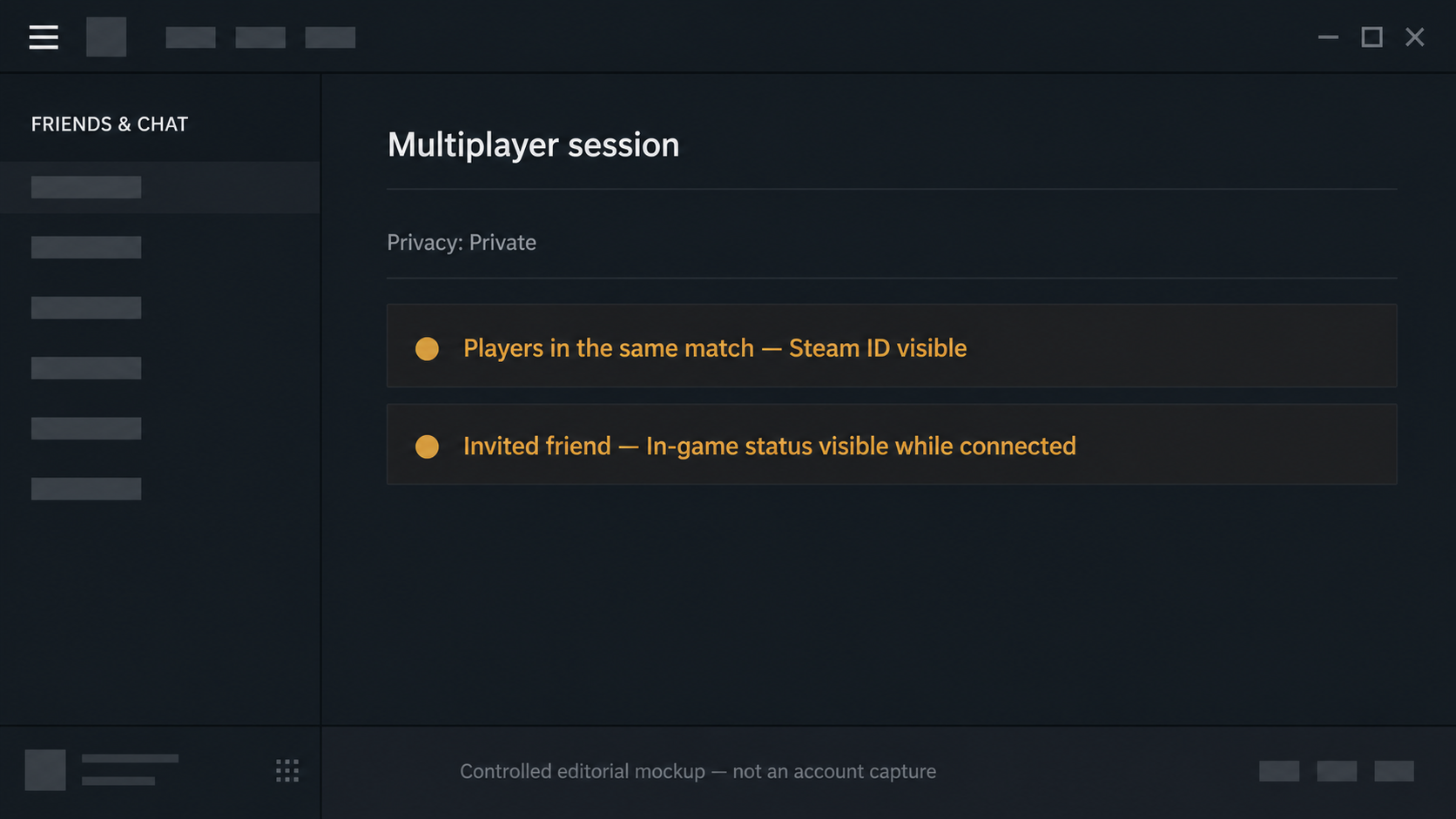
There is a separate exception for a friend who is invited directly to the private game. Steam says that invited friend can see the account's in-game status until the player exits the game or disconnects from Steam. That makes sense as a functional exception to the usual Friends-status behaviour, but it is still an exception the user should know about before treating the setting as a blanket privacy guarantee.
Private Games can reduce the game information Steam publicly displays to other users on the surfaces Valve names. Their documented scope is those display surfaces, together with the same-server and direct-invite exceptions Valve also names. They do not guarantee that every multiplayer situation will hide a player’s identity.
Steam documents the private-game setting in three places
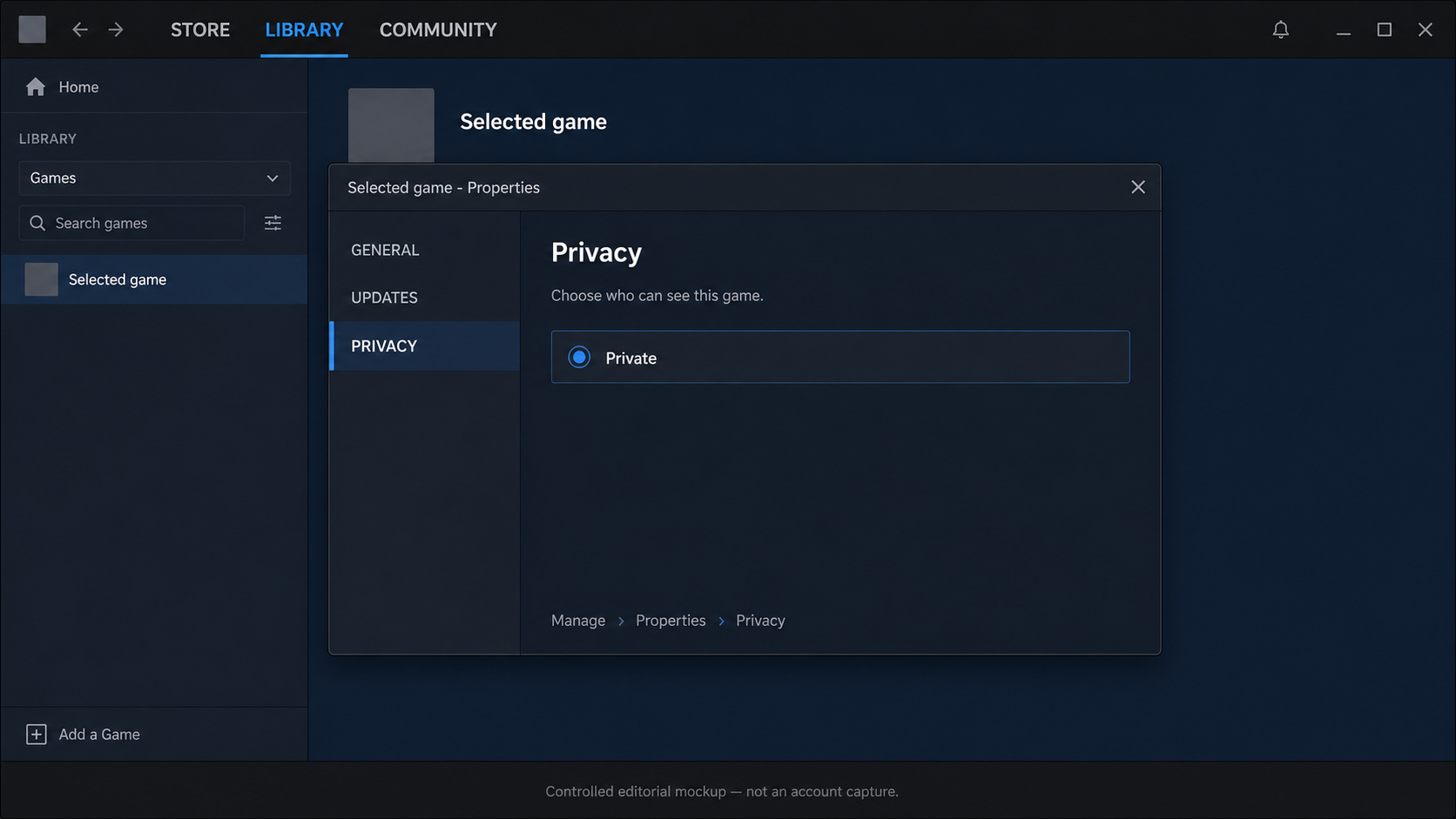
For a game already in the Library, Steam lists two separate client entry points: the game’s Manage submenu, available by right-clicking the game or using the gear icon on its detail page, and the Privacy settings in the game-properties dialog. This option is only available when the Steam Client is online and connected to Steam. It applies to the selected game, not the whole Library.
Steam also lists a browser route through the games list on a Community Profile. Before a game is purchased, the privacy choice can be made from the cart. The starting screen changes, but the FAQ is still describing the private setting for one game at a time.
Choose the setting by the audience, then use the matching path
Once the setting locations are clear, the decision itself is simpler than the menu map. If the goal is to remove a title from the Library list you see, hide it; if you later need it, use View > Hidden Games and Manage > Remove from Hidden. If the goal is to reduce what other Steam users can see about that title’s ownership, in-game status, playtime, and activity, choose the private setting for that game.
That difference is why I would not rank one setting as “stronger.” They answer different questions about different screens. A private game also carries specific documented effects—no Trading Card drops while it is private, for example—and specific exceptions for same-server matchmaking and direct invites. Those details are useful limits, not a reason to turn a simple choice into a complicated ritual.
Fact boundary — The feature statements in this article were checked on 31 August 2026 against Valve's Steam Private Games FAQ and Games Are Missing from My Library FAQ. Those documents do not establish whether a purchase record changes, when Trading Card drops resume after a game is no longer private, or that every multiplayer context prevents identification. This article makes no claim about those outcomes.
If it is your cards or other items that you want another person to see, check Steam inventory visibility. Library hiding and inventory access answer different privacy questions.
Ready to sell supported Sacks of Gems?
After the bot confirms receipt, USDT is credited to your site balance. Polygon withdrawal is a separate request.