Steam Remote Play Together: Is One Copy Enough?
Remote Play Together lets invited players join a supported game the host owns and runs. Learn what one-copy play means, how invitations work, and what the limits are.
Article languages
On this page
- This is a seat in a running game, not a game handed to a friend
- “One copy is enough” is true only inside a fairly small sentence
- Before looking for an Invite button, look for the support label
- Two people can share a keyboard, but that does not make their inputs separate
- Friends see the game; the invitation is still not a blanket security promise
- The participant number is guidance, not a performance contract
“Only one person needs the game” is one of those Steam sentences that is useful right up to the point where it is repeated without its missing half. It can sound like a friend has been handed a game, a Library entry, or a permanent alternative to buying it. That is not the picture Valve gives. Remote Play Together starts with one person who owns and runs a supported game on a host computer, then lets invited people join the game that is already running.
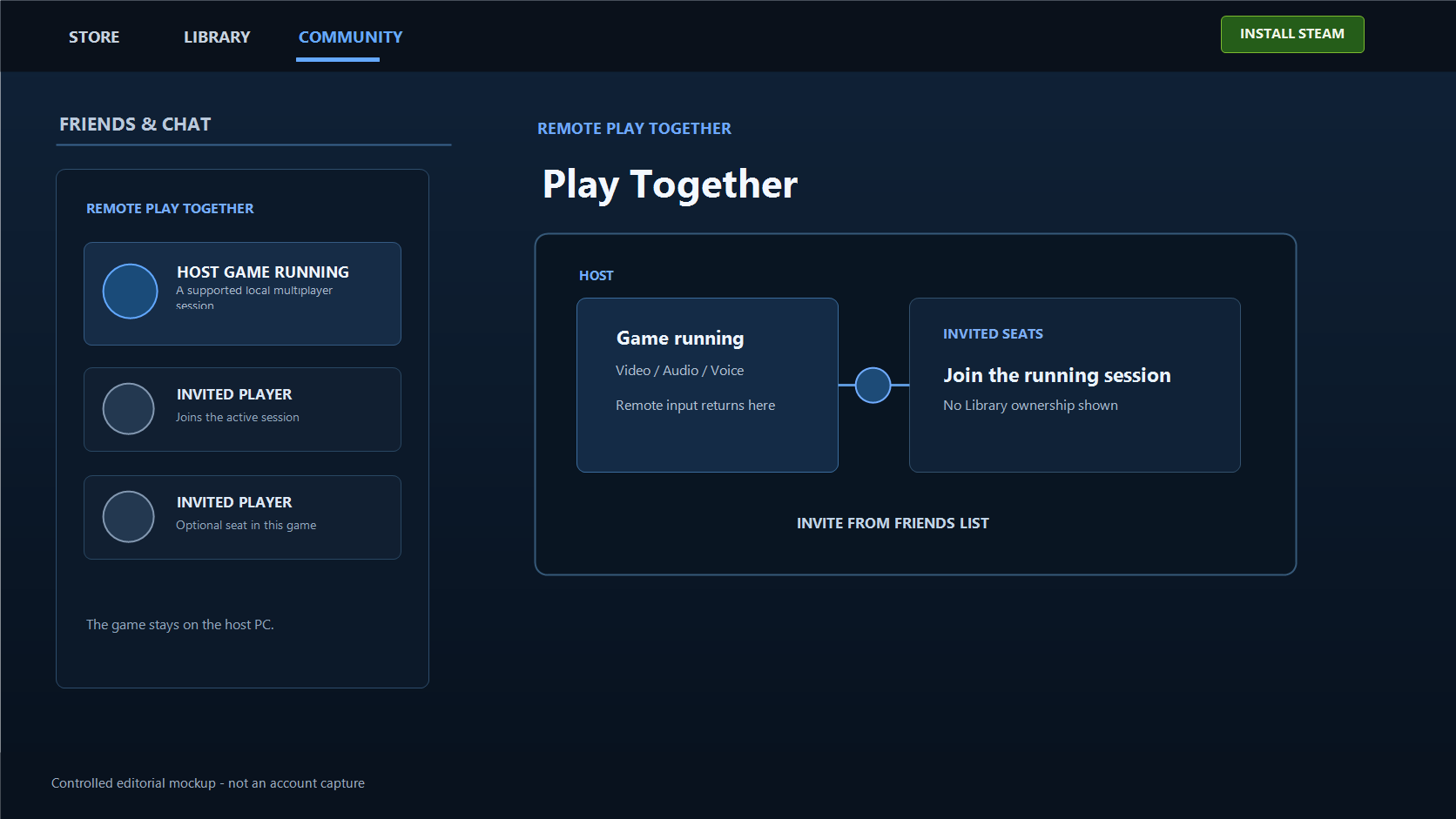
The distinction sounds fussy until an invitation does not behave like a purchase. A guest has not been sent a licence. The host has not made a second copy appear in someone else’s Library. What is being shared is the play session: the host computer is running the game, video and audio are being sent out, and the guests’ inputs are coming back to that host. That is why this feature can make a local multiplayer game feel surprisingly close to sitting on the same sofa without turning it into a normal online service.
I think this is the cleanest way to read the word “share” here. It is not ownership-sharing. It is a way of opening a seat in a game that is already open. Once that is clear, most of the practical questions become less mysterious: why the game needs a Remote Play Together label, why the host remains central, why input permission matters, and why a number such as “four players” is a starting point rather than a promise.
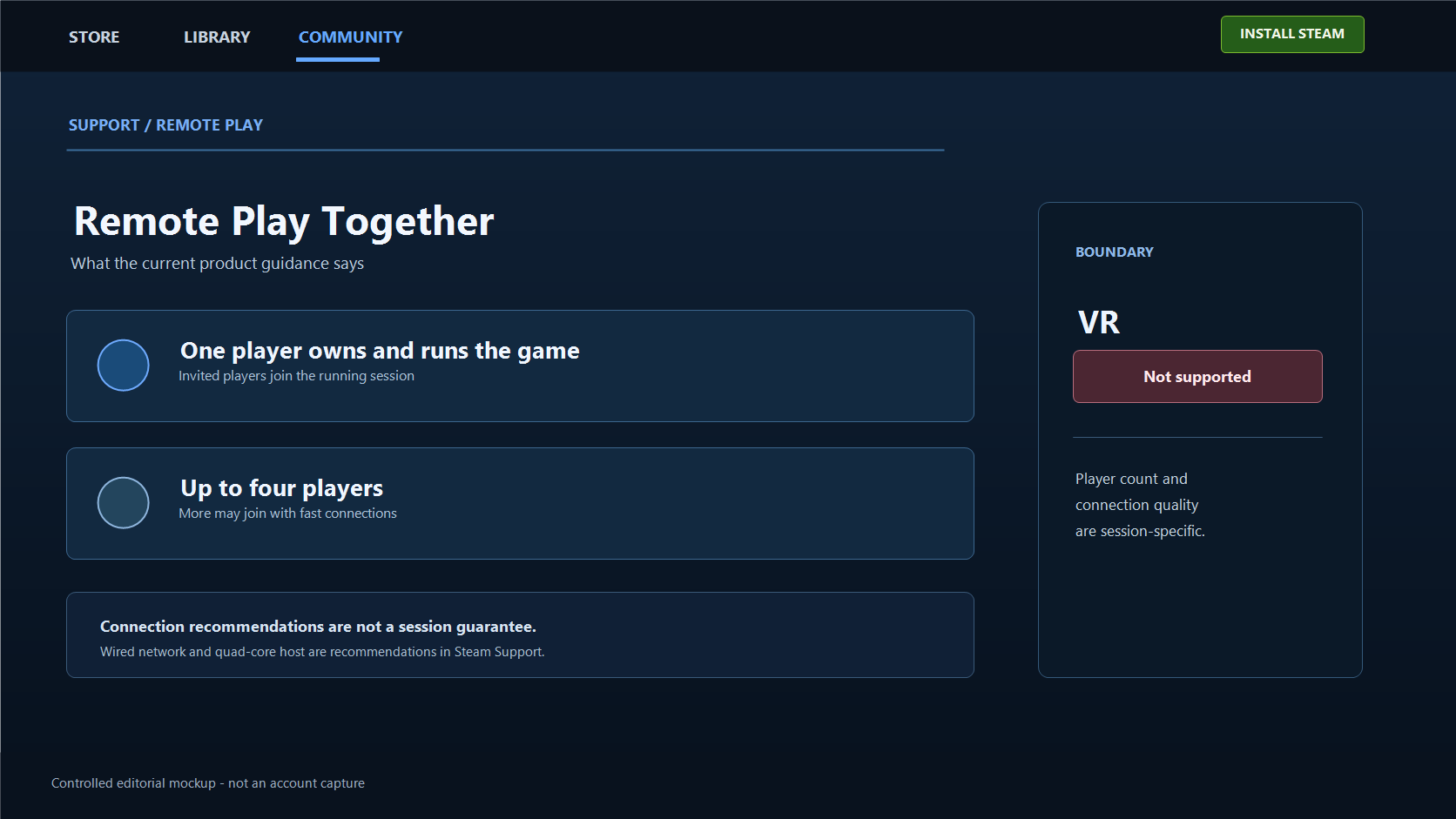
Valve’s current Steam Remote Play page provides the product facts used below. It says that one player owns and runs the game and that up to four players—or more with fast connections—can join. Steam’s Remote Play support article supplies the overlay invitation path and its connection recommendations. Neither source provides a universal ping, FPS, controller, or success-rate guarantee, so this article does not invent one.
This is a seat in a running game, not a game handed to a friend
Remote Play Together has a very particular centre of gravity: the host PC. Valve does not describe several people independently launching the same purchased game. It describes one player owning and running it, while the other players join through the stream. Video, audio, voice, and input move between people; the game itself continues to run where the host started it.
That is more than a technical detail. It is the reason an invitation can be generous without becoming a transfer of ownership. A guest may be able to play in that hosted session, but the invitation does not say that the guest now owns the title, has received a licence, or has acquired a new game in the Library. Treating it as a temporary seat keeps the expectation accurate.
It also explains why Remote Play Together has a different personality from Remote Play Anywhere. The latter is about taking your own Steam play to another one of your devices. Together is about asking someone else to join a local multiplayer session from a distance. The names are close enough to blur together in a menu, but the relationship between the people is different.

The useful question before sending an invite is therefore not “Will this give my friend the game?” It is “Can this person join the session I have running?” That wording sounds less magical, but it prevents the most common misunderstanding. It also avoids the bad workaround people sometimes imagine: there is no reason to hand over an account or a password when the feature is built around an invitation to a running game.
A local co-op game often assumes that several inputs meet at one machine. Remote Play Together preserves that basic shape. The sofa is gone; the host PC, the running game, and the rules of that game are still there. Calling the feature an online replacement for every kind of multiplayer raises the wrong expectation before anyone even presses the overlay key.
“One copy is enough” is true only inside a fairly small sentence
There is a true part in the shorthand. Valve says the player who owns and runs a Remote Play Together game can invite others to join. For the invited play session, that is why a friend can participate without first buying and launching the same title. It is an elegant answer to the old local-multiplayer problem: a game designed for people in the same room can be played with Steam friends over the internet even when the game does not natively provide online play.
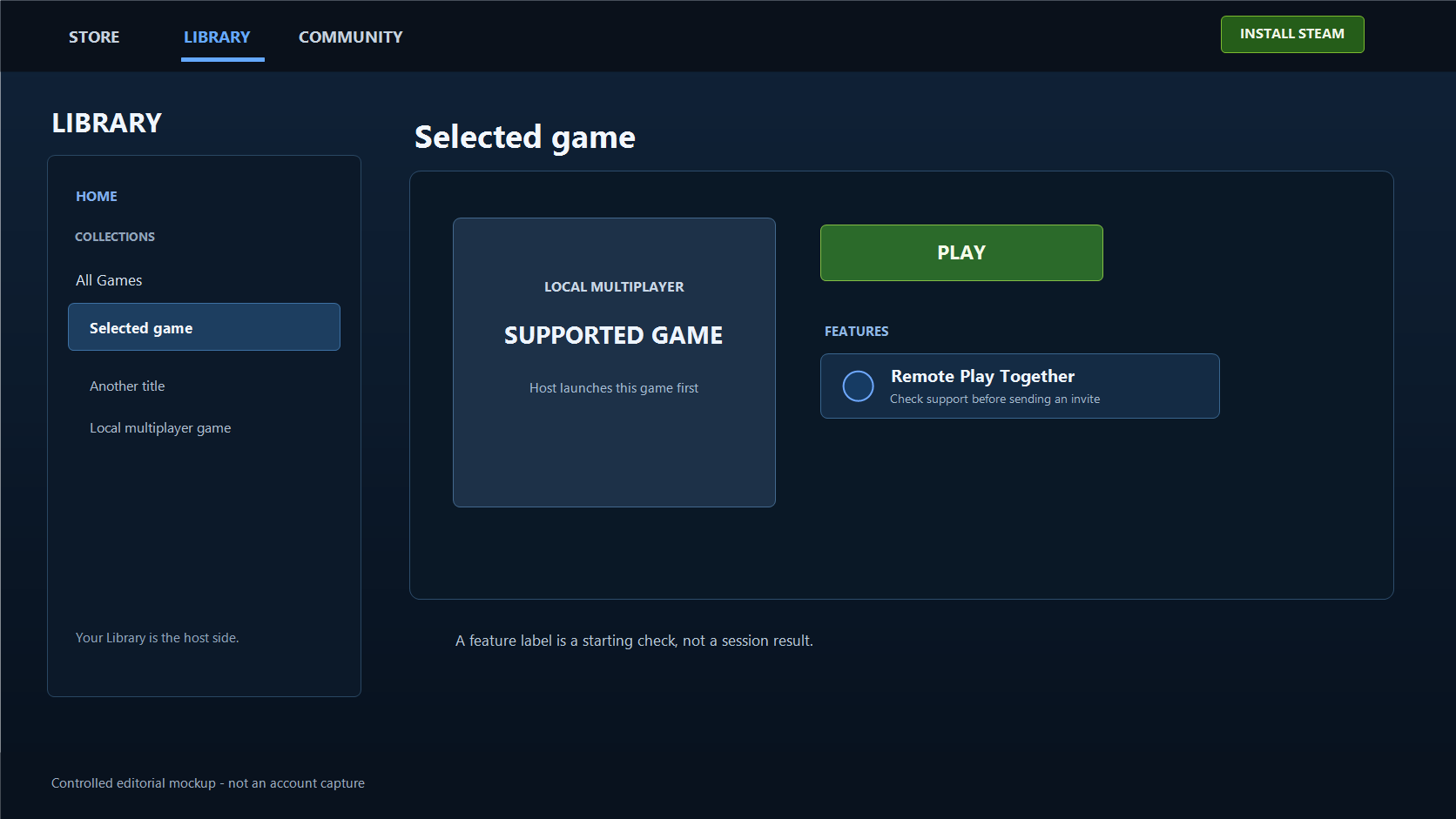
But the shorthand becomes misleading if the phrase “one copy” swallows the condition that comes before it. The game has to support Remote Play Together. A title can have local multiplayer and still not be a safe assumption until its Steam store details show the support label. A game can also have an ordinary online mode that has nothing to do with Remote Play Together. Those are different routes, not stronger and weaker versions of one switch.

This is why I would check the store page before arranging an evening around the feature. The feature label answers the first practical question without pretending to predict the rest: is this title presented by Steam as one that supports Remote Play Together? If the label is absent, calling it “local co-op” does not create support by itself.
The same restraint helps with bigger claims. The source does not say that an invite lets a friend keep the game later, play it independently at another time, unlock every feature, or bypass a restriction imposed by a game or platform. An invitation is about joining the host’s current play session. It is a valuable thing on its own; it does not need to be exaggerated into a free copy of every game.
Before looking for an Invite button, look for the support label
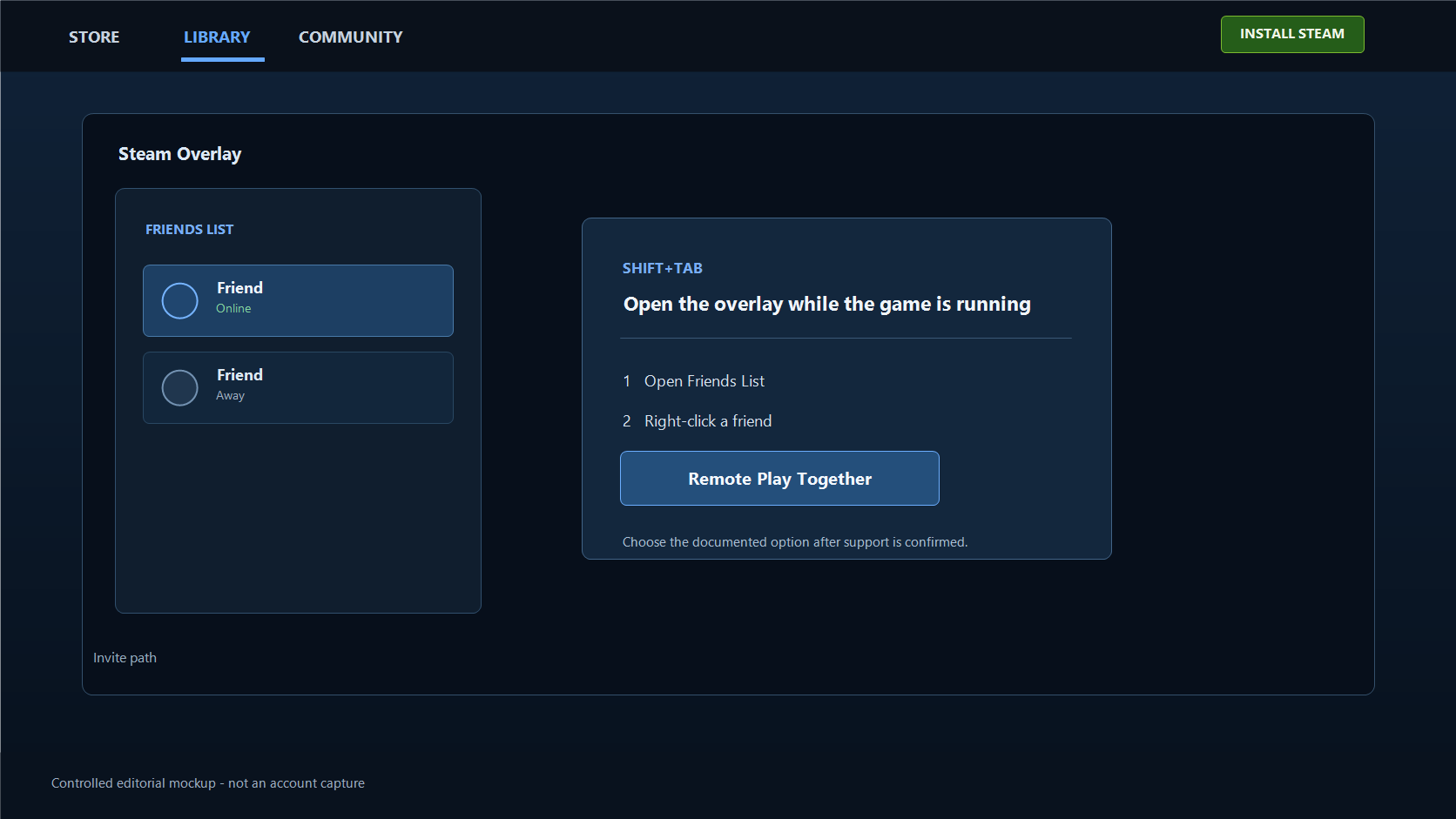
Steam’s support instructions add one prerequisite that is easy to miss: the invited friend needs to be signed in to Steam on a supported device before the host opens the overlay. The next clicks happen on the host PC, but that guest-side condition is still part of the documented flow.
The actual sequence is short once the prerequisite is right. Start a game that supports Remote Play Together. Steam’s support guidance then puts the invitation in the in-game overlay: press Shift+Tab, open the Friends List, right-click the friend, and choose Remote Play Together. The friend accepts the invitation, and the hosted session becomes the place where you play together.
It is tempting to reverse those steps: invite someone first, then hope the game will reveal the right option. That approach makes a missing option look like a broken friends list, a wrong privacy setting, or a random Steam error. Often the first thing worth checking is simply the game’s support marker. The invitation is not a universal button attached to every title in the Library.

Notice what the official flow does not ask for. It does not ask the host to share account credentials. It does not ask the guest to claim ownership of the host’s game. The invitation is deliberately less invasive than either of those things. Keep it that way: invite the person you actually intend to play with, and solve a missing option by checking the supported title and the running session before trying unrelated account changes.
The simple three-step product page flow—launch, invite, play—is useful because it stays honest about where the game begins. The host launches the game first. An invitation is not a standing pass that exists separately from the game session. It is attached to the moment where the host PC is doing the work.
Two people can share a keyboard, but that does not make their inputs separate
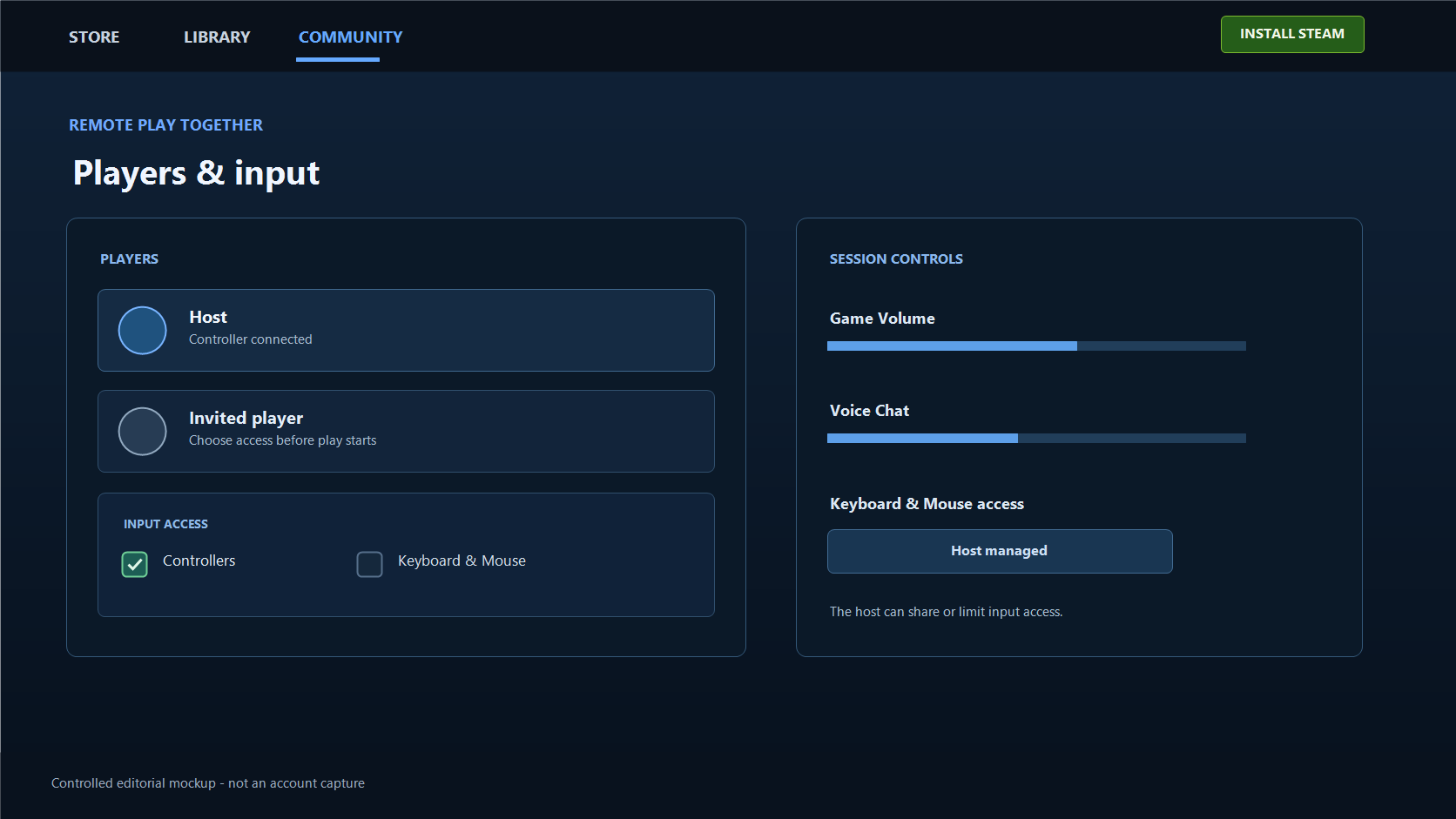
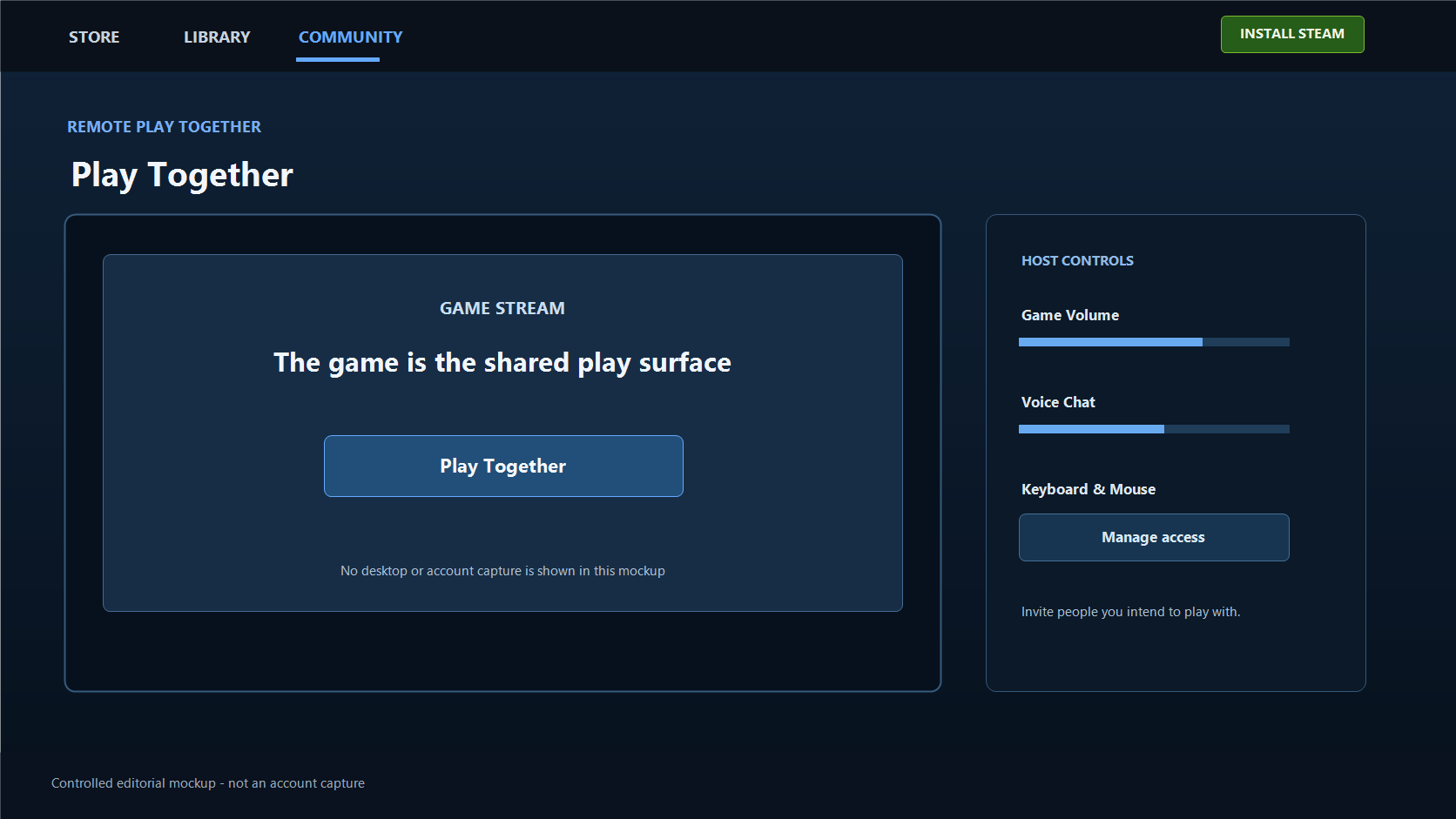
The comfort of Remote Play Together depends heavily on how control is handled. Valve says players can use their own controllers, and that the keyboard and mouse can also be shared. It further says the host can share or limit players’ access to that keyboard and mouse while play is under way.
That is not an insignificant checkbox. A controller has a natural sense of “this is my input.” A shared keyboard and mouse do not. Two people may be reacting to the same moment, but they are still sending input to a host-side game. Depending on the game, that can be perfectly suitable, clumsy, or something that deserves a thirty-second conversation before the first round starts.

The most practical habit is to decide the input plan before anyone is waiting at a menu: who is using a controller, whether the keyboard and mouse need to be shared, and whether that access should be left on for every guest. This is not about being distrustful. It is about not making a co-op game feel like a fight over one desk.
The host controls the invitation, but control inside a game still belongs to its own local-multiplayer design. Steam’s feature cannot turn a single-player control scheme into a well-designed four-person one. When Remote Play Together feels awkward, the first cause is not always network quality. Sometimes the title’s local input layout was never meant to be stretched further than it already is.
Friends see the game; the invitation is still not a blanket security promise
Valve’s product page says friends are shown the game rather than the desktop. That is the normal Remote Play Together presentation. A separate Steam Support note for Remote Play says desktop streaming can begin when a game loses focus. It does not turn that general note into a claim about every Together invite, but it is enough reason to check the visible screen before and during a session rather than treat the product-page sentence as an all-situations security guarantee.

That boundary is not meant to make the feature sound suspicious. It keeps the decision human-sized. Invite people you mean to play with. Do not use an invitation as a substitute for account sharing, and do not use it as a reason to ignore the controls Steam exposes during play. If keyboard and mouse access is not needed, limiting it is simply a sensible use of the option Valve says the host can manage.
The best version of this feature is social in a very ordinary way: a host opens a game, tells friends what the input plan is, and uses an invitation rather than credentials. The closer an explanation stays to that picture, the more useful it is. Grand claims about guaranteed privacy or universal technical safety only make a simple co-op choice harder to judge.
The participant number is guidance, not a performance contract
Valve’s current wording is deliberately qualified: up to four players can join, and more may join with fast connections. It is important not to rewrite that into an arithmetic rule such as “host plus four always equals five,” a fixed maximum for every game, or an unlimited-party promise. The page gives a product guideline. It does not publish a result for a particular game, device mix, household network, or country-to-country route.
The same applies to the page’s low-latency language. Valve says the technology streams video and audio out and sends remote input and multiplayer voice back within milliseconds using a fast connection. That is a description of the system’s intended path, not a measured ping or FPS result for a reader’s session. A person who has not tested a specific host, guest device, and game has no honest number to add.

Steam Support recommends a wired network and a quad-core host for Remote Play. Recommendations are helpful when deciding what to try first; they are not a checklist that lets anyone promise a flawless session. Valve also states a clean boundary that is easy to overlook while reading the broader Remote Play page: Remote Play Together is not supported in VR.
For me, that final limitation makes the feature easier to appreciate. Remote Play Together is not a universal transport layer for every Steam experience. It is a focused way to carry the local multiplayer shape of a supported game across the internet: one host running the game, invited people joining it, shared or separate inputs chosen deliberately, and connection conditions that still matter. If the evening goes well, nobody needs to think about the architecture. If it does not, this narrower model tells you where to look without pretending that one purchased copy solved every multiplayer question.
Fact boundary — The feature statements in this article were checked on 31 August 2026 against Valve’s Steam Remote Play page and Steam Remote Play support article. Those sources do not guarantee a particular session result, latency, FPS, controller compatibility, game availability, security outcome, or guest ownership. This article makes no claim about those outcomes.
Ready to sell supported Sacks of Gems?
After the bot confirms receipt, USDT is credited to your site balance. Polygon withdrawal is a separate request.