
Imagine buying a game because its language table lists Korean support, then hearing English voices. Before deciding the listing is wrong, check which columns are marked. Steam lists interface, audio and subtitle support separately.
Readers need different things from a localization. One wants readable menus, another wants to follow dialogue, and someone who finds subtitles difficult may need audio in their language. I'd begin with the part of the game you want to use in Korean, rather than only asking whether Korean appears in the list.
Store-page language and game language are separate
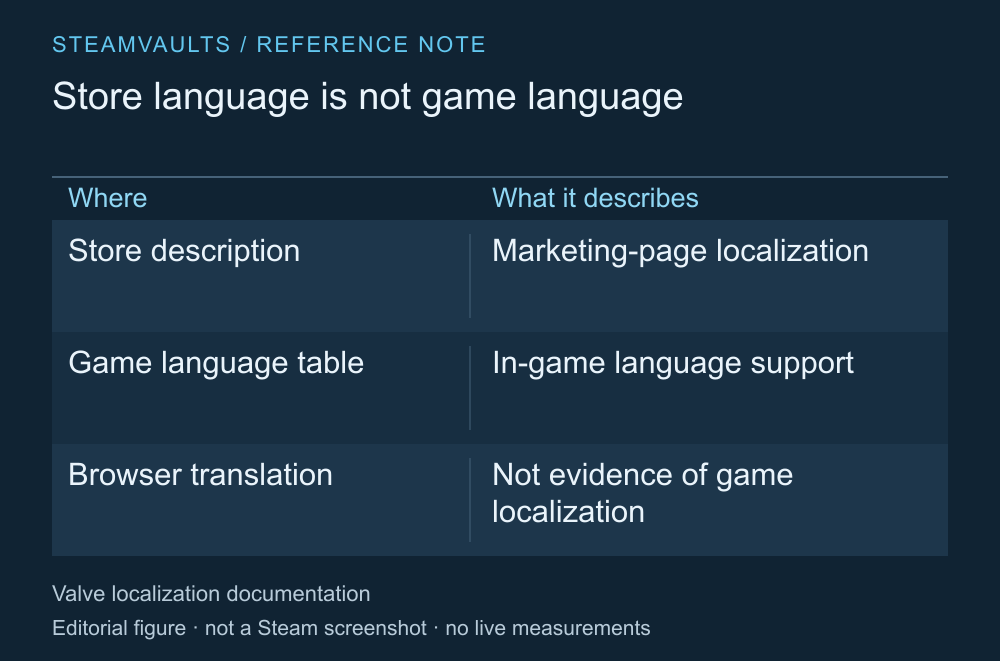
Store translation and in-game translation are separate things to check.
Valve describes store-page localization and in-game localization as two types that can be used independently. A Korean description or store image therefore doesn't establish that the game's dialogue is also in Korean. Steamworks' localization distinction
Be especially careful if you use browser translation. The language in which you read a description isn't necessarily a language the developer included in the game. Find the exact language row in the game's support table.
A Korean game title or community post doesn't provide that evidence either. Check the support stated for the product you're buying and the way you want to play it, rather than language visible outside the game.
Read the column you actually need
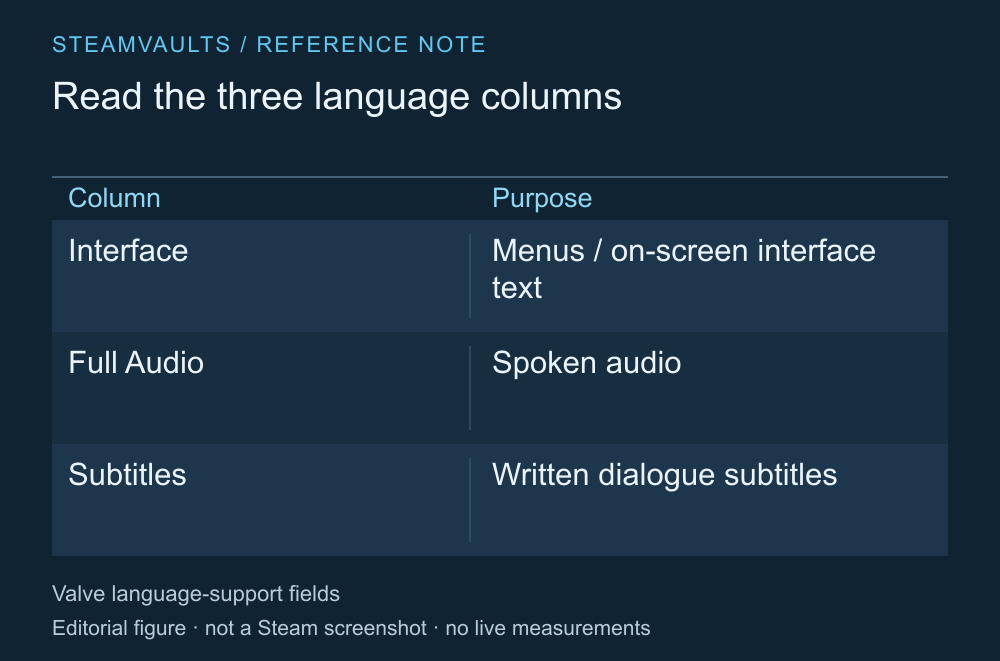
An explanation of the categories, not a support table for a particular game.
The official documentation lists Interface, Full Audio and Subtitles. Marks for interface and subtitles don't automatically fill the audio column. In-game language categories
For example, if English voices with Korean subtitles suit you, subtitle support is what you need. If you can read menus but can't follow the spoken dialogue, check the audio column too. Subtitle support alone may be insufficient when reading subtitles is difficult. Match each column to how you'll use the game.
The table doesn't assess translation quality, subtitle size, display speed or readability in every scene. If those conditions matter, you'll need the game's official settings guidance or material that lets you inspect the relevant scene. Checking accessibility labels before buying covers another part of that decision.
Where a table distinguishes languages or regional forms, such as Chinese or Portuguese entries, don't treat similar names as the exact language you want. Read the precise row name, just as you would when checking Korean support.
Check the game's own language selection method
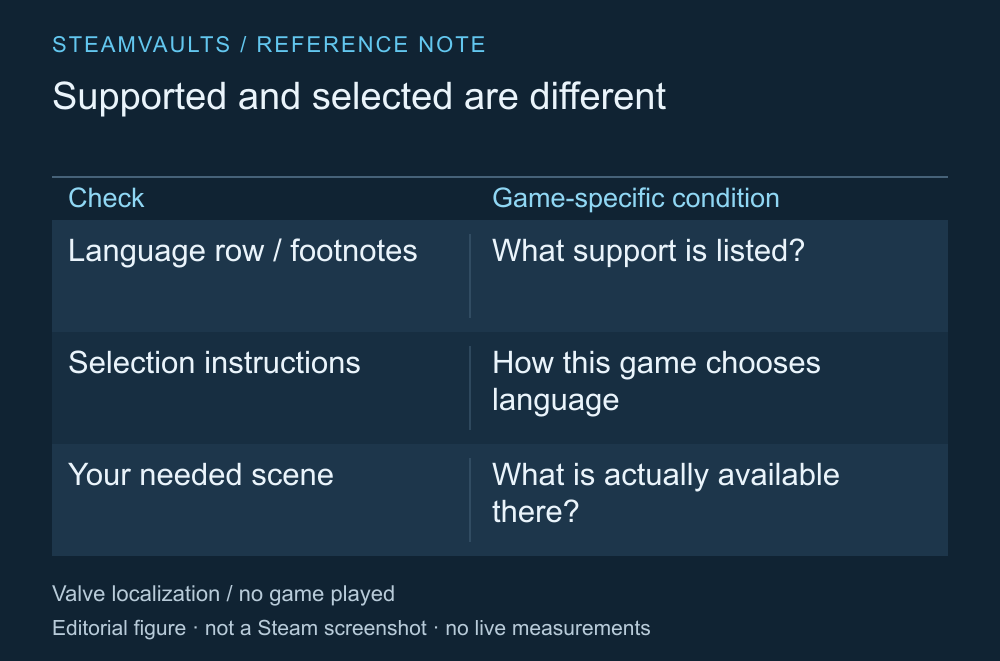
A language being supported and the game currently running in that language are different facts.
Valve's documentation explains how a game can read the user's selected game language and how developers can distribute language-specific files separately. That doesn't mean changing the Steam client's language will make every game switch voices and subtitles to the combination you want. Game language and file configuration
Read that game's official language-selection instructions. Whether it uses an in-game option or the game's Steam Properties, and whether voices and subtitles can be selected separately, depends on the game. Distinguish the language of your current installation from the support listed on the store page.
If the language you want is missing, I'd avoid overwriting files from an unknown source. An unofficial translation patch raises separate questions about its creator, installed files and version compatibility; it can't be presented as official support. This guide doesn't cover patch installation.
When asking the developer, make the question more precise than “Does it support Korean?” Include the exact game, the operating system you'll use, the audio or subtitles you need, and the row and column you read. You might ask: “The table marks Korean interface and subtitles. Can I also hear the dialogue in Korean?” If you want voices and subtitles in different languages, ask about that combination too. Keep the date you checked the table and the official product link so you can match any reply to the product and description it refers to. This question doesn't require sharing your account password or personal save files.
This article uses official documentation checked on October 5, 2026. No particular game's Korean voices or subtitles were played and reviewed. Finding the right column before buying is a brief check that can explain why a general language-support label doesn't always mean what you expected.