


When a game you haven’t opened in years stops being sold, the first worry is whether you’ve lost access to something you already bought. If you meant to return someday, what remains after the closure matters more than the date itself. Someone hoping to finish the story alone and someone hoping to return to an old online mode need different answers from the same notice.
Valve’s documentation on retiring a Steam product says a retired game remains in existing owners’ libraries, where they can continue to download, install and launch it. The retirement process separately asks whether servers or particular functions will become unavailable. A game leaving the store doesn’t mean all play has ended. A library entry doesn’t mean the whole experience has survived, either.
That distinction has practical consequences. If you reinstall only to find the mode you wanted is gone, an answer about downloading solved only half the problem. The examples below come from official documents reread on October 4, 2026. They aren’t results from reinstalling games or connecting to servers. Historical notices are presented as what the companies announced at the time.
A missing store name isn’t the same as a missing game
Start with a familiar title that no longer turns up in the store. Bethesda’s guidance for existing purchasers says purchased games can still be downloaded and played through the library when they’re no longer shown in the store. It specifically says the retired DOOM II remains in existing owners’ libraries. The same page explains that DOOM (1993) was renamed DOOM + DOOM II and includes DOOM II.
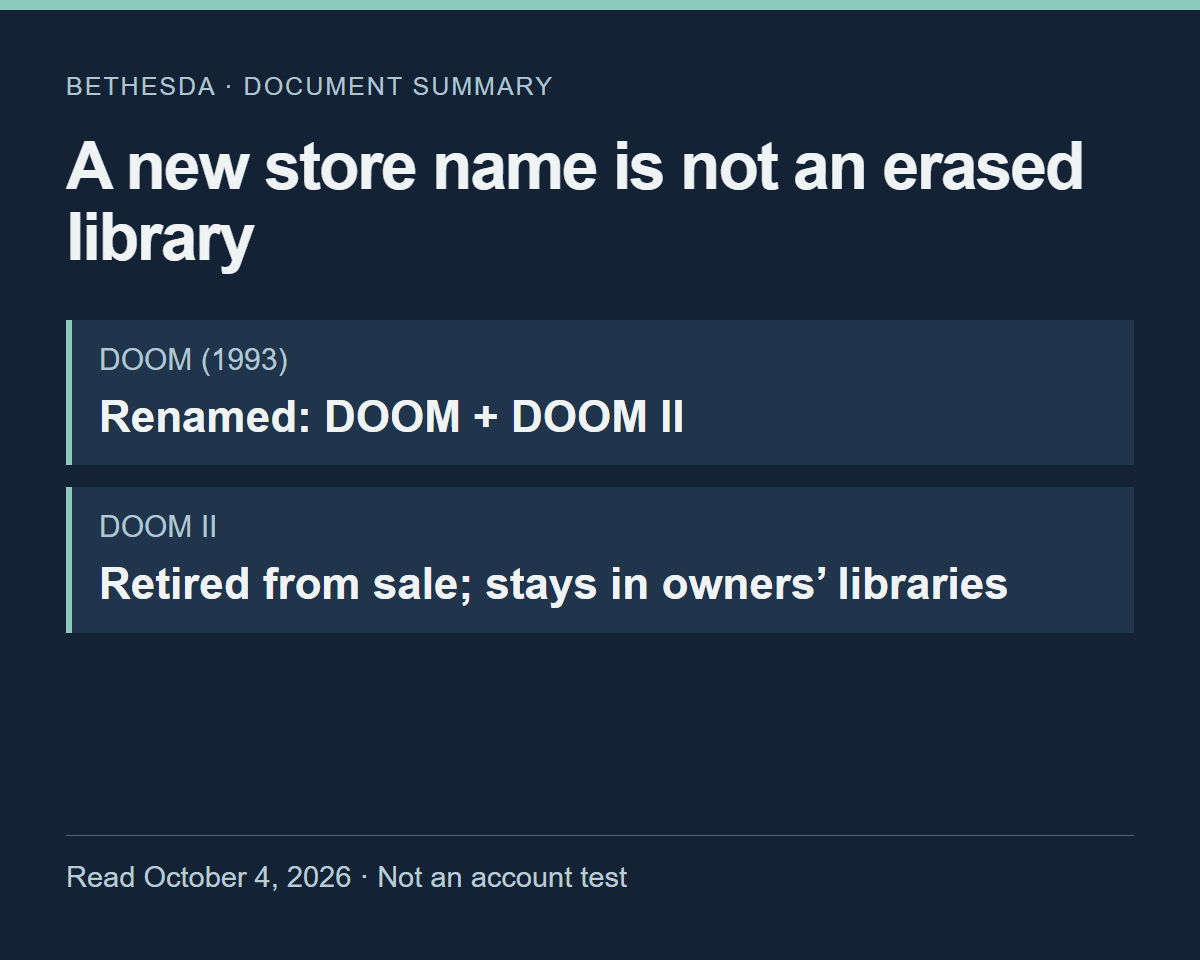
Confusion starts when we treat a new store title and the name of an app we already own as interchangeable. A search that misses the old name isn’t, by itself, a reason to buy again. Nor is this page a rule for every Bethesda game or a recommendation to purchase a new product. Match the title you own to the title the guidance actually covers.
Rocket League calls for a different distinction: existing players versus new ones. Psyonix’s July 21, 2020 free-to-play announcement said existing Steam players could keep playing and receive future updates and features, while new players would no longer be able to get the game on Steam after the transition.
Steam also appeared among the platforms in the v2.63 patch notes dated December 9, 2025. That’s a dated record of Steam appearing in an official update document after new distribution ended—not a connection test today or a claim that this was the latest patch.
“Can I download it again?” and “Can my friend get it from the same store now?” are separate questions. If you’re planning to return together, don’t assume an answer for an existing player also applies to your friend.
Being able to launch it may not answer your question
NBA 2K’s server sunset guidance covers the end of sales for NBA 2K24 and earlier games, along with redownloading and offline play for existing purchasers. It also says online and multiplayer functions, MyCAREER and MyTEAM are no longer available. The same document describes both what remains and what has ended.
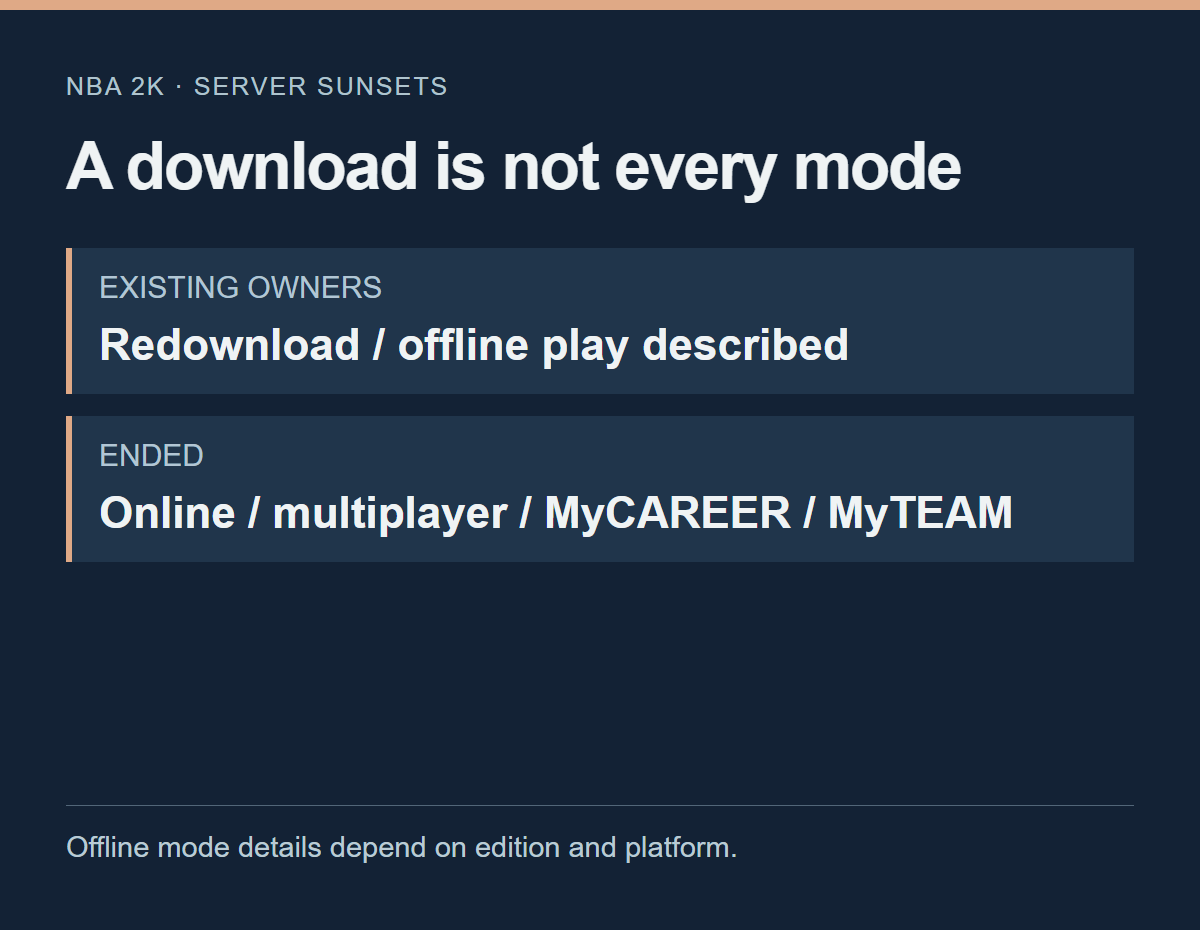
The page covers several games and platforms. Its list of offline modes doesn’t establish an identical lineup for every annual release and every Steam version. In particular, interpreting “offline play” as meaning you can still use MyCAREER or MyTEAM would contradict the closure information beside it.
If either of those modes was your reason for returning, redownloading won’t restore that experience. If you wanted what remains offline, saying all play has ended would be misleading too. I find a question much more useful once it names the mode. “Can this game launch?” gets you less of the answer you need than “Can I return to the mode I played in this particular edition?”
What “end of support” actually ends
The Marvel’s Avengers notice shows why the scope of “support” matters. Crystal Dynamics announced that no new content or features would follow update 2.8 on March 31, 2023, and that official support would end on September 30, 2023. The same document said single-player and multiplayer would remain available after support ended. Marvel’s Avengers final support announcement
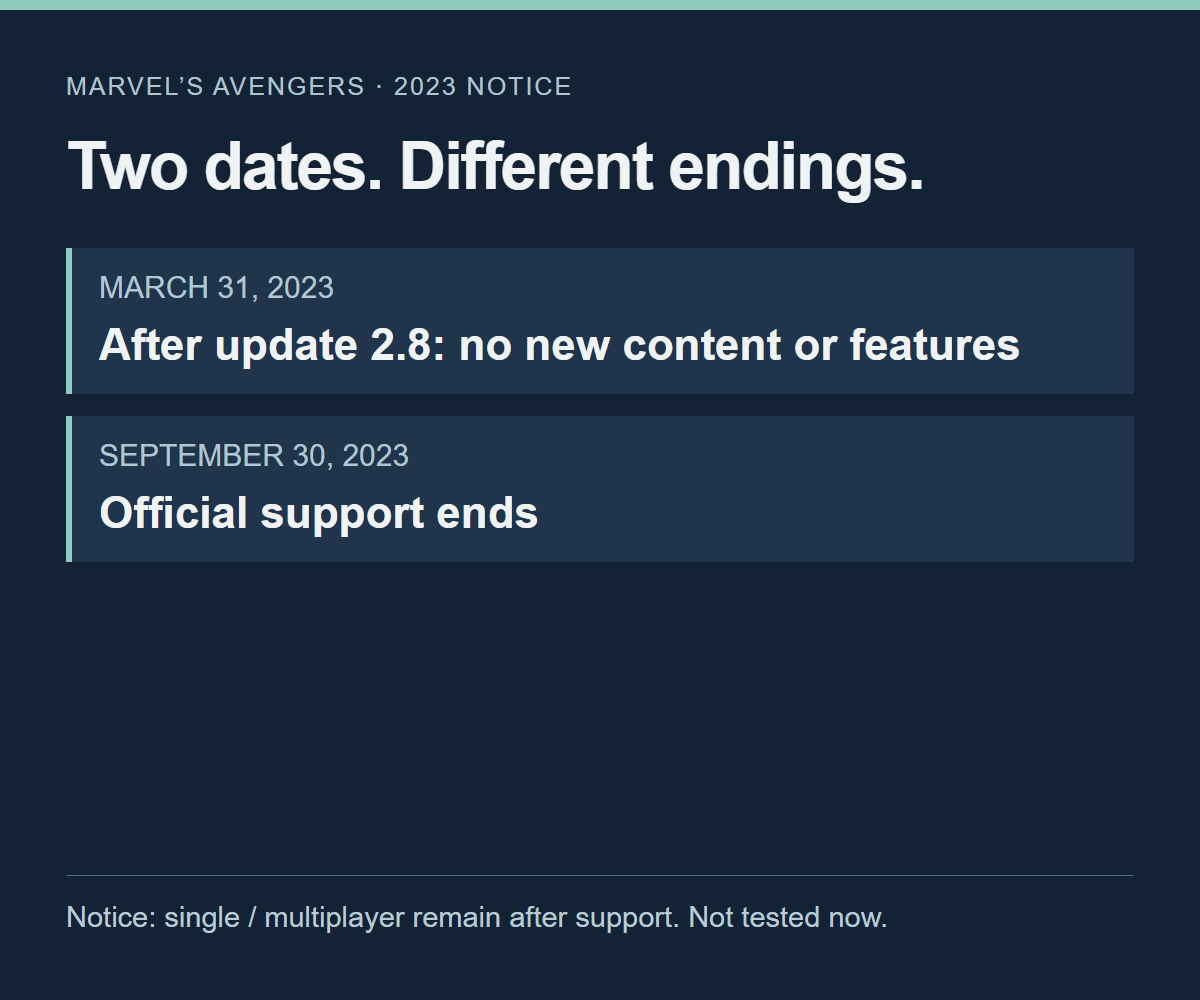
The notice did not present the end of new content or official support as the end of play. Its headline alone doesn’t mean the whole game ended, but the announcement isn’t proof of present-day access in every environment either.
Some preparation windows have already closed
With MultiVersus, read dates alongside conditions. Season 5 ran from February 4, 2025, 9 a.m. PST to May 30, 2025, 9 a.m. PDT—US Pacific times. That window has closed. WB Games’ Season 5 FAQ describes installing the latest version and logging in during that season to create a local account save for later local offline play. It also calls for separate preparation on each platform used.
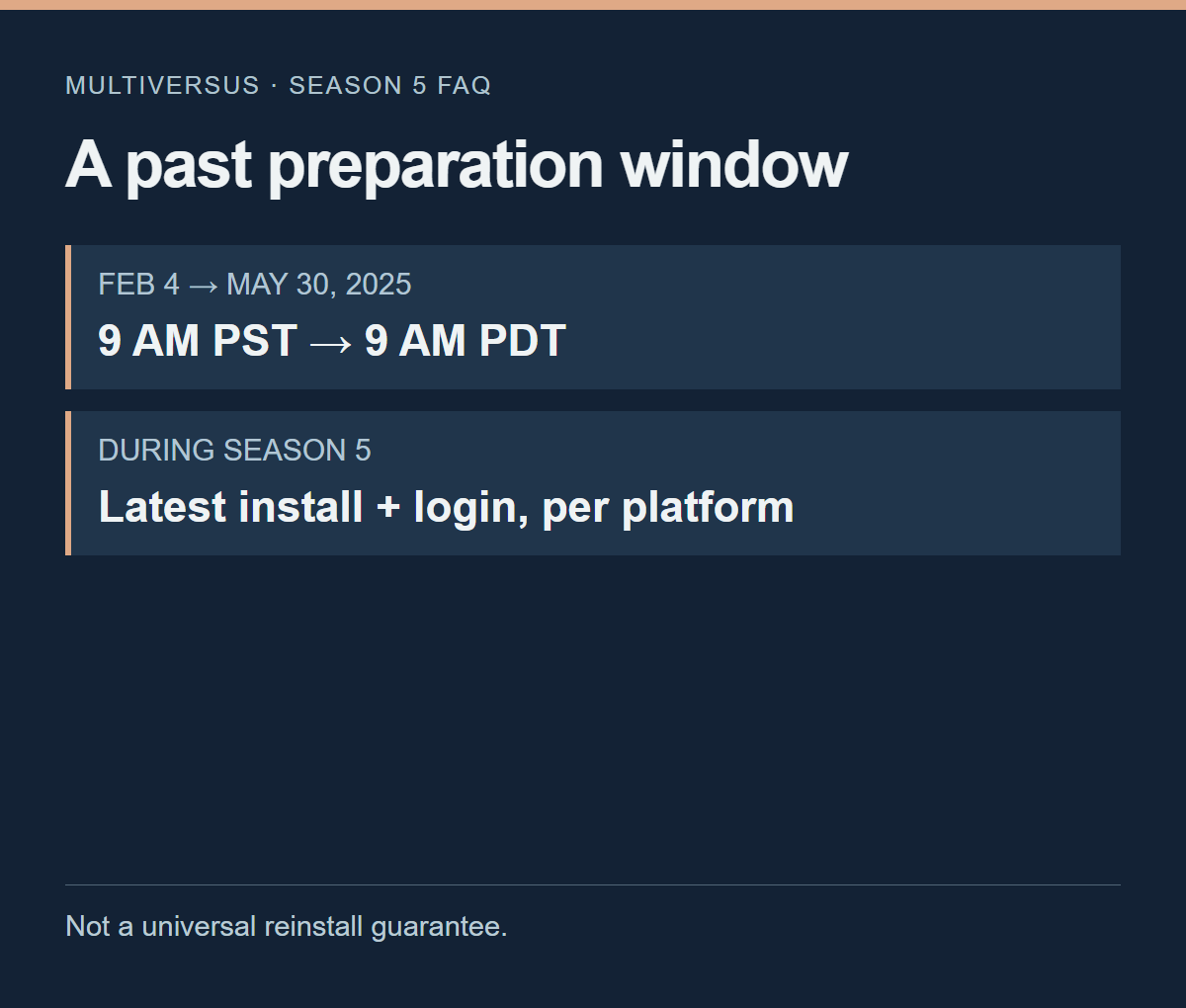
The FAQ separately addresses downloads ending after the season and reinstalling for players who deleted or uninstalled the game before it ended. Using owned content offline carries during-season installation and login conditions. This does not establish that every account can download again, or that none can. Nor does it say logging in now completes preparation that had to happen in the past.
Keeping old files isn’t the same as having a separate edition
Keeping a game folder and using a separate preservation edition are different things. The Knockout City Private Server Edition page describes a Windows PC game and private-server package. You can host a server or connect to one run by someone else; the page describes online, LAN and solo configurations.
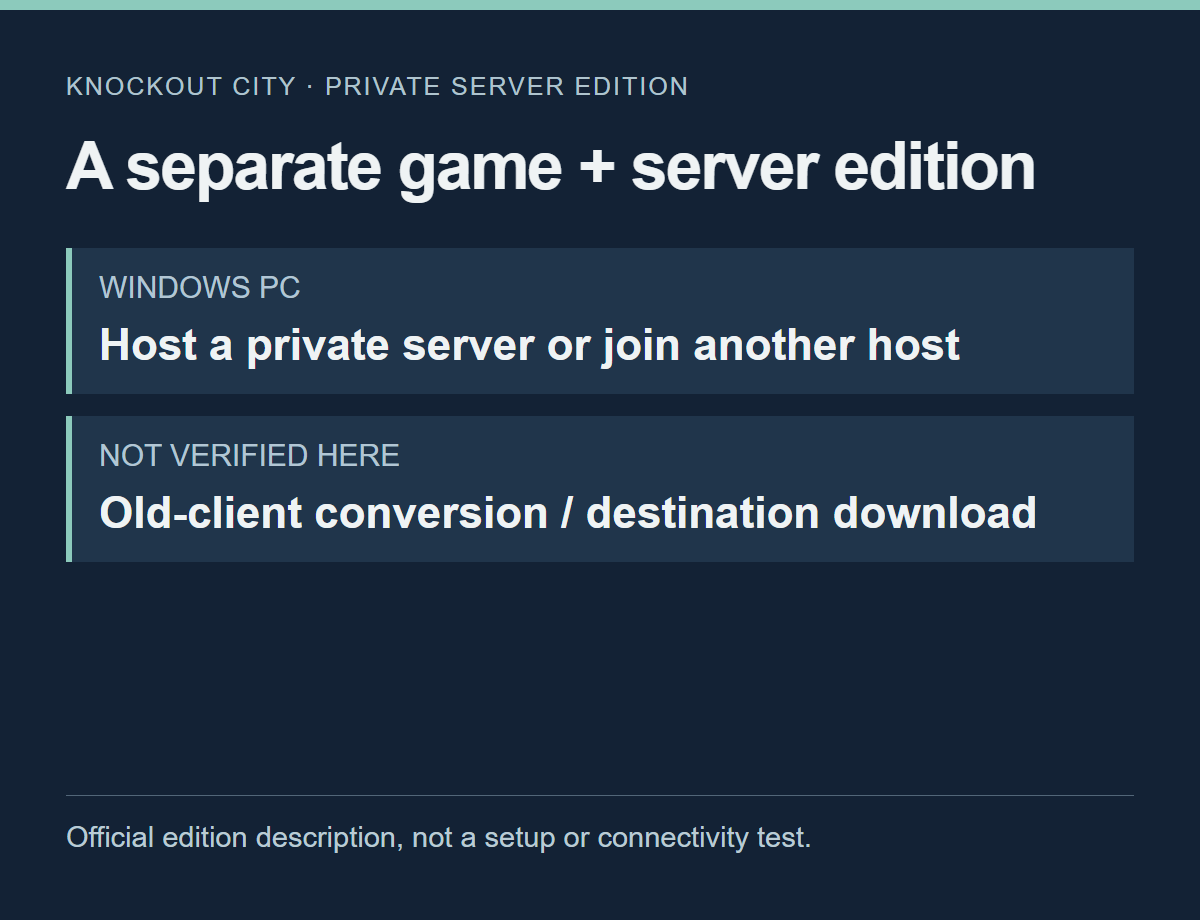
The page is describing a separate game-and-server arrangement. Keeping an old installation does not, on its own, establish that you have that arrangement. The files you can preserve and the setup needed to play again are worth treating as two questions.
There is a Steam link on the page, but this article hasn’t checked the destination’s distribution status or attempted a download. It also doesn’t establish that ownership in an existing library is enough to use this edition immediately.
Rather than recommending server settings or unofficial copies, the example uses only what the developer says about the separate edition. The useful response is to check which version you have—not to assume a saved folder is all you need.
A refund notice can also spell out the end of access
Concord’s notice addressed access after refunds as well as the end of sales. Firewalk’s announcement on PlayStation Blog, published September 3, 2024, said sales would cease immediately and the game would be taken offline on September 6, 2024. It directed Steam purchasers to refunds through Steam and said access would end once a refund was received. Concord’s withdrawal and refund announcement
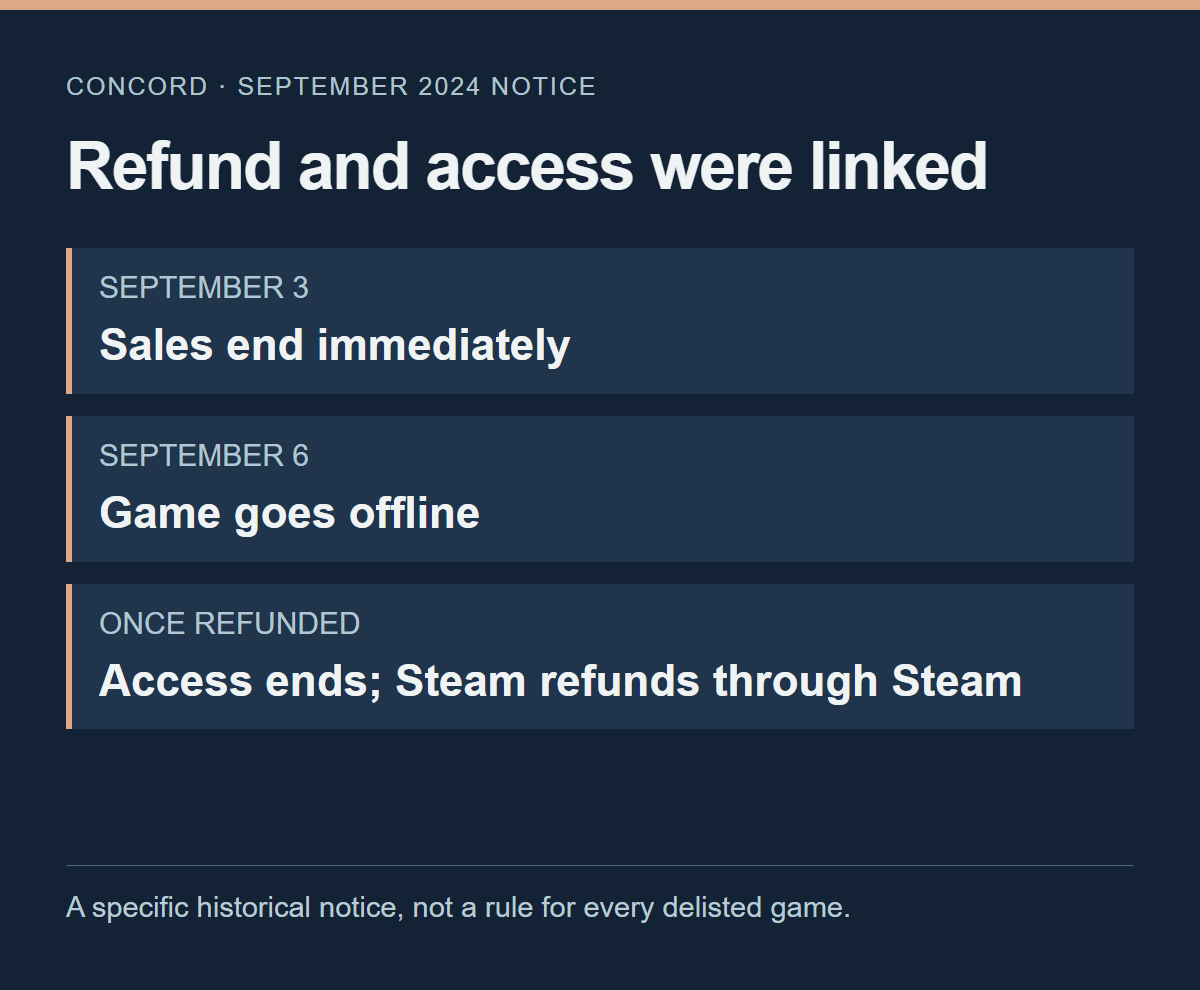
Getting your money back and getting to enjoy the game again are different wishes. This announcement did not promise continued play after a refund. It also isn’t a basis for saying every game delisted from Steam comes with an automatic refund and loss of access. The relevant detail here is how that notice treated purchasers’ access, not how to request a refund or how long a payment takes.
Leave yourself a record that still makes sense later
If you save a notice, add a sentence about the answer you were looking for rather than copying only its title and URL. “The document says existing purchasers can redownload” and “I redownloaded it with my account” should not become the same note. One records a documented condition; the other records the result of an action. If you haven’t tried it, you can leave that field blank.
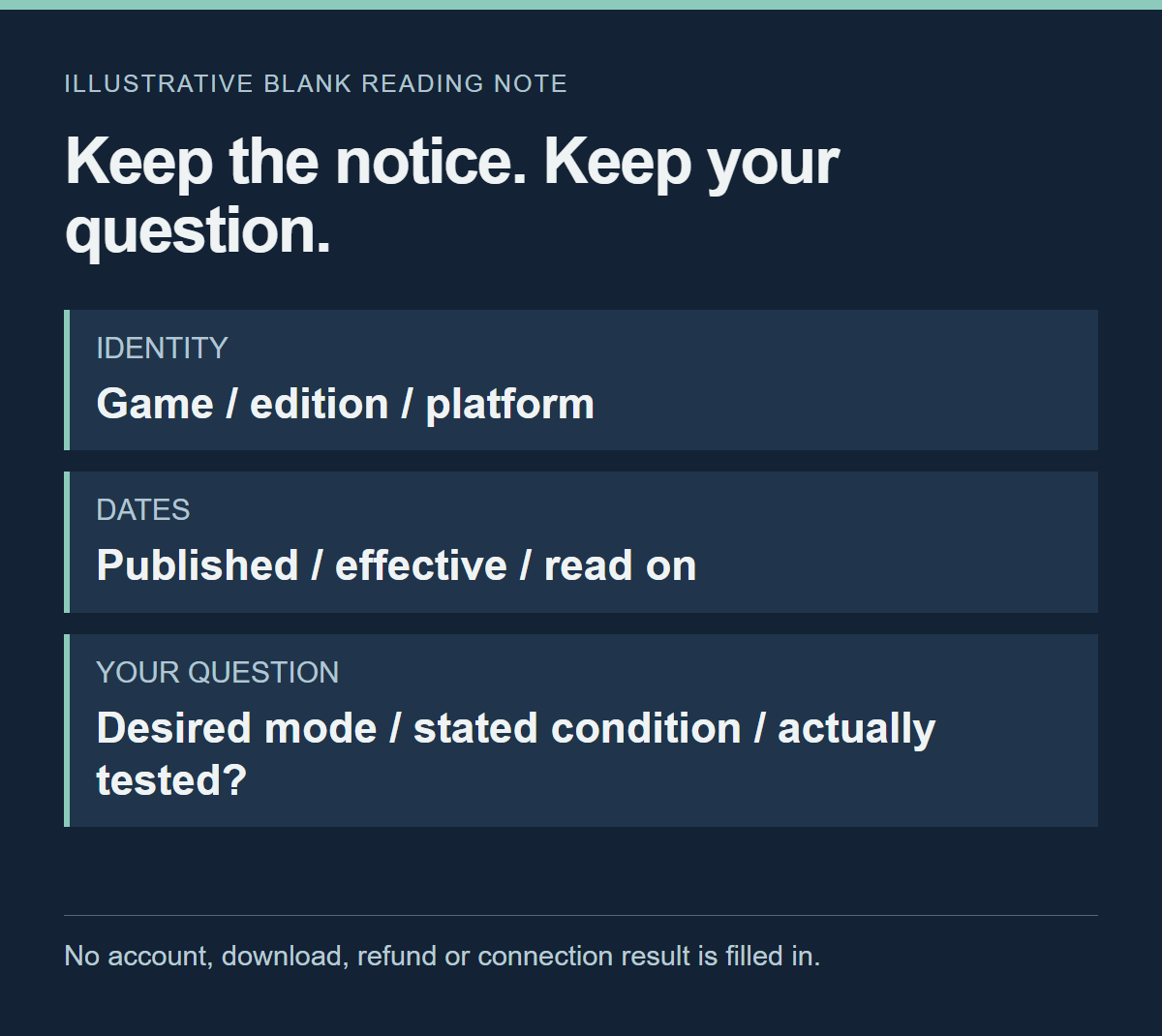
Keep the publication date, the announced closure date and the date you read it separate.
Adding your reading date to an undated support page as though it were an update date would make the record misleading next time. Don’t transfer conditions between annual editions or platforms just because the game names match. Writing down the mode you wanted also helps prevent a sentence about downloading from prematurely settling the whole question.
If the actual problem is a lock shown on your account or a save conflict, you need different material. We cover Steam Families game locks and Steam Cloud save conflicts in separate articles. A retirement notice alone won’t explain those problems.
Whether a different experience that remains is enough is your decision. A count of surviving features won’t make it for you. I’d rather know which parts of the experience I wanted are left—and which haven’t even been established by the documents—than settle for the broad answer “you can still play.”