


No. Steam does not provide a way to move existing Steam Wallet balance to another Steam account. Steam Support's Wallet FAQ answers the question directly: Wallet funds cannot be gifted, withdrawn, or transferred. The fact that Steam lets you gift games, send digital gift cards, and trade items is what makes this easy to misunderstand. Those are separate systems.
This guide was checked against Valve and Steam Support pages on August 22, 2026. Policies, payment methods, country rules, and account warnings can change. Treat the message Steam shows for your account, at checkout, or on an item as the final eligibility check.
Steam Wallet Is Attached to the Account That Holds It
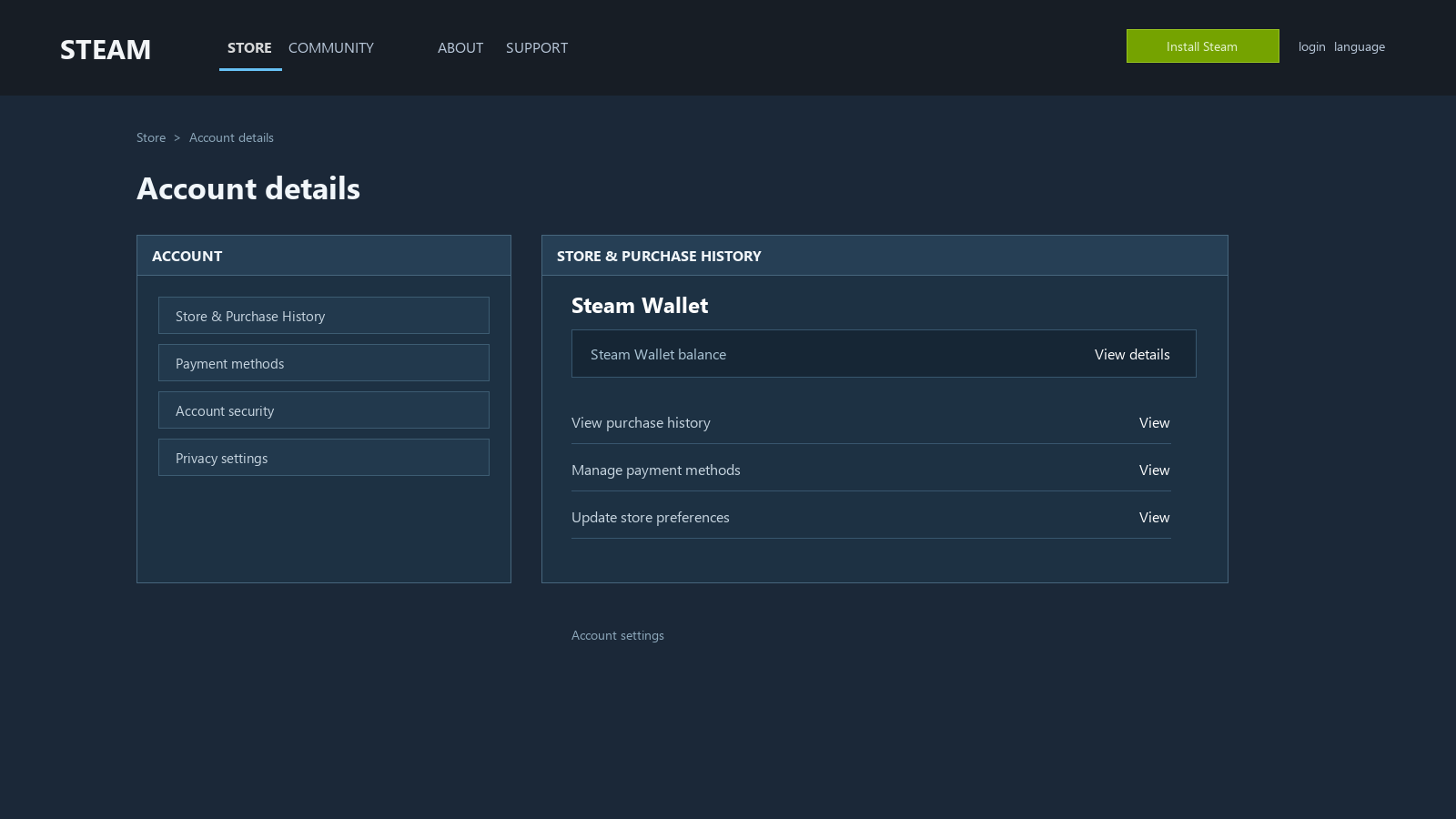
Valve describes the Steam Wallet as prepaid credit for buying content and services, not as a bank account or a general payment instrument. The Steam Wallet Support FAQ says that funds cannot be moved or gifted to another Steam account. The Steam Subscriber Agreement also says funds added to the Wallet are non-transferable, have no cash value outside Steam, and are not exchangeable for cash.
That wording matters. It means a second account cannot be added as a recipient, and two accounts owned by the same person do not merge their balances. A trade offer, a profile link, or a support request cannot turn one account's Wallet into the other account's Wallet.
Same owner does not mean shared balance
You can use two accounts, but Steam still treats their Wallets separately. Each account spends its own balance on games, permitted in-game purchases, and eligible Community Market purchases. Signing in from the same computer does not combine them. Family relationships do not combine them either.
There is also no legitimate bank-style withdrawal hidden in Account Details. Wallet credit is designed to be spent inside Steam. A third-party page cannot override the account boundary just by calling an item purchase a cash-out or a transfer.
A Wallet refund is an exception to the spending rule, not an account transfer
Steam's refund page says you may request a refund for Steam Wallet funds purchased on Steam within 14 days, provided those funds have not been used. That is a refund request tied to the original purchase. It is not a choice of another Steam account as the destination, and approval is not automatic.
For eligible purchases, Steam may send an approved refund to the original payment method or to Steam Wallet, depending on the purchase and payment method. Read the current Steam Refunds page before assuming that a refund will become transferable credit.
Game Gifts and Digital Gift Cards Are Different
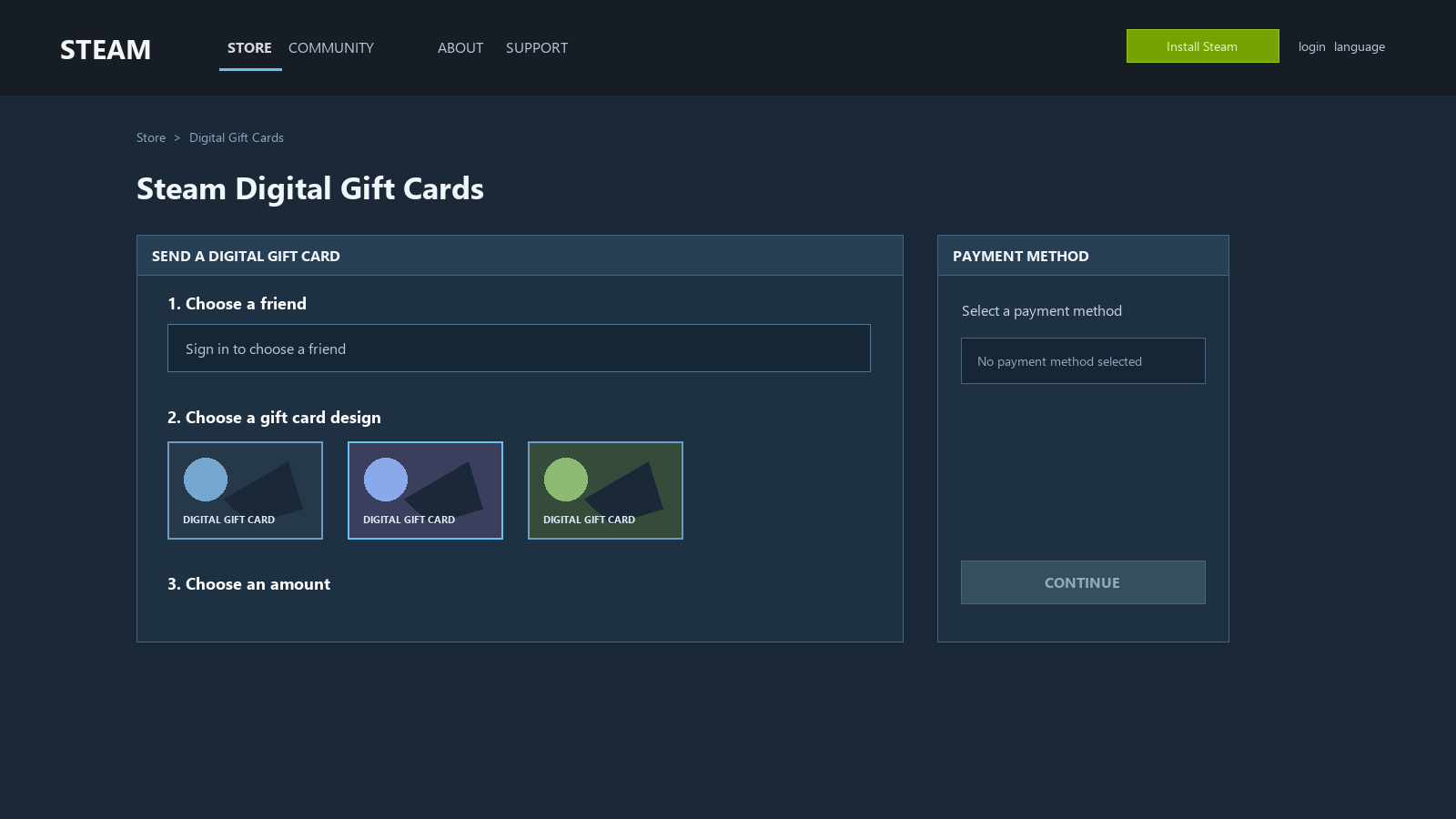
When you gift a game, the recipient receives that game. They do not receive an equal amount of freely spendable Wallet credit. Game gifting is the right tool when you know which title you want to buy for someone; it does not empty the leftover balance in your own Wallet.
A digital gift card requires a new payment
A digital Steam Gift Card can add value to a friend or family member's Wallet, which is why it looks like a transfer. Valve's Digital Gift Card FAQ draws the important line: existing Wallet funds cannot be used to buy a digital gift card.
The gift card is a new purchase paid through an available payment method. Some countries may restrict sending or receiving digital cards, and the amount is converted into the recipient's currency. If the recipient declines, Steam says the purchase is refunded to the original purchaser's payment method when possible, or to that purchaser's Wallet when the payment method cannot receive refunds. None of those outcomes moves your existing balance to another account.
Physical gift cards are codes, not a Wallet transfer route
Steam Gift Cards are available as digital and physical products in Valve's gift-card information, but the current Steam Wallet FAQ says Valve is ending the retail physical-card program as store stock runs out, with existing cards still redeemable subject to local law. That status is time-sensitive; it does not mean a new physical card can be bought with Wallet funds.
If you already have a legitimate unused code, redeeming it adds the code's value to the account that enters it. It does not move the balance already sitting in a different account. Never post a code publicly or send it to someone who promises to convert it into cash.
Steam Families shares game access, not Wallet funds
Steam Families replaces the older Family Sharing and Family View features. The Steam Families FAQ says a family can contain up to six members and share eligible games, while ownership remains with the person who bought the game. It does not describe shared Wallet balances, shared payment authority, or a way to move Wallet credit between members.
If your goal is “let my family play this game,” look at Steam Families or a game gift. If your goal is “put my remaining Wallet balance on their account,” neither feature does that.
Trade Offers Move Items Only
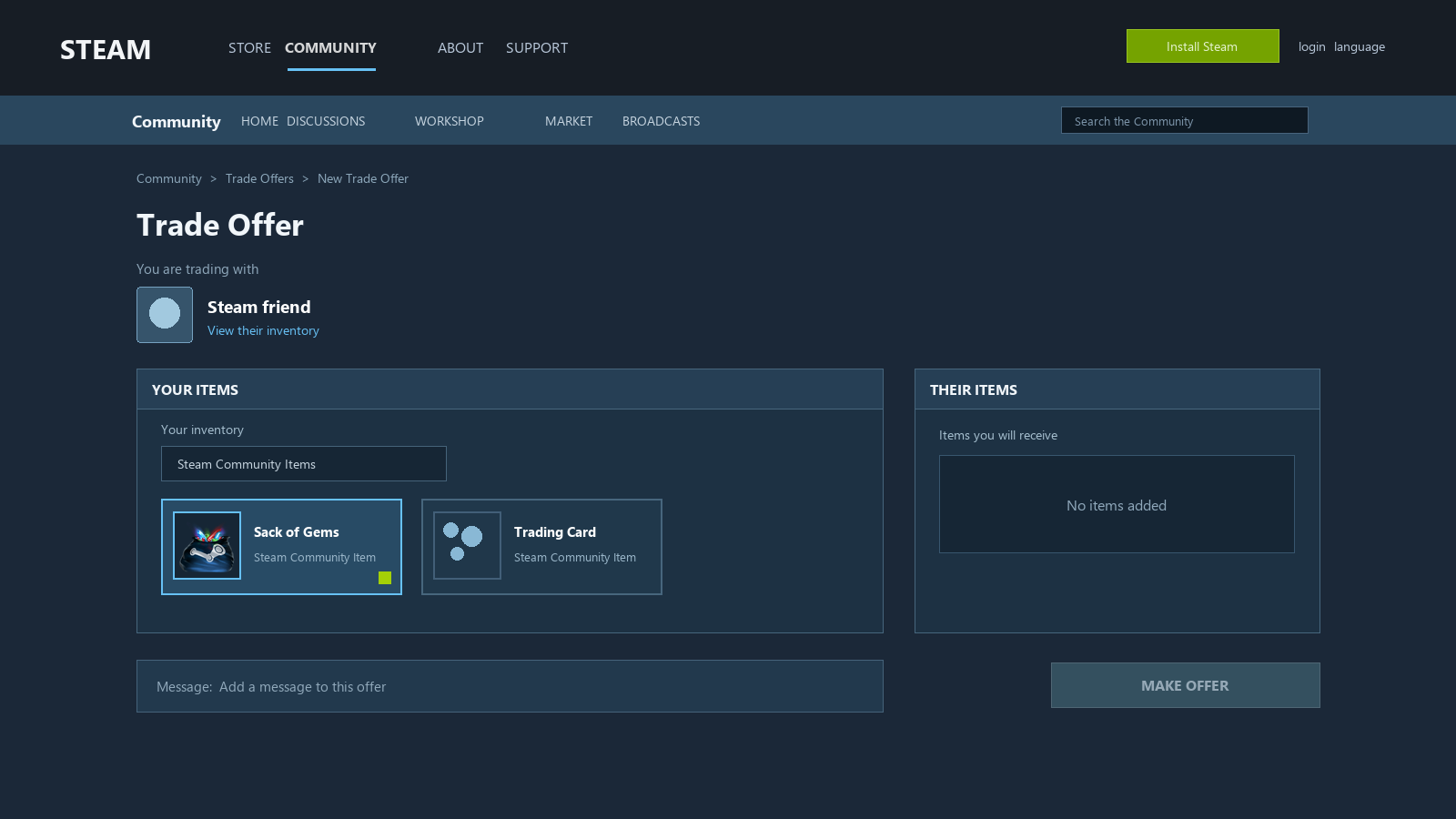
Steam's Recommended Trading Practices state that the trading interface does not support transferring money in any form. The warning explicitly includes Wallet credits, PayPal, gift cards, and other currency. A Trade Offer contains tradable items; Wallet balance is not an inventory item that can be placed in the offer window.
A Trade URL only helps someone open a trade offer to you. It does not expose your Wallet, sign in to your account, or create a payment obligation for the other account.
Never send an item first for a promised payment
An offer that says “send this item and I will add Wallet funds,” “I will pay you after you accept,” or “trade this for a gift card” is not a Wallet transfer feature. It is an off-platform promise. Steam's own trading guidance describes scams as deals made under false pretenses and tells users to avoid money trades.
Do not solve a small balance problem by sharing your password, Steam Guard code, recovery details, or a Trade URL together with a request to log in somewhere else. The account-security risk is larger than the balance you are trying to rescue. If you are unsure what a Trade URL exposes, read what a Steam Trade URL shows and does not show.
Where Do Market Sale Proceeds Stay?
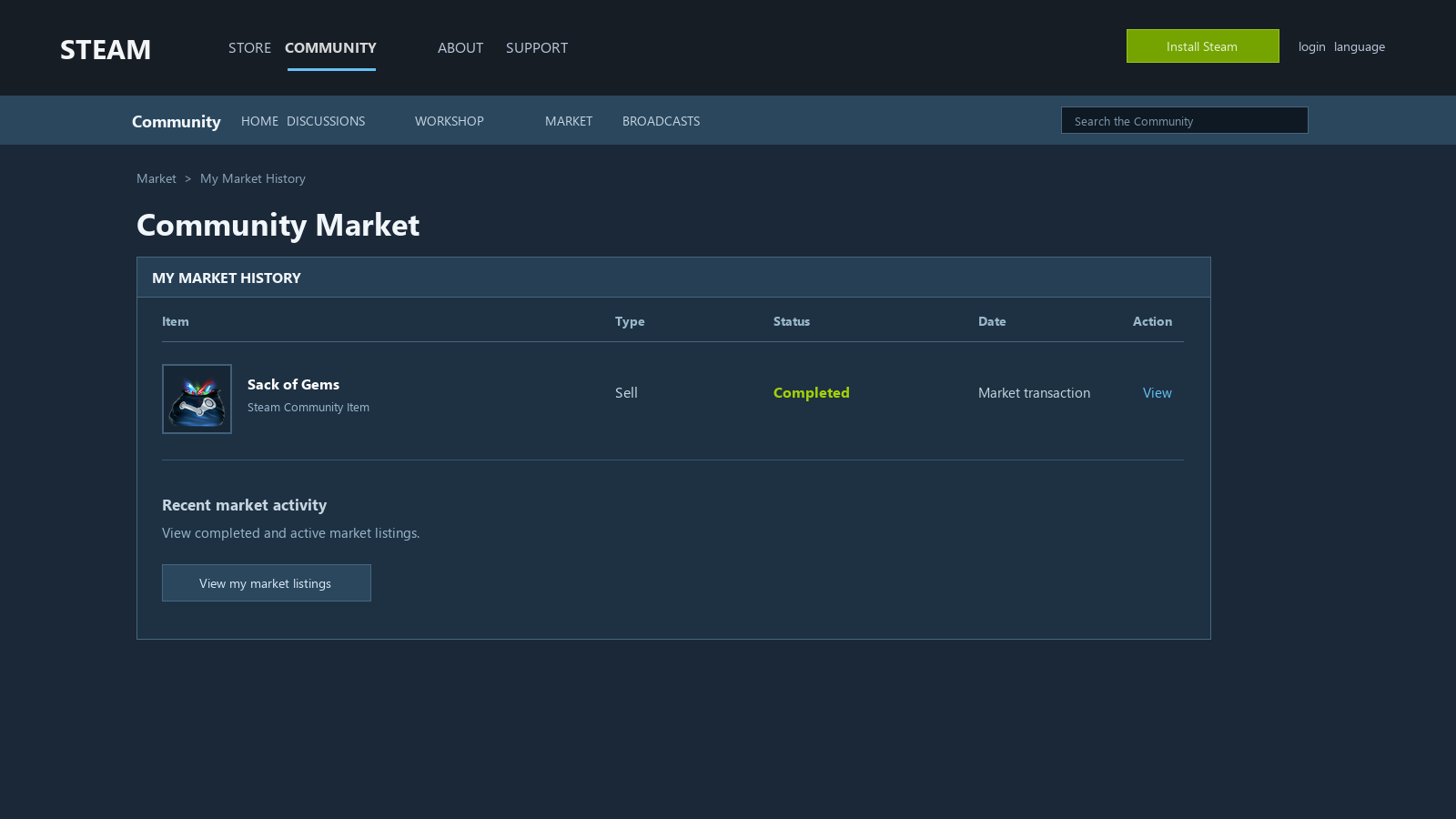
When you sell an item on the Steam Community Market, the proceeds stay in the Wallet of the account that sold the item. The Community Market FAQ explains that buyers and sellers see prices in their Wallet currencies and that Steam applies an exchange rate that it updates daily for cross-currency transactions. The market can turn an inventory item into Steam Wallet value, but it does not provide Wallet-to-Wallet transfer or bank withdrawal.
The item route has costs even when it works
Buying an item with one account, waiting for it to become tradable, and selling it from another account is not a neutral conversion. The listing and transaction screens show fees, the item's price can move before you sell, and a buyer may not appear at the price you expected. Your result can be lower than the amount you started with, and there is no promise that the route will finish quickly.
Do not use a remembered percentage as a guarantee. Check the current fee and net proceeds in Steam's own market flow, then decide whether the difference is worth the time and risk. A market sale is still a sale to another buyer; it is not a controlled balance transfer between your accounts.
Region and currency rules can change the result
Steam shows the market in the currency associated with each Wallet. Cross-currency sales use Steam's exchange rate, which the Market FAQ says is updated daily. Digital gift cards can also be subject to country restrictions and recipient-currency conversion.
Steam's Store Country FAQ says your store country must match where you currently reside and that changing it requires a local payment method; a Wallet Code cannot be used to change the store country. Do not use a VPN, a borrowed payment method, or a code from another region as a shortcut. A region mismatch can block a purchase or create a support problem instead of moving the balance.
Account and item restrictions are separate from price
Steam's Trading and Market Restrictions list several reasons an account or item may be unable to trade or use the Market. The current page includes examples such as a newly authorized device, Steam Guard being enabled for fewer than 15 days, a recent password reset, a purchase that is not older than 7 days, and an item that is not tradable until the date shown in the inventory. Some holds can last up to 15 days; a password reset can create a 5-day restriction, or 30 days after a long-inactive account.
These are examples, not a promise that every account receives the same timer. Steam Support says it cannot remove or override many trading and Market restrictions. Check the exact notice on the account and the Tradable After date on the item before buying anything as a transfer workaround.
A money promise for an item is a warning sign
If someone promises Wallet funds, PayPal, a gift card, or cash only after you send an item first, that is not an official transfer. Stop when the offer adds urgency, asks for payment outside Steam, or requests account credentials.
Refunds Cannot Be Sent to Another Account Either
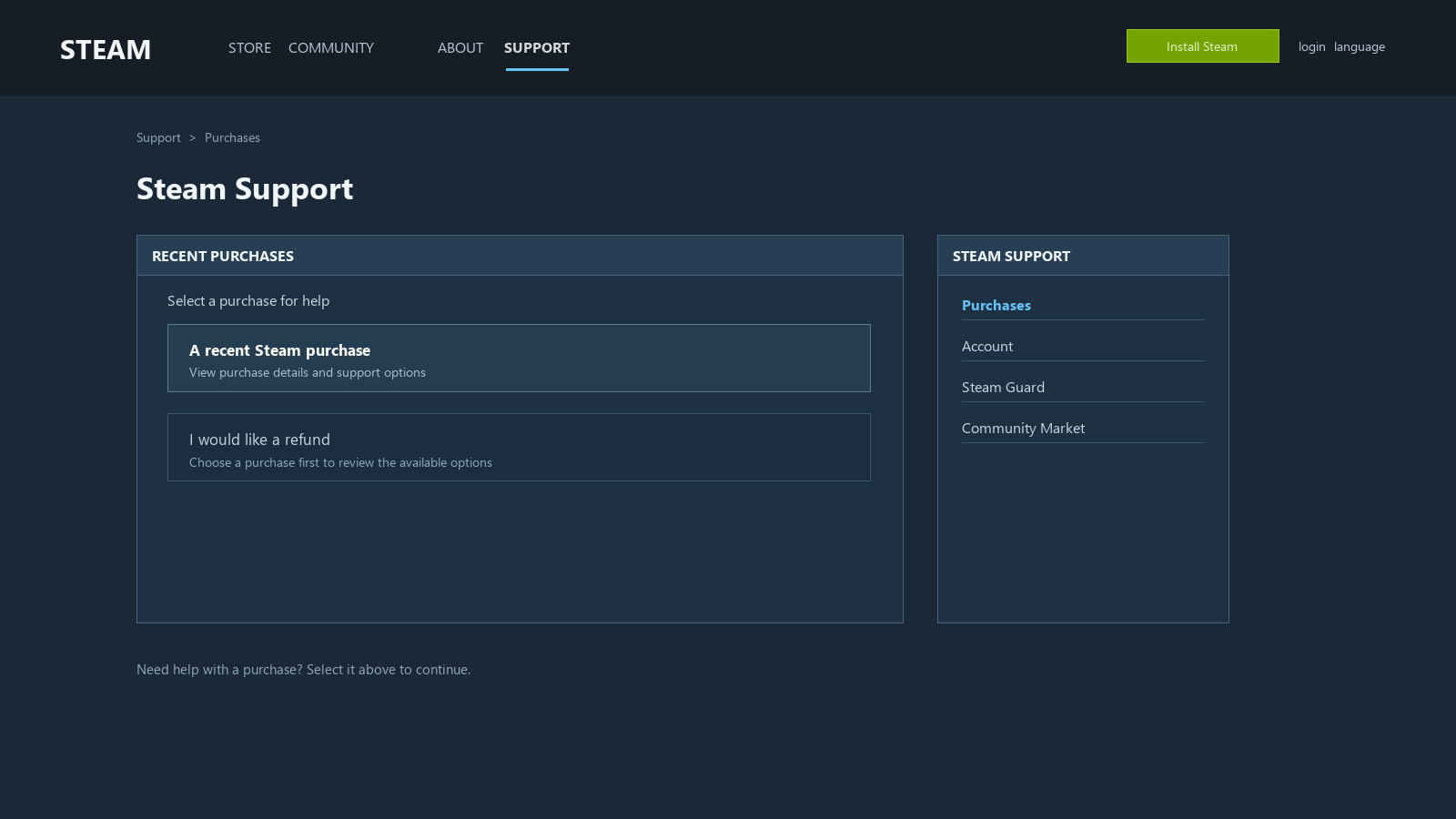
A refund belongs to the original purchase. Depending on the purchase and payment method, Steam may issue an approved refund to the original payment method or to the Wallet. You cannot choose a different Steam account as the destination.
That distinction matters when you are trying to undo a recent purchase. Applying through Steam Support is safer than buying an item and trying to reverse the value through a Market sale. A game refund, a Wallet-fund refund, and a declined digital gift-card refund each follow their own conditions.
If you topped up the wrong account or the balance is missing
First check the purchase receipt and make sure you are signed in to the account named on it. Steam's Wallet FAQ recommends restarting the Steam Client when a completed top-up has not appeared. If the balance is still wrong more than two hours after purchase, contact Steam Support.
If the money is on the wrong account, Support cannot turn that account into a transfer source just because both accounts belong to you. If the Wallet funds were purchased on Steam, remain unused, and are still within the stated 14-day window, you may submit a refund request. Steam decides whether the request qualifies; this is not a guaranteed correction or a way to select another account.
Codes bought outside Steam follow a different support path
Steam's refund page says Valve cannot refund purchases made outside Steam, such as Wallet cards or codes bought from a third party. For a code that has not activated, contact the retailer and keep the receipt. Steam Support's Wallet FAQ also asks for a clear image of the code and a matching receipt in some activation-error cases. Do not publish the code while asking for help.
Start by Naming What You Want to Move
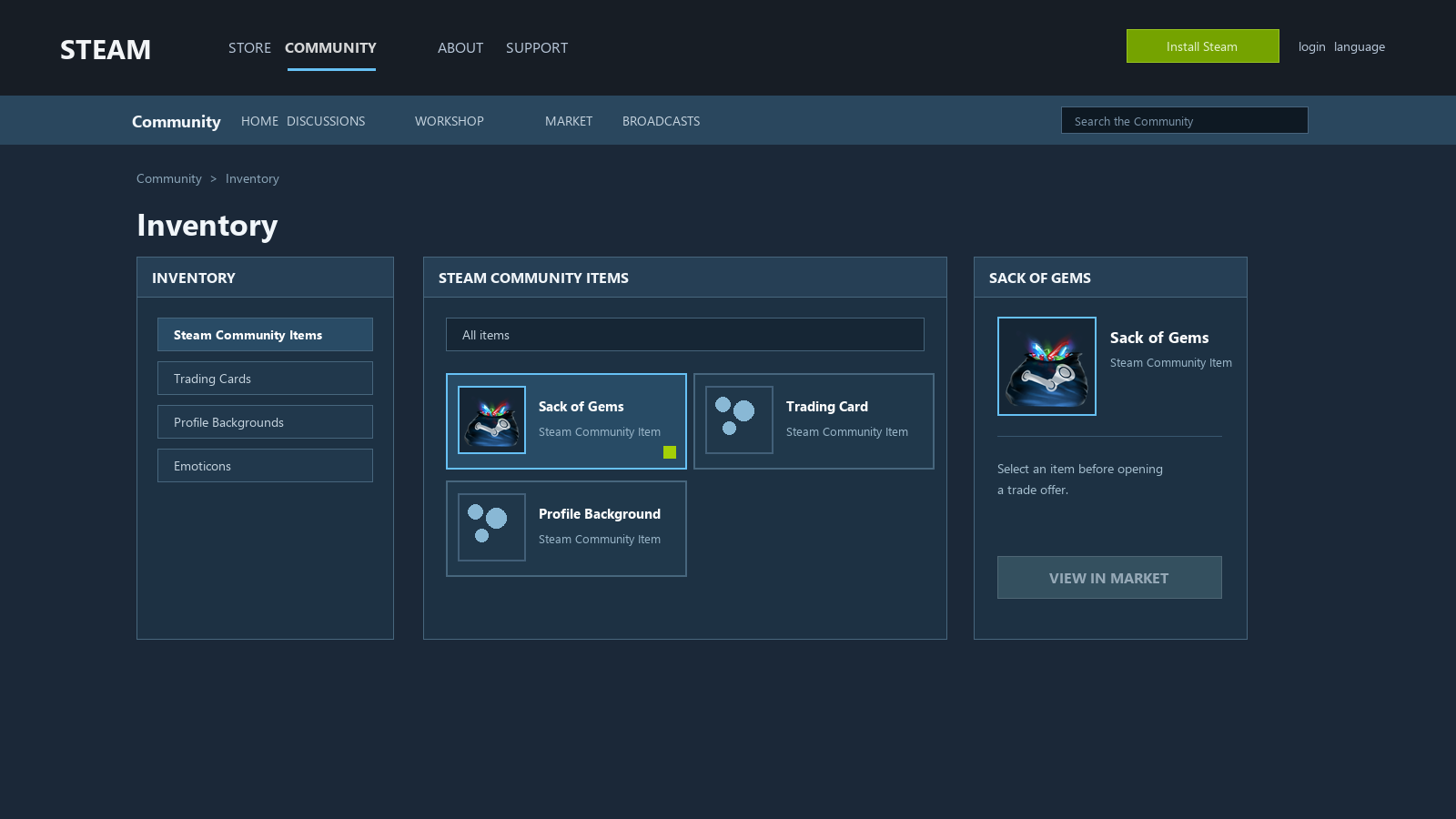
“Move Steam money” can mean a game gift, a digital gift card, a physical code, a game-library sharing request, an item trade, a Market sale, or a refund. Those are different actions with different limits. Name the route before you look for a button.
A situation-by-situation choice table
| Situation | What Steam actually offers | What to do next |
|---|---|---|
| Existing Wallet balance on Account A | No Wallet-to-Wallet transfer | Spend it on Account A, or check the unused-funds refund route |
| Buy one game for another person | Game gift | Use a new payment and send the specific game |
| Add flexible credit to another person | Digital Gift Card | Use a new payment; check country and recipient restrictions |
| You already own a physical Wallet code | Redeemable code, subject to currency and local rules | Redeem it only on the intended account; contact the retailer for code problems |
| Let family members play your games | Steam Families shares eligible game access | Check ownership and sharing eligibility; it does not share Wallets |
| Recent purchase you want to undo | Refund request tied to the original purchase | Use Steam Support before trying a Market workaround |
| Turn an item into value | Community Market sale or a separate third-party process | Calculate fees, price movement, region, restrictions, and counterparty risk first |
Five checks before you act
1. Write down the exact thing you want to move: Wallet balance, a game, an item, a code, or a refund. 2. Check whether the official Steam page offers that action directly. If the page asks you to send an item first for money, stop. 3. For a refund or top-up problem, save the receipt, account name, purchase date, payment method, and current balance before contacting Support. 4. For an item route, inspect the fee, current net proceeds, Tradable After date, account restrictions, currency, and the possibility that the price or buyer changes. 5. Never share your password, Steam Guard code, recovery information, or a gift-card code to make the transfer “easier.”
SteamVaults does not turn Wallet balance into another account's Wallet balance. A separate item-based settlement process, where available, is not the same as direct transfer and cannot bypass Steam's restrictions. Do not assume a current quote, inventory, or third-party route is available until the live page shows it. For that narrower distinction, see the Steam Wallet cash-out guide.