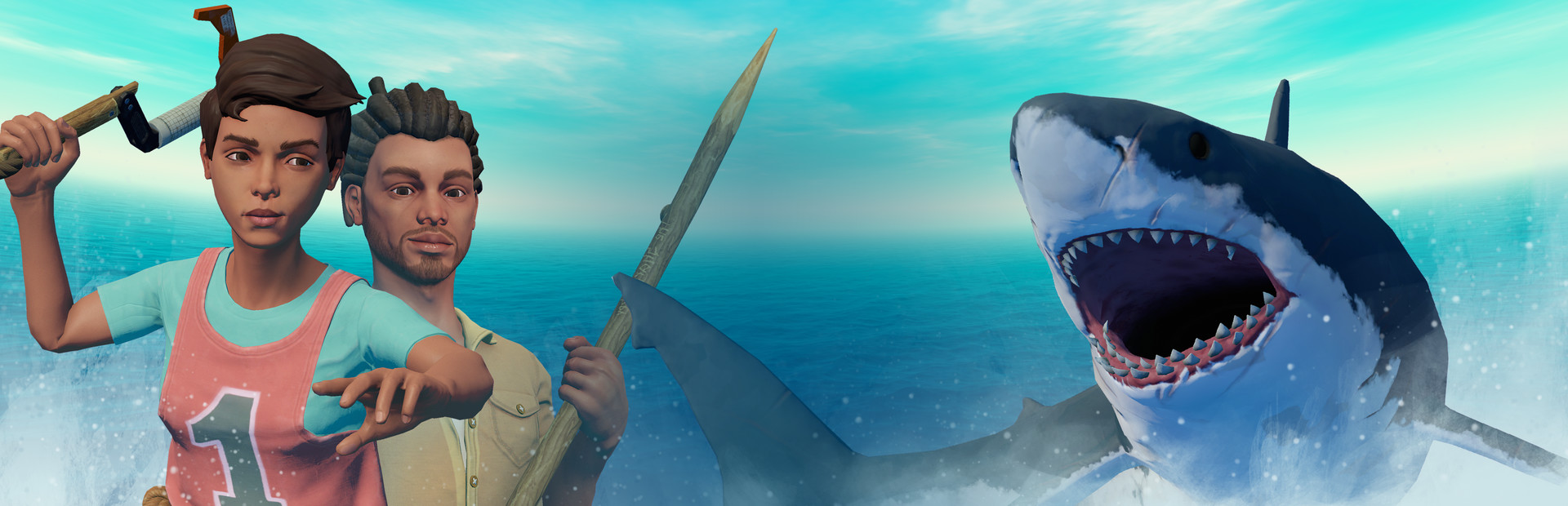
Raft begins on a tiny platform with a hook: catch the debris drifting past, turn those materials into useful equipment, and make the raft large enough to support a longer voyage.
Raft suits players who enjoy building a small floating base with a friend and turning scavenged debris into real progress. The trade-off is constant pressure: the sea interrupts construction, and spending early materials before food and water are steady can stall a run. Skip it if you want a relaxed building sandbox without threats, or if you play on a Mac or Linux machine, since the game is Windows only.
How the game actually plays
Raft begins on a tiny platform with a hook: catch the debris drifting past, turn those materials into useful equipment, and make the raft large enough to support a longer voyage.
Food, water, the shark, and the condition of your raft compete for attention while you search reefs and islands for supplies. New destinations reveal pieces of the world’s story, so gathering is connected to both survival and exploration rather than being an end by itself.
It is a good fit for players who like watching a modest base grow and making practical progress with a friend. Playing alone is possible too, but cooperation makes it easier to split gathering, building, and travel decisions.
The ocean keeps interrupting quiet construction, and early resources can feel scarce if you spend them before basic needs are covered. First make food and water dependable, reinforce the small platform, and only then follow a landmark farther from your starting route.
Wait if a slow start frustrates you. The game begins with a tiny platform and only a hook, so progress depends on which debris drifts past, and a bad stretch with no materials can stall a session. Expect some trial and error early on, and when the shark closes in, pause building and defend first.
Raft runs only on Windows, so Mac and Linux owners cannot play it. The Steam Deck rating is Playable rather than Verified, so expect to adjust settings to get a comfortable result. There is no controller support, which means keyboard and mouse are the only input methods. Online co-op is available, but Remote Play Together and crossplay are not, so your friend must be on Windows too. Korean and Japanese cover the interface and subtitles, which helps with the many crafting menus, and the base game has no DLC to decide on.
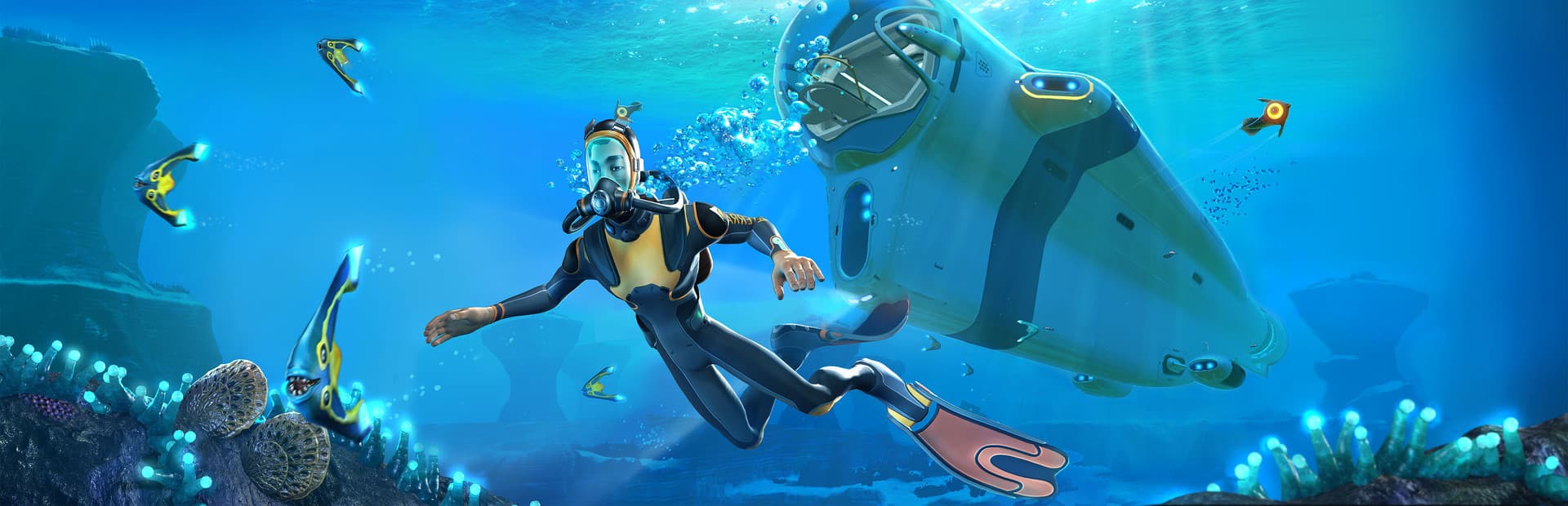
Subnautica is the closer comparison if underwater exploration is what draws you, but it centres on deep-sea discovery and a more structured story. Raft asks you to hold onto a shrinking island of debris and expand outward, while Subnautica has you explore a vast ocean at your own pace. Pick Raft if you want co-op building under constant pressure; pick Subnautica if the feel of an open ocean and exploration matters more to you.
Consider it if you want
It is a good fit for players who like watching a modest base grow and making practical progress with a friend.
Playing alone is possible too, but cooperation makes it easier to split gathering, building, and travel decisions.
First make food and water dependable, reinforce the small platform, and only then follow a landmark farther from your starting route.
You might prefer something else if
The ocean keeps interrupting quiet construction, and early resources can feel scarce if you spend them before basic needs are covered.
Raft beginner tips
Secure fresh water firstThirst and hunger are the first threats the store text names, so stabilize water before you expand the raft.
Cook your foodCooking is one of the features listed for keeping your stomach happy, so turn gathered food into recipes and smoothies.
Use the hook earlyResources are scarce at sea, and the hook is how you catch debris as it floats by, so use it whenever something drifts past.
Watch for the sharkThe shark is the threat that ends voyages, so check the water around the raft before you start a new section.
Eat and drink before running lowRefill food and water while the bars still look healthy, rather than waiting until they are nearly empty.