


A Steam buy order asks to buy a commodity item later at or below your maximum price. It does not select a current listing, guarantee a fill time, or show your place in Steam's private queue. A higher number on the screen alone does not prove that the next sale will reach your order.
Before assuming the order is broken, check four things: the item actually supports buy orders, a seller has listed a matching item, your order is still active with the required Wallet balance, and the price and currency information is current. For the basic difference between listings and orders, see what the Steam Community Market is; an account or item restriction is a separate problem explained in why a Steam item is not tradable or marketable.
A buy order does not mean the transaction is complete yet
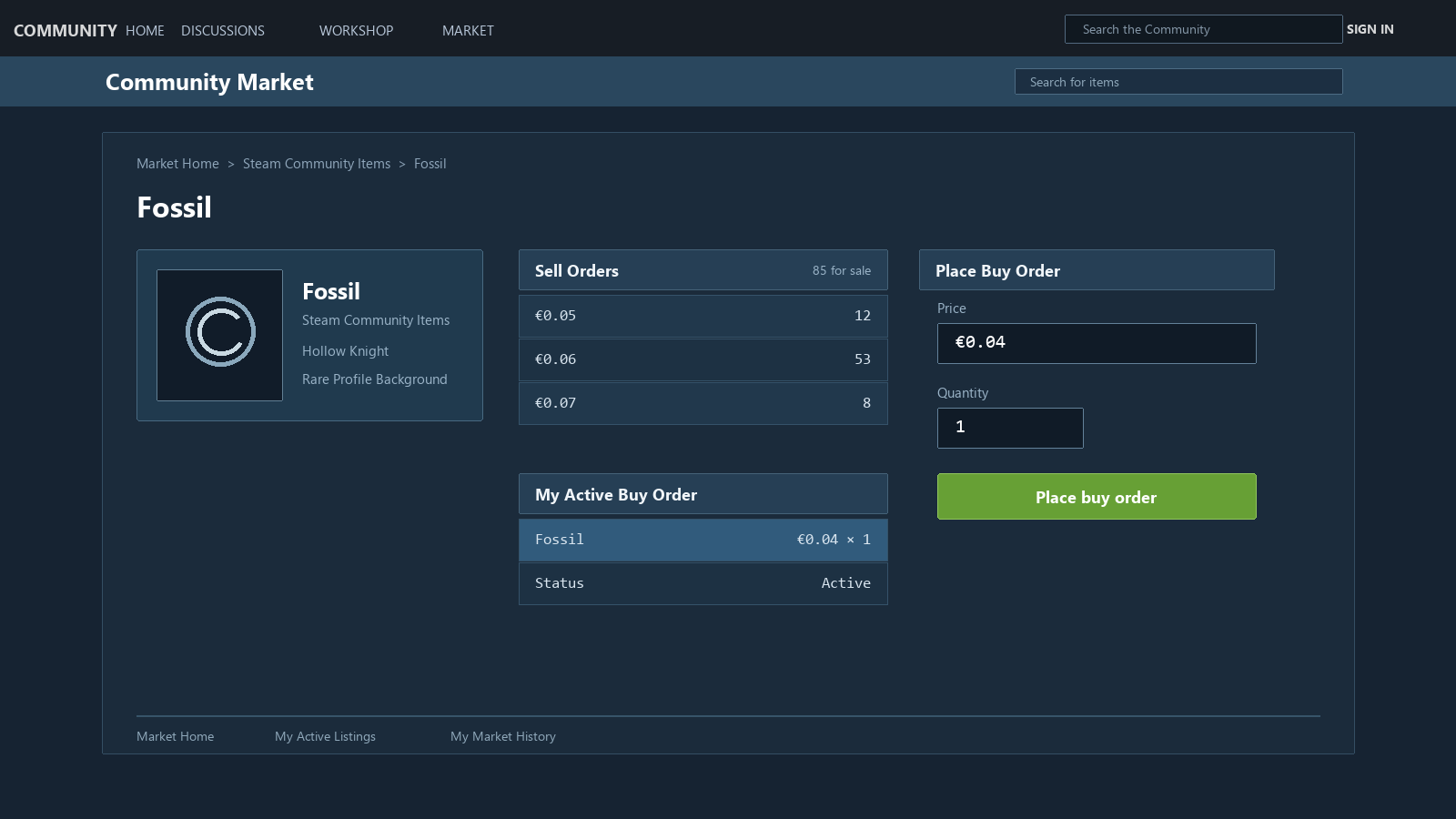
In my view, the confusion starts when this feature is treated like a shop’s checkout button. In a shop, you pay the listed price and receive the item. With a buy order, what remains is only the maximum amount you are willing to pay. Until a seller lists an item that meets the condition, nothing is settled.
That is why price alone cannot answer the question, “I offered more, so why has it not happened yet?” You also need to consider whether there were matching sales during that time, whether your order remained active, and how it was processed alongside other orders. The public Market view shows only part of this.
I would not put this entirely on the user. Steam shows graphs and Buy/Sell tables, then asks users to choose a price from them. But it does not disclose the exact order or timing of a fill. As a result, people keep changing the number they can most easily change: the price. The old advice to “add just one more cent” probably grew out of that situation.
Buy orders are best reserved for items you do not need urgently. If you need an item right now, look at the current sell listings and decide from there. If you can wait, set the maximum you are comfortable paying and leave a buy order.
First, not every item supports buy orders
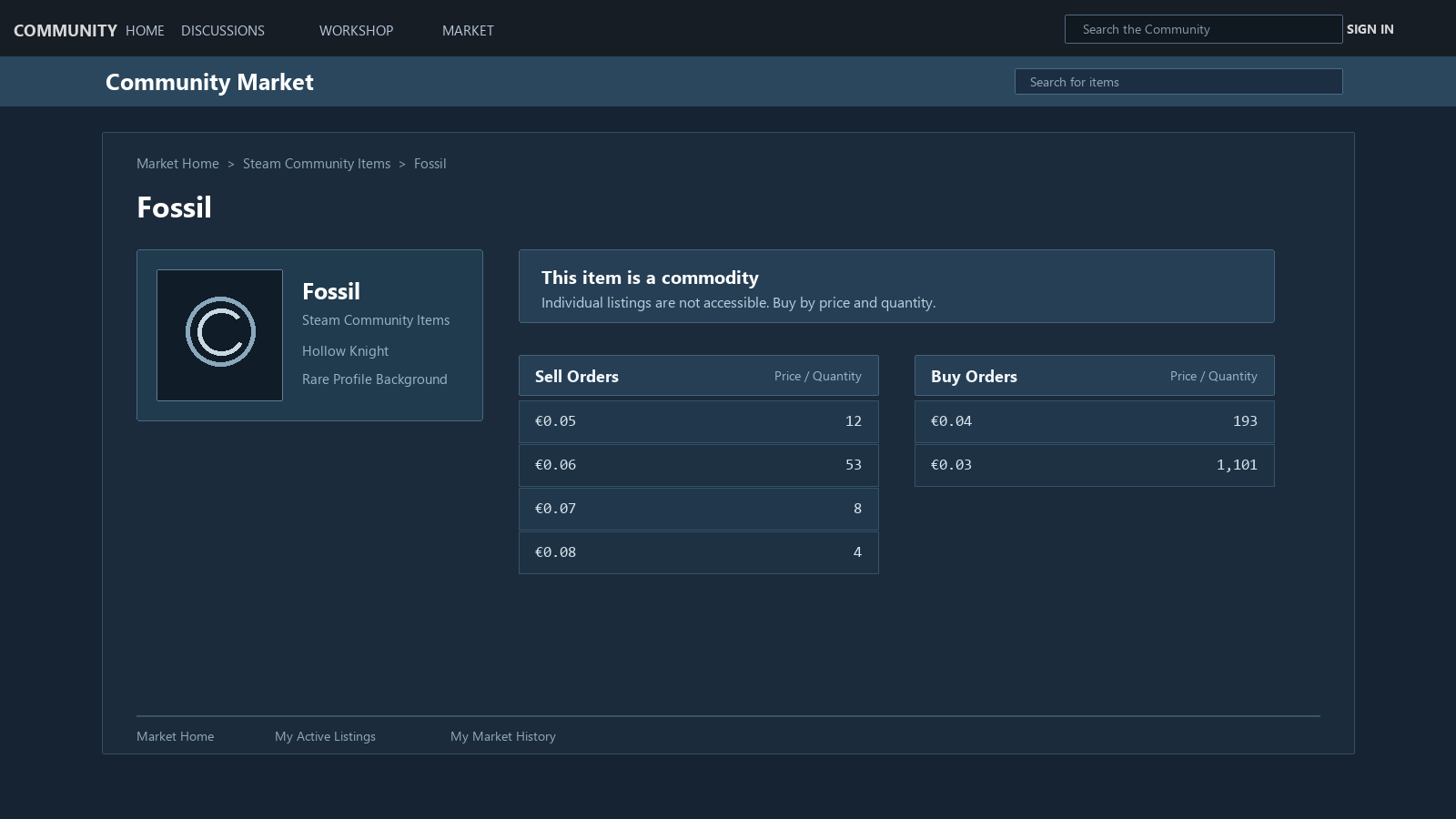
Steam describes buy orders as a feature for commodity items: standardized items with effectively identical function and description. For items where individual condition or options matter, the Market may show a screen for selecting a specific listing. For standardized items, it may show grouped Buy/Sell order tables instead of individual listings.
That distinction matters. If you thought you had placed a buy order but were actually on a screen for purchasing a specific listing immediately, there is no waiting rule or order priority to apply. In a standardized item’s order book, by contrast, you are not choosing a particular seller’s particular item; you are leaving the condition, “I will buy one at this price or lower.” Steam’s Community Market FAQ makes this distinction explicit.
Before looking for reasons an order has not filled, first check whether that item page actually supports Buy Orders. An item can appear in your inventory and in Market search without always using the same type of transaction.
“Highest price first” is not enough to explain the order sequence
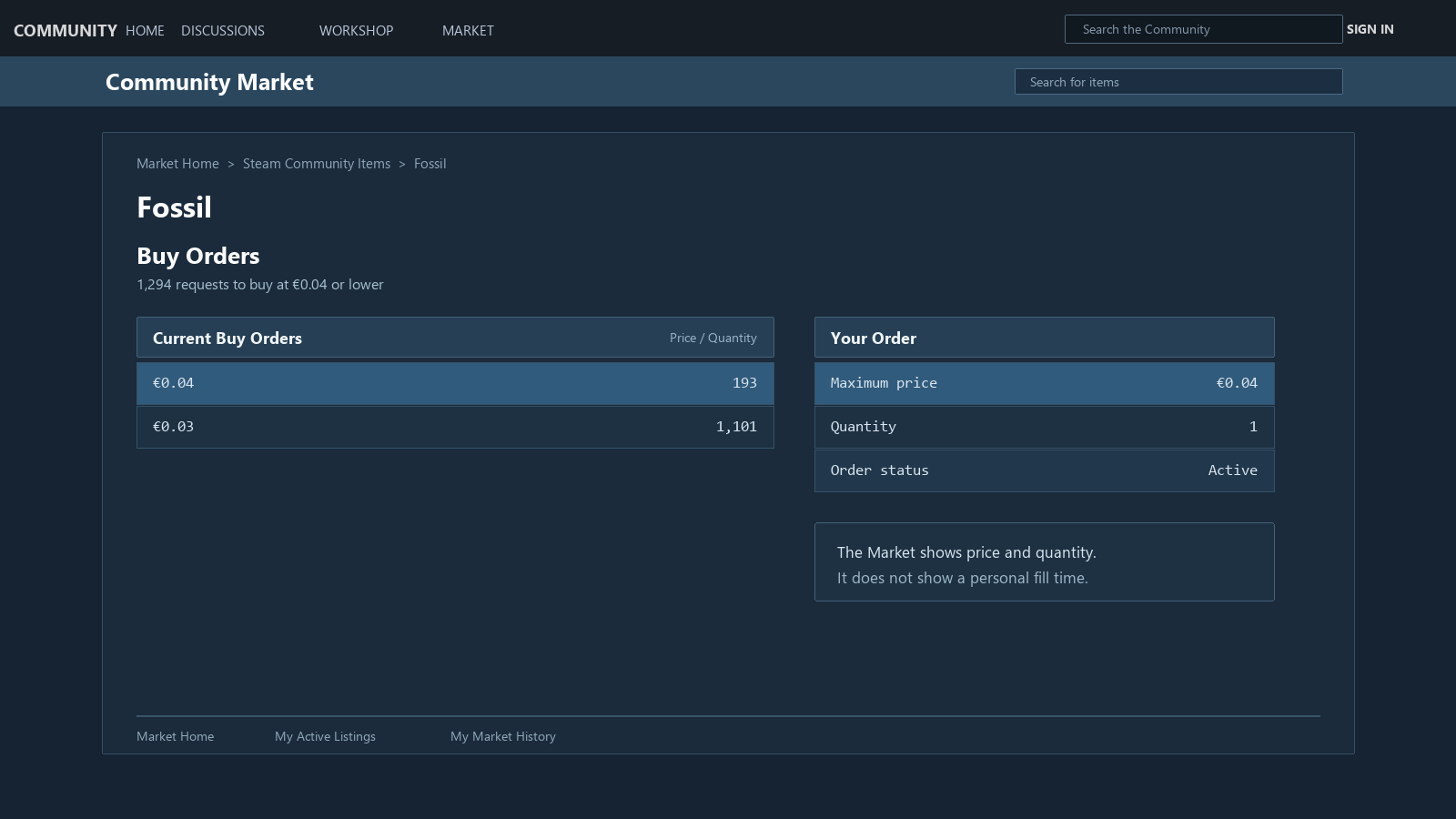
The price on a buy order is the maximum amount you are willing to pay. If a cheaper item becomes available, the order can fill at that lower amount. Taken only that far, it can feel as if the person who entered the highest price must buy first.
This is where it is worth pausing. Current Steam pages for standardized items carry a brief explanation that the cheapest sell listing is automatically matched with the highest buy order. Steam Support’s Community Market FAQ, meanwhile, says that if several buy orders can purchase a newly listed item, it selects the oldest matching order. The FAQ explains that standard in the context of fairness problems that can arise when comparing orders in different currencies.
Both pages are current public pages operated by Valve. One briefly summarizes how sell listings and buy orders meet; the other separately describes the situation in which several buy orders match one listing at the same time. In the material reviewed for this article, I could not find a current Valve document that explains in one sentence exactly how these two descriptions should be combined. So I will not force them into a single oversimplified rule here.
Valve's 2014 announcement described a simpler priority rule
Valve’s 2014 announcement, published when buy orders were first added, said that the highest-priced buy order had priority for a new listing, with the oldest order filling first when the highest price was tied. That helps explain where old advice such as “just add one more cent to move ahead” came from.
That announcement introduced the feature at the time. It predates the current Support FAQ, so it should not be used to guarantee the sequence of a personal order today. What matters more is that official Steam material differs in date and in how much detail it gives. If you take one old announcement or one short line on a current item page and treat it as the whole matching rule, you can quickly draw the wrong conclusion. Keep the 2014 Valve announcement as historical context only.
There are two facts we can establish. The amount on a buy order is the maximum you have chosen to pay. And the public order book does not show your order’s place in line. Seeing a high price on the screen does not establish that the next listing will be processed through your order first.
One common mistake follows from this. Someone raises an order slightly, then cancels and enters a new one again a few minutes later because it has not filled. Changing the price creates a new order, so you also have to consider the time that had already accumulated. Steam does not publish a numeric wait time for each individual order. No one can give an exact answer to “How long will this take?”
The public order book is not a personal queue screen. It shows prices and quantities, but not how many orders at the same conditions are ahead of yours. Without that information, saying “At this price, it will fill within minutes” is a prediction, nothing more.
This is not an argument that Valve must publish every user’s place in line or the full matching logic. The material reviewed here does not tell us why Valve does not disclose that information. From the user’s perspective, though, the high price, the low point on the graph, and the quantity in the Buy table are what stand out. Your order’s position and the timing of the next listing are not visible.
That is why people enter the price again. Cancelling an order, raising it by one or two cents, and placing it again is not a strange reaction: price is the only value a user can immediately change. I would see it less as some great strategy and more as a response to not having enough visibility into the order’s status.
Advice to “just bid a little higher” changes only the price condition. It still cannot tell you when an order will fill. If you need the item immediately, it is better to look at the current sell listings; leave a buy order only when you can wait.
A low sale on the graph does not mean your order was passed over
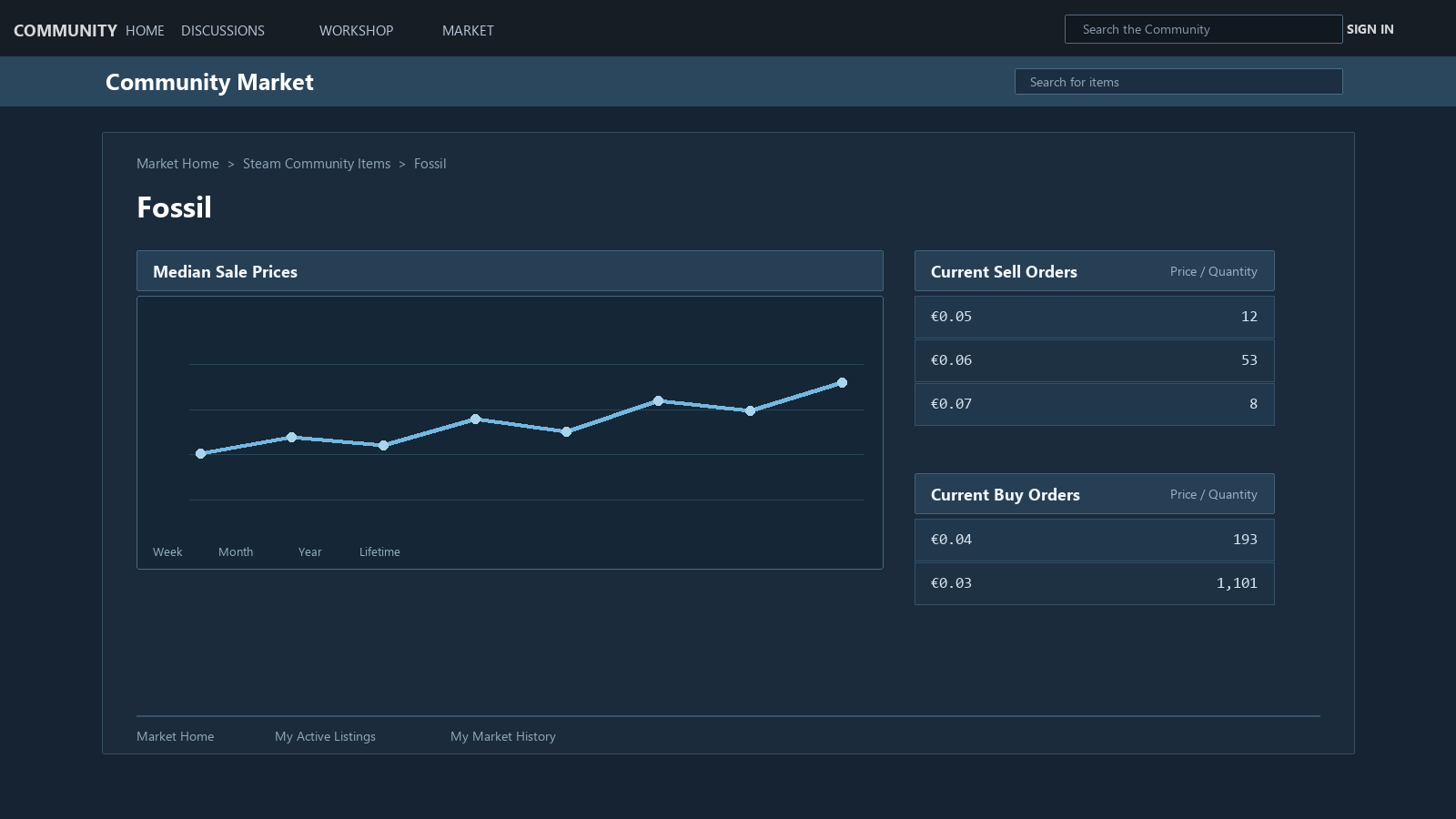
The Market’s Median Sale Prices graph summarizes transactions that have already finished over time. Here, Median means the middle value among sale prices in that interval; it does not show the cheapest listing or reproduce one final sale exactly. The Buy and Sell tables, on the other hand, group orders that are still open by price and quantity. Both deal with prices, but one is a record of past results and the other is a record of orders that have not yet bought or sold.
The current public page also shows a cumulative Buy and Sell Orders (cumulative) chart. It can help you read how many orders have gathered at each price range. Even so, it does not disclose the time of your account’s order, the sequence of other accounts that entered the same price, or when the next listing will appear. Order-book depth and a personal queue are different information.
If the graph dips briefly, you still cannot tell whether an item matching your order was available at that moment or whether an older matching order existed. To understand why your order has not filled now, open the active-order view and the current Buy/Sell tables before looking at the graph. The same word, “price,” refers to numbers from different moments in time.
The graph is useful for seeing the range in which an item generally moves. But do not set a buy-order price by looking only at its lowest point or a sudden drop. You do not know whether that price will return, and orders placed before yours do not appear on the graph.
One sale at a lower price means someone accepted that price at that moment. It does not mean someone will sell at that price again today. Today’s sellers, quantities, and buy orders placed before yours do not appear on the graph. A graph can help you look at price ranges, but it is not data for calculating when your own order will fill.
The same number is not the same price when currencies differ
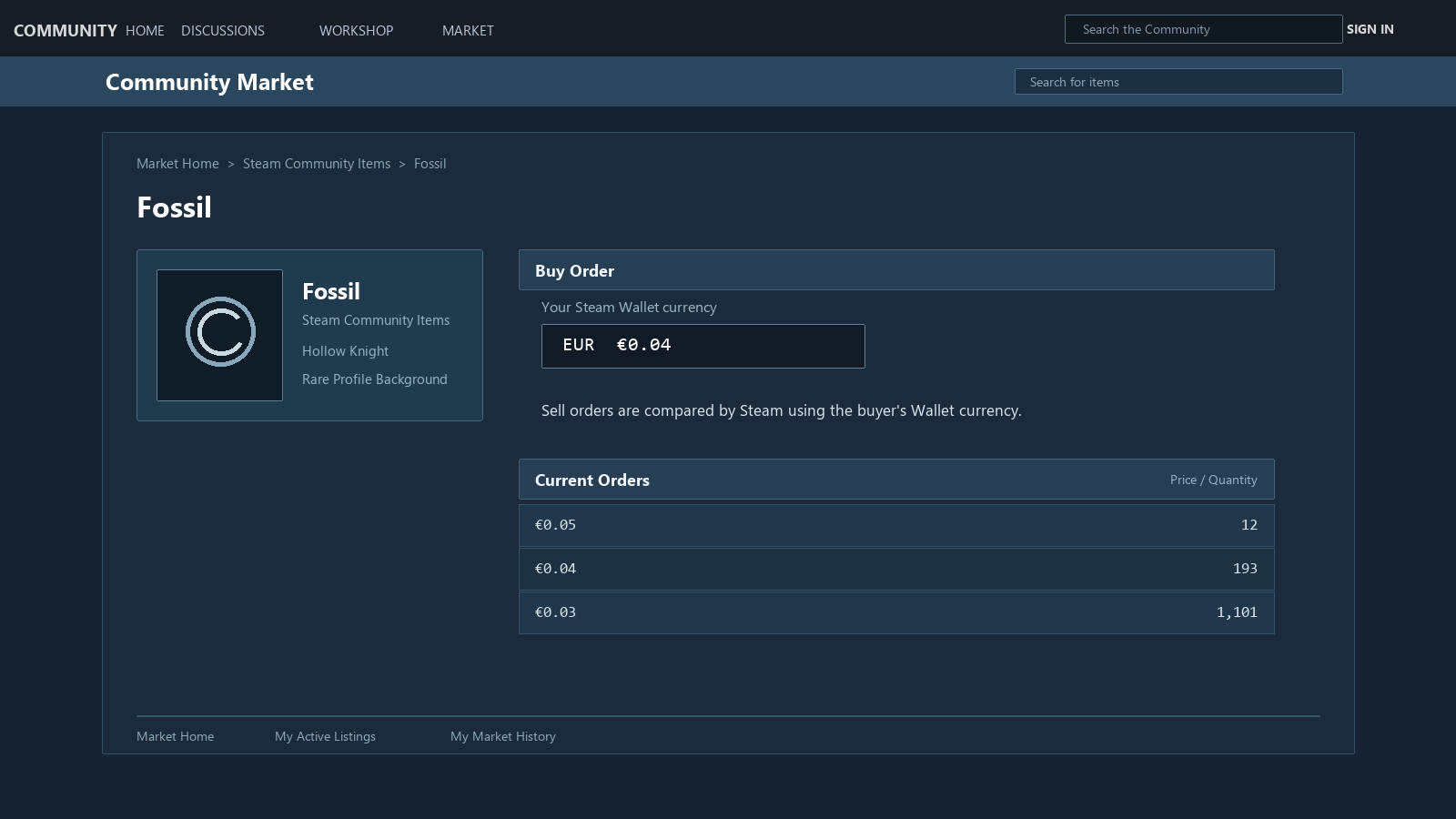
Steam explains that sellers list items in their own Steam Wallet currency, while buyers see Market prices in their Wallet currency. Listings made in another currency are compared in the buyer’s currency using exchange rates Steam updates daily.
For example, you can reach the wrong conclusion about priority if you compare two prices with the same digits alone. Steam’s FAQ gives the example that 0.03 RUB is not processed as having priority over 0.03 USD. It sounds obvious, but after staring at Market screens for a long time, currency symbols can sit outside the part of the screen you are focused on, or a rounded display can be what you notice first.
You do not need to solve this fully with your own calculations. It is enough to remember not to compare another region’s screenshot, an old post, or an outside price table directly with the order sequence on your Wallet screen. The exchange rate Steam uses for actual matching and the time of its display are not one fixed number that can be captured in a single line.
Currency differences often surface later in questions such as, “Why did this not sell first when the prices were the same?” The currency seen by the buyer and the currency used by the seller can differ, which makes it hard to reconstruct the queue from public numbers alone. This is the extent of what Valve explains. It does not mean you can work backward from the public order book to determine every exchange rate and every step used in a particular transaction.
A buy order may not wait for you if your Wallet balance is too low
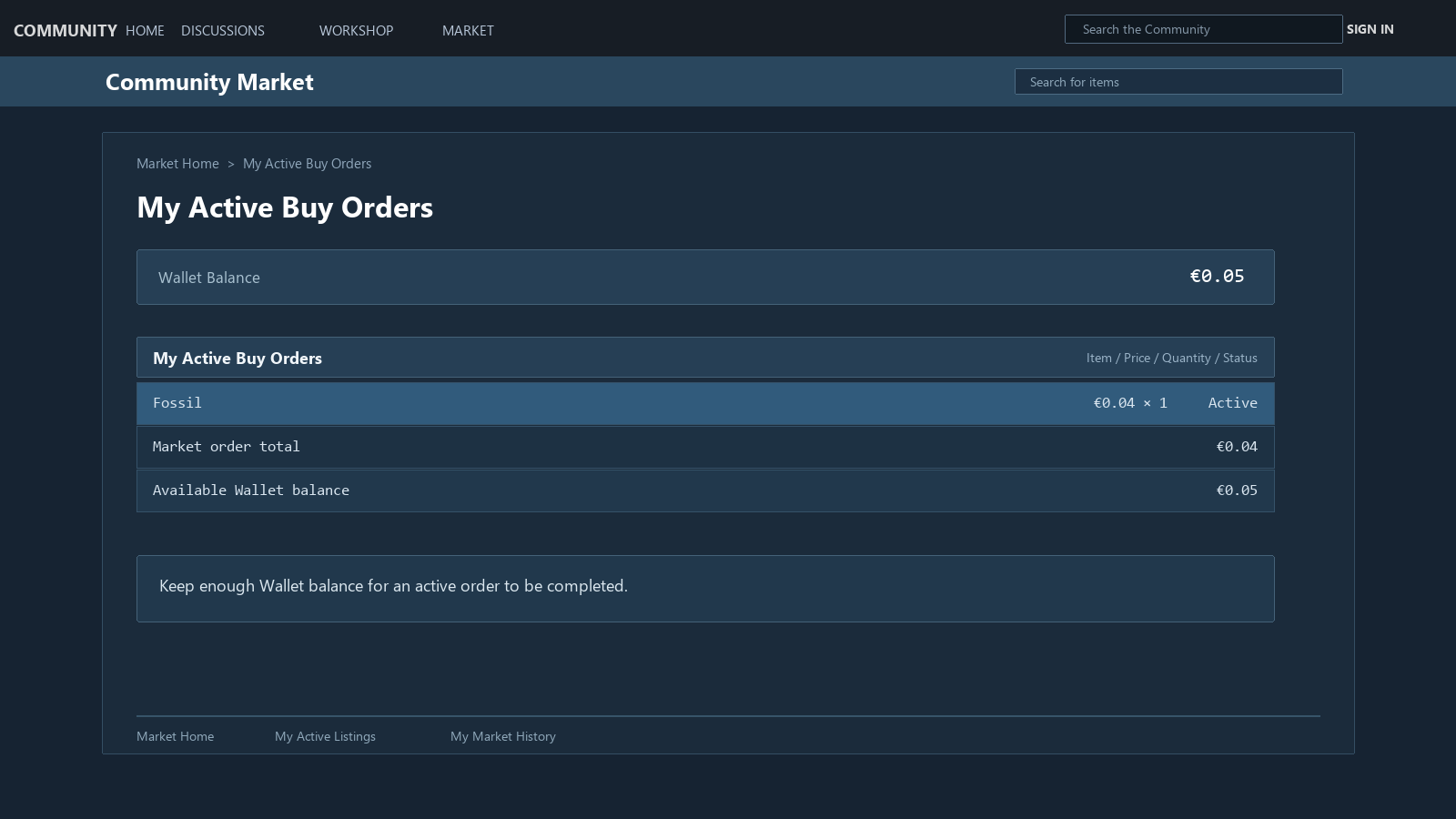
A buy order is not a permanent wish list that Steam keeps regardless of your Wallet balance. Steam says it can automatically cancel a buy order if your Wallet does not contain enough funds to fulfill it. It also says the system can cancel an order if item information changes, if there is an issue with your account or Wallet, or if a problem occurs while the order is being filled.
The key question is not, “I had the balance before,” but whether the order can be fulfilled now. If you bought a game or another order filled first and changed your Wallet balance, a remaining order can be affected too. This matters even more when you have several open orders at once.
Steam says that the total amount covered by active buy orders can be up to 10 times your current Wallet balance. That figure means you can place several orders; it does not mean that enough money is always set aside to execute every order. Checking whether the order is still present matters as much as checking the price.
After placing an order, do not only keep watching the graph on the item page. It is worth checking your active buy orders on the Market home screen as well. If the order has disappeared, check the reason for cancellation before focusing on price or wait time. If it remains, first consider that no matching transaction may have occurred yet.
To investigate an unfilled order, open just four screens
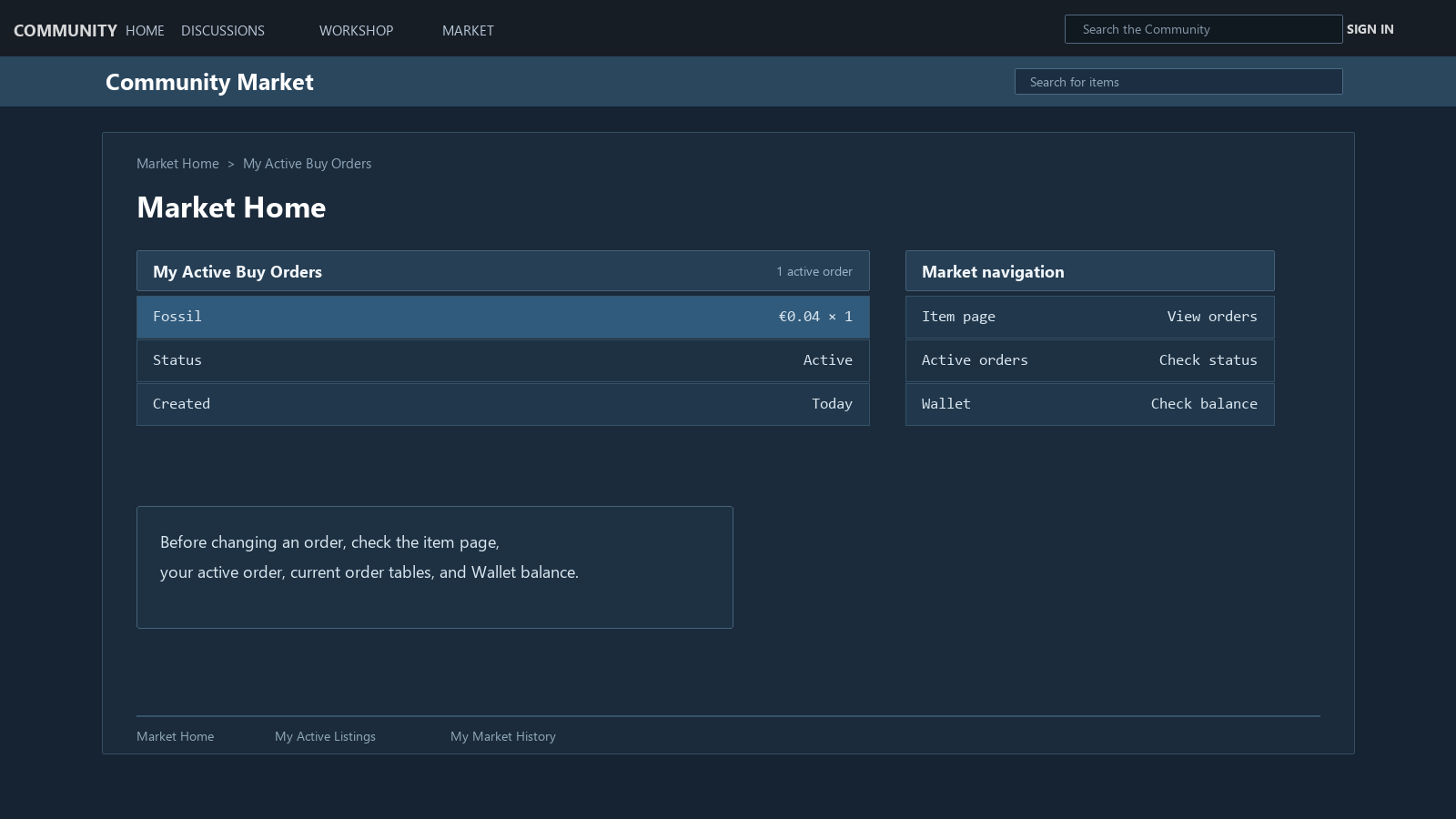
You do not need to interpret an entire chart or search external price sites from the start. A short sequence is less confusing.
1. Item page — Check whether the item is a standardized item that uses Buy Orders. 2. Your active buy orders — Confirm that the order is still there, along with its quantity and maximum price. 3. Current Buy/Sell tables — Look at the price ranges and quantities in the orders that are open now, rather than the historical graph. 4. Wallet and account status — Check that enough balance remains to fulfill the order and that there is no account or payment issue for which Steam might cancel it.
An individual order’s position in the queue and its expected fill time do not appear in the public order book. Even after checking all four screens, the answer may still be “not known yet.”
Before the price, decide whether you can wait
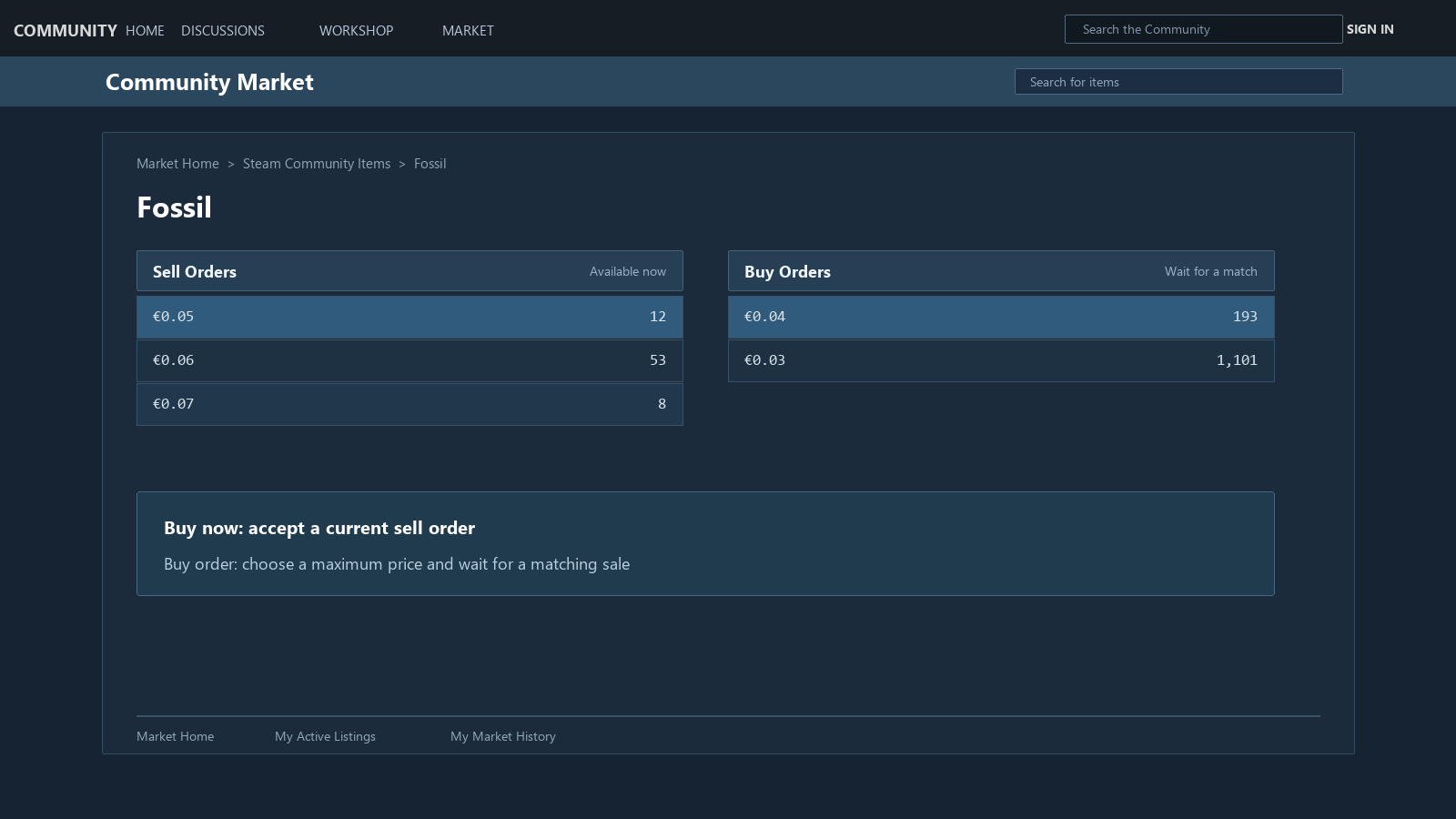
When there is a gap between the lowest sell price and the highest buy price, it can look as if one side entered the wrong price. That is not necessarily the case. Sellers enter a price because they want to sell now; buyers leave an order because they are willing to buy at or below that price. They may be looking at the same item, but they may not be in the same hurry.
I do not think the first question here needs to be who traded better. If you need the item today, it may be the right choice to pay a little more and buy it now. If it is not urgent, you can leave an order at a lower price and wait. The same price gap can mean different things to different people.
So when you place a buy order, the question to ask before “Is this the right price?” is “Do I actually need this item today?” If you need it now, look at the sell listings and decide. If waiting days or weeks is fine, you can choose the maximum you are willing to pay and leave a buy order. This is not investment advice or a price forecast.
Decide whether to wait or cancel from your purpose, not the price
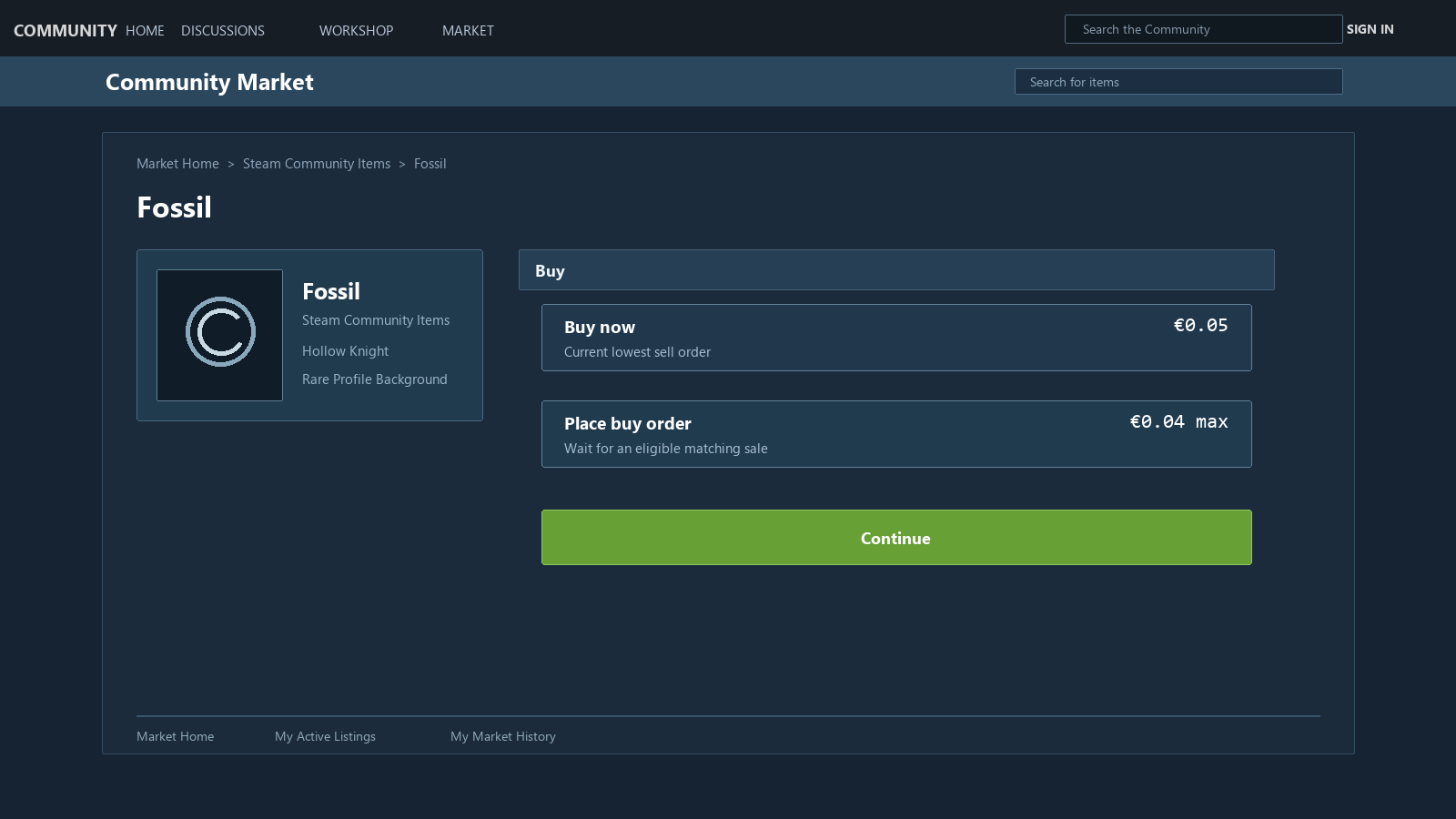
The same order can mean different things depending on whether you need the item to play a game right away or would only buy it at a lower price. In the first case, compare current sell listings and the price to buy immediately. In the second, you can leave the buy order and wait.
Steam does not promise the exact time an order will fill or your place in the queue. That is why buy orders remain frustrating if you treat them as a feature where entering the highest price lets you buy right away. I think they make more sense as a way to leave a price condition for an item you do not need urgently.
---