


Steam has approved a refund, but the card statement has not changed and the number in the Steam Wallet has. Or you start the request expecting Wallet credit, then see an option to send the refund back to the payment method you used. Neither outcome is random. The destination depends on how the purchase was paid for, whether Steam can refund that payment route, and which option you select on the refund request screen.
Before looking only at the approval status, check where the money came from and the route selected when you requested the refund. A game bought with a card or PayPal, a game bought with Steam Wallet funds, and unused funds added directly to Steam Wallet do not lead to the same support path.
A refund is not a withdrawal feature
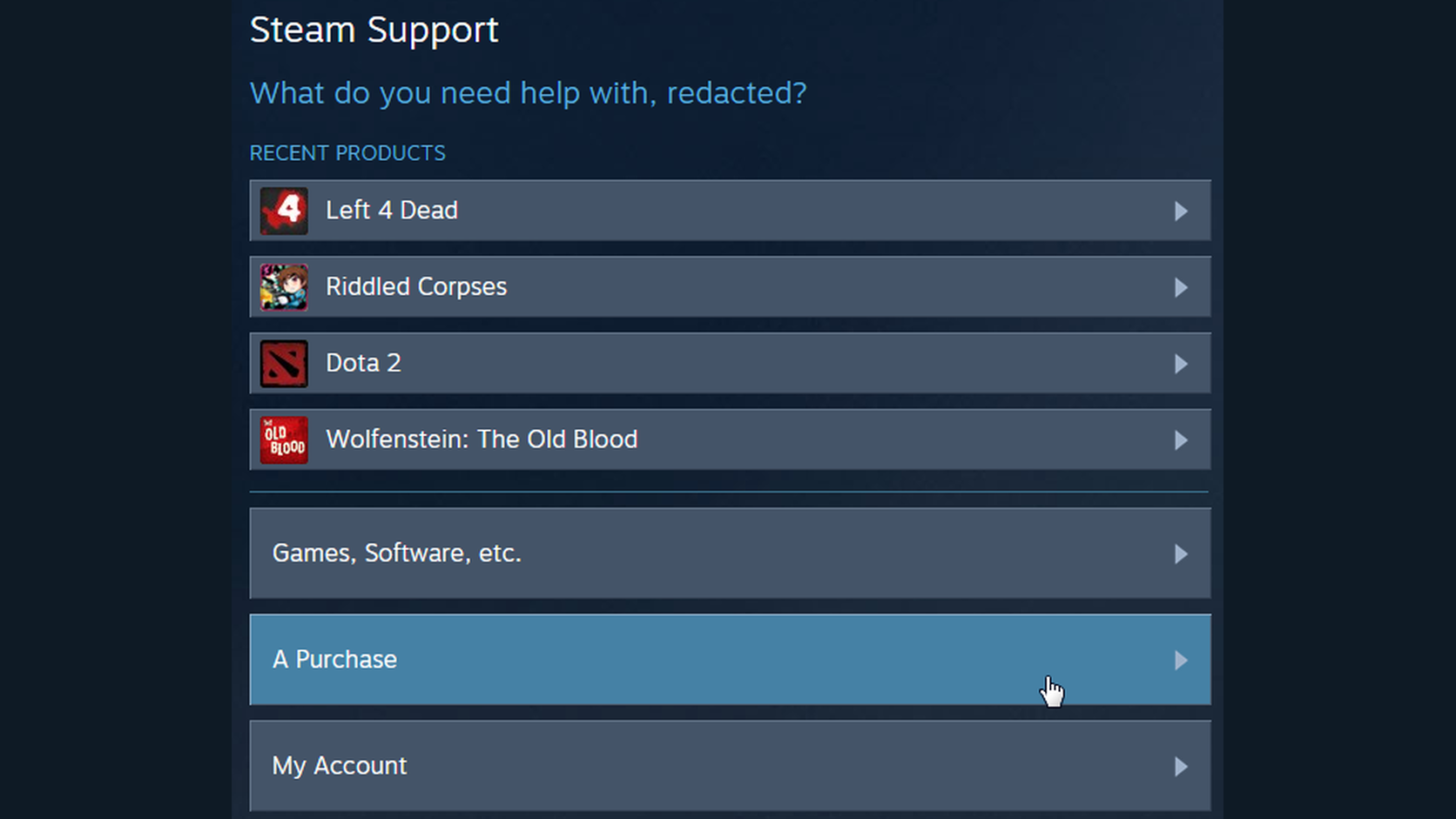
You can ask Steam to refund a game because it was not what you expected or does not run properly on your system. Its usual policy for games and software is a request made within 14 days of purchase with less than 2 hours of playtime. A request outside those limits is not automatically blocked, but it is not automatically approved either; Steam says it may review exceptions.
Two different questions tend to get merged here. Refunding a particular game purchase is not the same thing as taking an existing Steam Wallet balance out as cash. The first reverses a purchase. It does not create a way to send Wallet funds somewhere else.
The distinction still matters once you open the refund flow. Steam starts from a specific item in Purchase History. If the starting question is “Which bank account can I move this money to?”, the feature being looked for is already a different one.
The original payment method and the request screen decide the destination
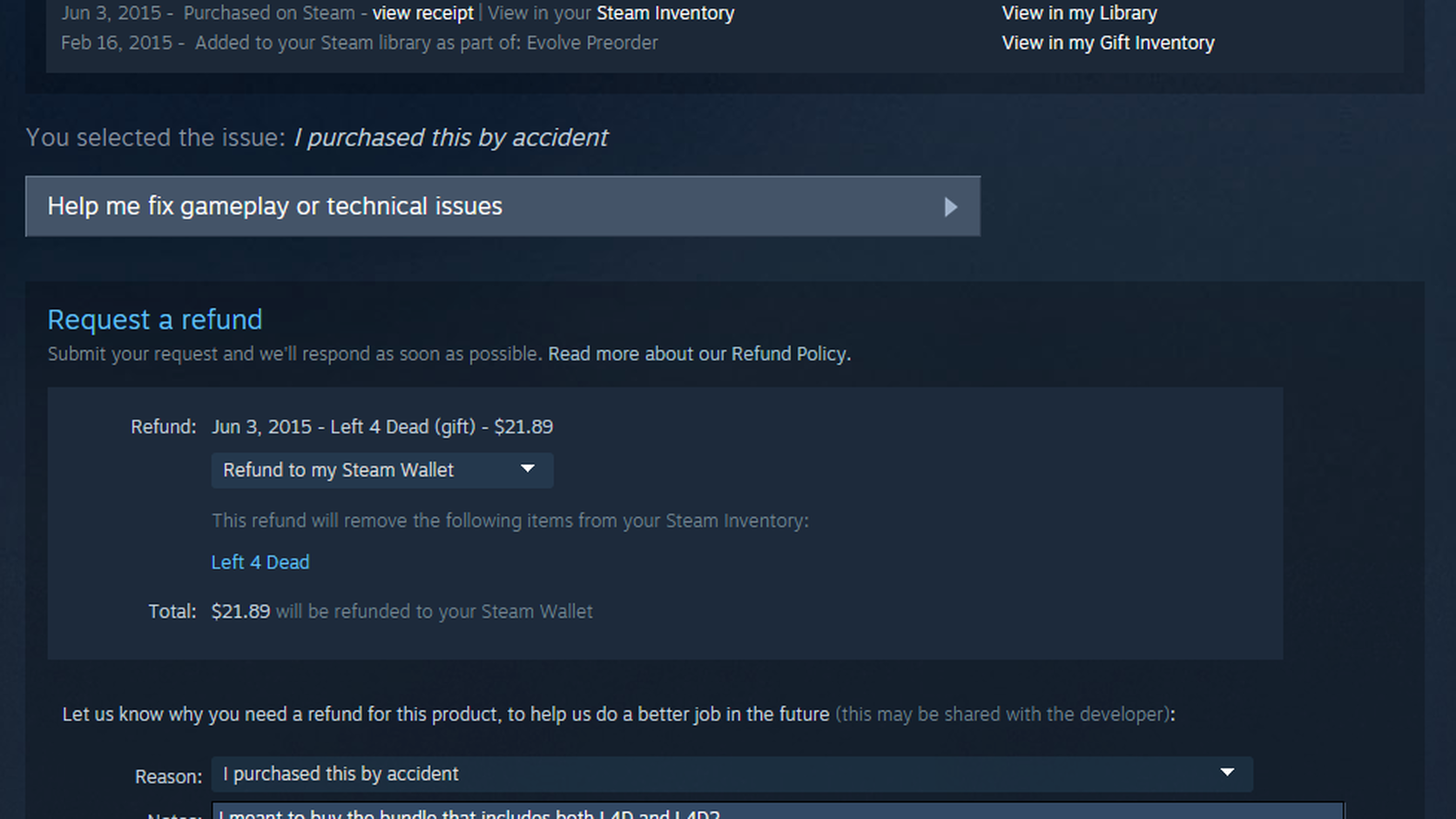
Steam's refund request guidance says that, where available, the request screen provides a drop-down menu for choosing Steam Wallet or the original payment method. Steam is not simply picking one destination at random. The options on the screen depend on whether the original payment method can receive the refund; the customer then selects from the available routes.
Payment methods also differ by country. Steam's refund payment-method page separates the methods that can be refunded to the original method in the current country from those that cannot. When the original method is not supported for a refund, Steam Wallet may be the only option shown. That is why the choices on your own request are more useful than someone else's result or an old community post.
Paying with PayPal does not always mean the refund goes back to PayPal
The word PayPal alone is not enough to settle it. If PayPal was used for the purchase and that route supports refunds to the original method, the request screen may show both PayPal and Steam Wallet. If it does not, Steam Wallet may be the only route available. The same applies to cards: what matters first is not that a card is saved to the account, but that it was the original payment method for that purchase.
You cannot redirect the refund to a different card or a different PayPal account that is not shown in the support flow. Use the choices shown for the purchase in question.
Steam approved the refund, but the money is not visible yet
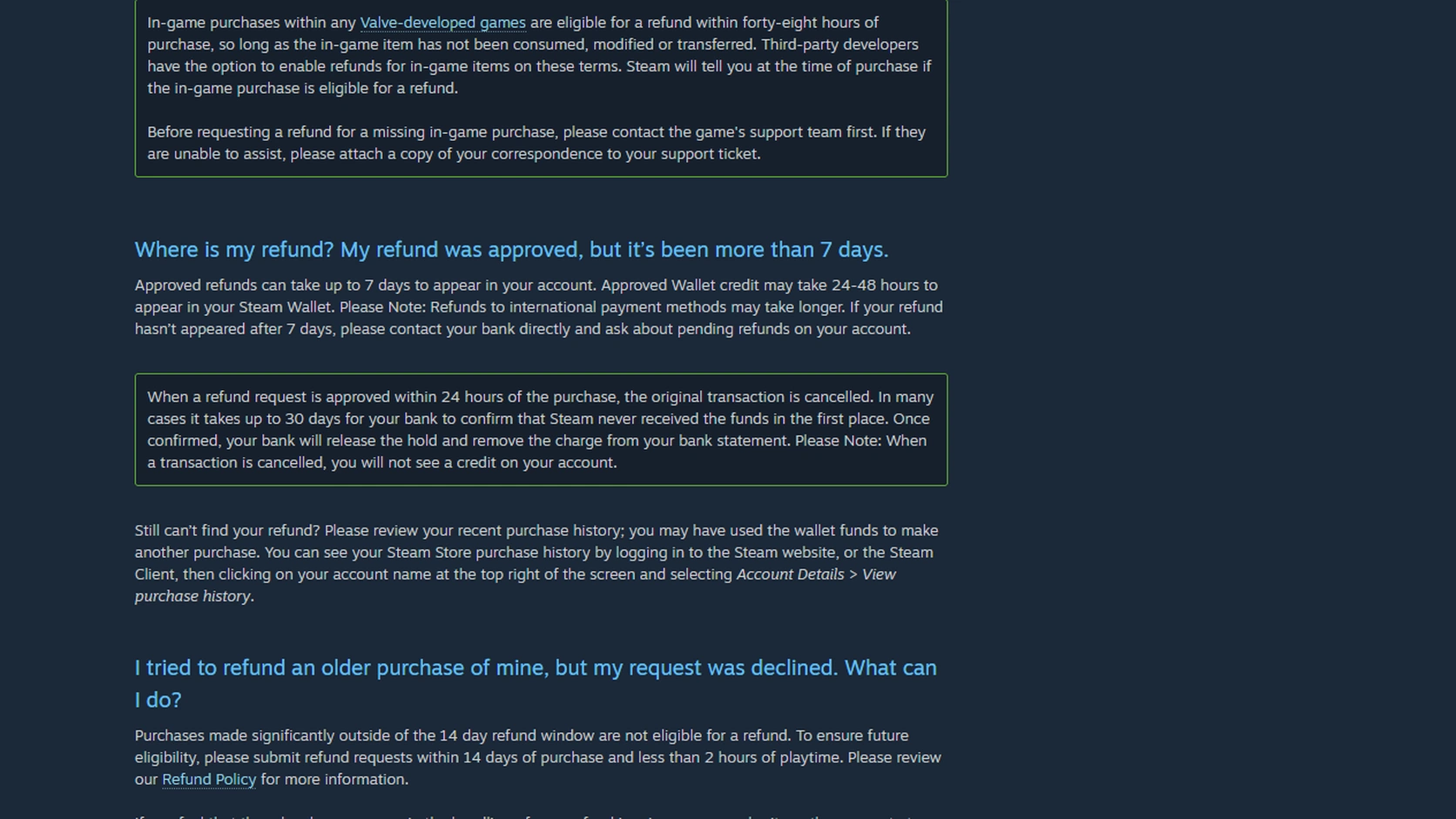
After the approval email arrives, it is natural to check the Wallet and the banking app back and forth. Steam says approved Wallet credit can take 24–48 hours to appear. Other approved refunds can take up to 7 days to reach the account, and international payment methods can take longer.
There is another wrinkle when Steam approves a refund within 24 hours of purchase. The original transaction may be cancelled. A card statement might not show a separate refund credit at all; instead, the original authorisation or pending hold can disappear. Steam says that a bank can take up to 30 days in some cases to confirm that Steam did not receive the funds. Once that is confirmed, the bank can release the pending authorisation and remove the charge from the statement.
If a refund requested to the original payment method is still missing after seven days, ask the card issuer or bank first whether a pending refund or released hold is visible. If the route or status shown in Steam's Purchase History is not what you expected, then check that purchase with Steam Support. For a Wallet refund, the bank is not the useful first stop: look at the Wallet balance and the Support status instead.
If the money you are waiting for comes from a direct top-up or a completed Market sale, use the missing Wallet funds guide instead. A refund waiting period does not explain those transactions.
Direct Wallet top-ups have a 14-day, unused-funds rule
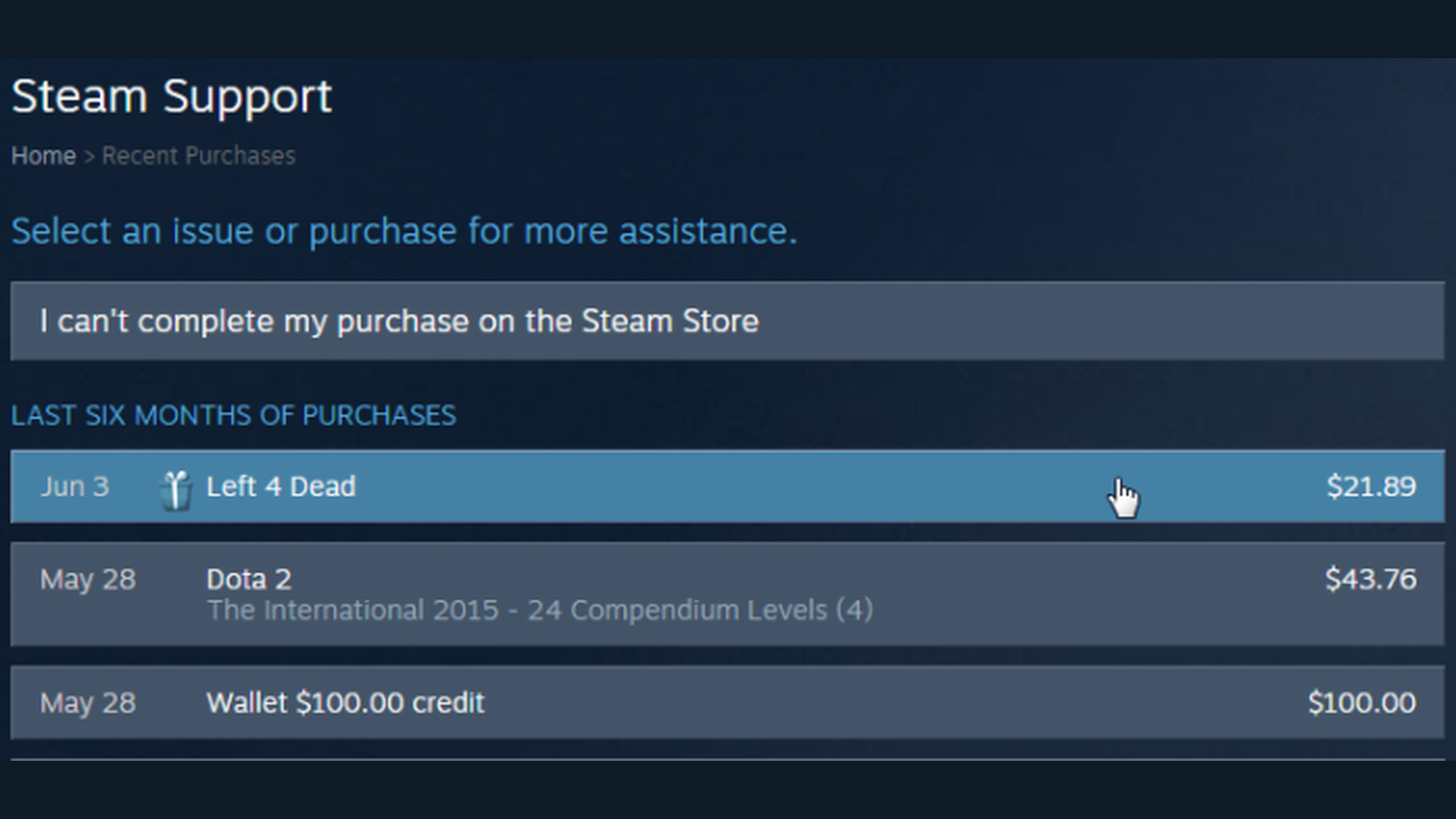
This is a separate case again. A refund for a card-funded game purchase and a request to refund money added directly to Steam Wallet do not use the same rule.
Steam's Wallet help page says that funds purchased on Steam can be requested for refund within 14 days if none of those funds have been used. Once any of that top-up has been spent, it no longer meets the condition for a refund of unused Wallet funds within 14 days.
The number left in Wallet is not enough to answer the question. What matters is where those funds came from and whether they were used after being added.
A refund sent to Steam Wallet cannot be rerouted afterward
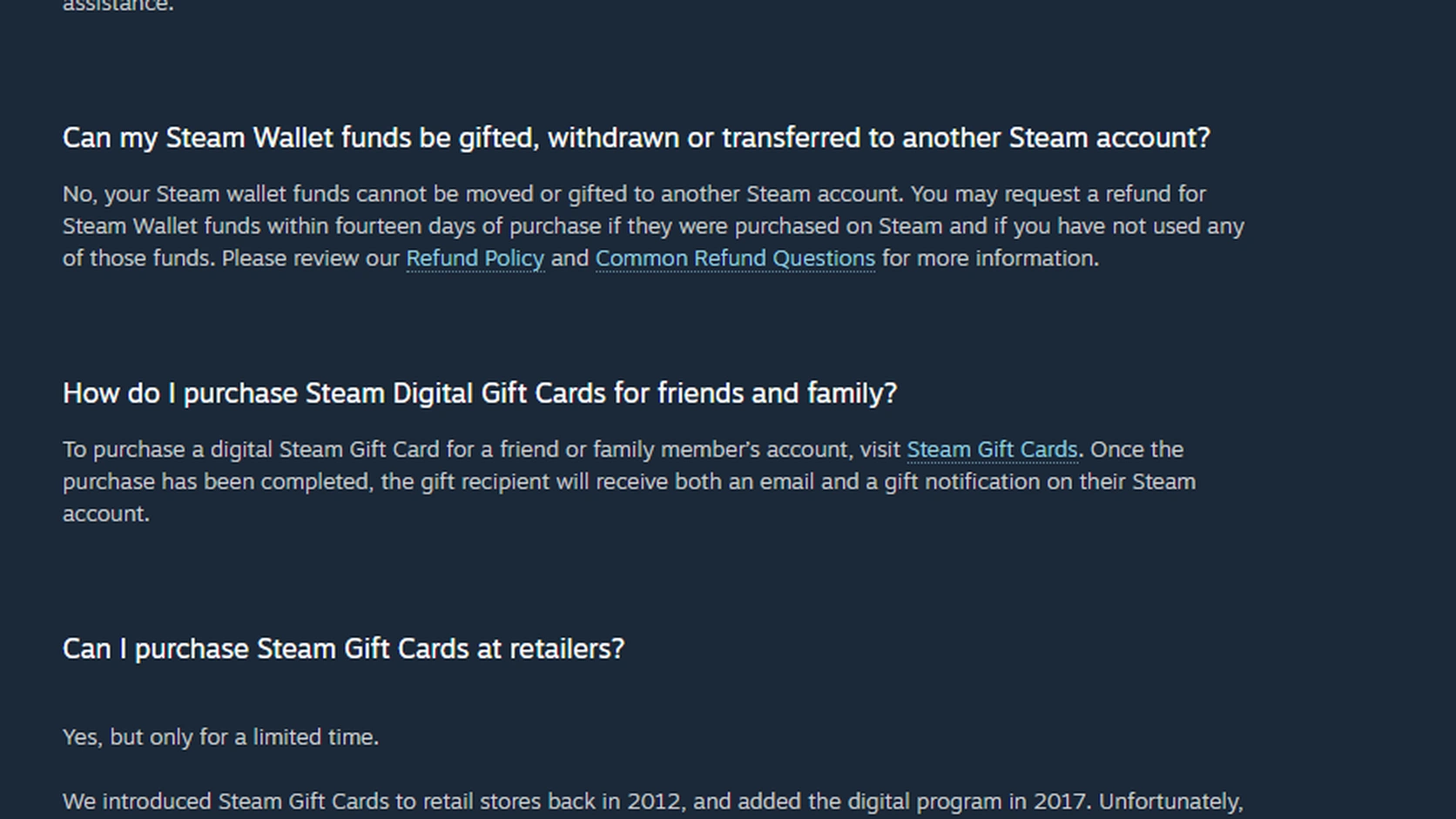
Once the refund lands in Steam Wallet, the question often changes: “Can I send it to my card or PayPal now?” Steam Wallet has no conversion button for that.
Steam's Wallet help says Wallet funds cannot be gifted, withdrawn, or moved to another Steam account. A refund that ends in Wallet is therefore usable as Steam balance, not cash that can be sent again to a new payment method.
Game gifts, digital gift cards, and Community Market sales are easy to group together, but they do different things. A game gift sends a game. A digital gift card requires a new payment. Sale proceeds from the Market stay in the Wallet of the account that sold the item. None of them moves an existing Wallet balance to another card or another account.
Once the refund is complete, it becomes a different question
While a refund is still pending, start with the original payment method and the status of that purchase. Buying items or starting Market trades at this stage can make the original issue harder to follow.
If the refund is complete and the money is now in Steam Wallet, the issue is no longer the refund itself. It is what can be done with the Wallet balance. Direct transfers to a bank or PayPal are not a Steam Wallet feature, and selling an item on the Community Market still leaves the proceeds in Wallet. The separate guide on sending Steam Wallet money to PayPal or a bank covers that boundary in more detail.
SteamVaults does not move the Wallet balance of one account to another account or payment method either. A separate route involving tradable items is not interchangeable with a Wallet refund. Before deciding what to do with a balance that is already there, read how cashing out a Steam Wallet balance actually works.
Three things to check before requesting a refund
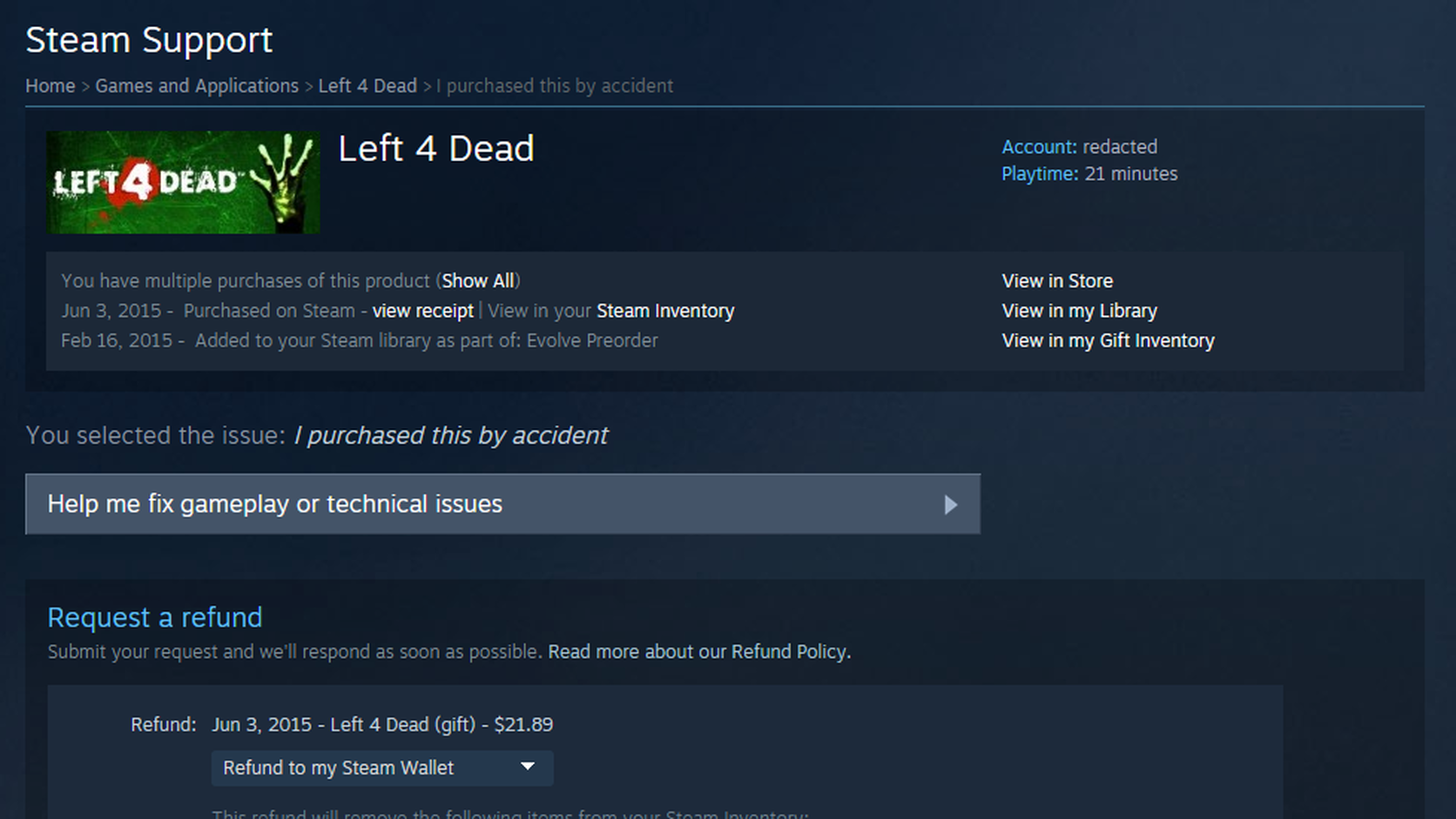
1. What is being refunded? A game or software purchase and funds added directly to Steam Wallet are different cases. 2. What paid for that purchase? Check the payment method used for the purchase, not merely a card saved on the account. 3. Which refund route is shown and selected? Confirm whether the option is Steam Wallet or the original payment method.
Those three checks usually narrow down why a card has not shown the refund yet, or why the refund was handled through Steam Wallet.
Official guidance