PEAK suits a group that enjoys talking through routes, sharing supplies and laughing at its own mistakes. The trade-off is that one injury lowers stamina for the rest of the climb, so the difficulty comes from pacing rather than combat. Skip it if you want a relaxed hike, a story campaign or public matchmaking, since online play is friends-only. The Steam listing shows Windows as the only platform, so Mac and Linux players should check before buying.
How the game actually plays
PEAK is a climbing and survival game about a group of lost scouts trying to reach the mountain at the center of a mysterious island. A climb crosses four biomes, each with its own obstacles, while players search for food and useful equipment on the way. The island layout changes daily, but the current layout can be attempted more than once that day. That makes the central question practical: which route can this team manage with its supplies and current condition, rather than simply how quickly can everyone move upward?
The physical route is only part of the puzzle. Players can help one another over ledges, then leave ropes or climbing spikes to make a section safer for friends who follow. Survival items can offset a dangerous situation, but they are limited resources, so using one now means it will not be available later. Injuries lower stamina, which makes the next climb harder; a fall can therefore affect the group well after the moment it happens. The best teamwork is often careful pacing and sharing tools, not everyone attempting the same jump at once.
Choose PEAK if you want a cooperative session where communication, route reading and shared mistakes are the entertainment. It supports offline solo play, while online multiplayer is friends-only and lets up to four scouts climb together. That setup is less convenient if you expect public matchmaking or a story-led campaign. It can also feel stressful if you want a forgiving hiking simulator: the island is designed around hazards, stamina management and the possibility that a small error will create a much tougher climb.
Before setting off, look over the supplies and decide who should keep a healing or climbing item. On a ledge, pause to check the route above and the position of the group; placing a rope for the last person may matter more than reaching a higher foothold first. If you are choosing between PEAK and a conventional co-op shooter, pick PEAK for movement and group coordination as the main activity. Choose a shooter when you would rather solve most problems by aiming and fighting.
Skip it for now if your group plays on Mac or Linux, because the Steam listing shows Windows as the only supported platform. Solo play is available, but the Steam description says you will need to rely on friends to have any hope of scaling the mountain, so a solo climber faces the same route with less help. Wait if you need public matches, since online multiplayer is limited to friends you invite. Everyone in the group also needs room for 16 GB of storage, according to the minimum requirements. Players who want a quick session without anyone to coordinate with should look elsewhere.
The store lists full controller support and Steam Deck as verified, so the game works on a handheld or with a controller at a desk. There is no local co-op, which means friends need separate copies and must join an online lobby together. Fifteen languages are listed, with Korean and Japanese covering the interface and subtitles. Steam Cloud is not listed, so progress will not sync between machines through Steam, and no DLC is listed, so the base game is the full package.
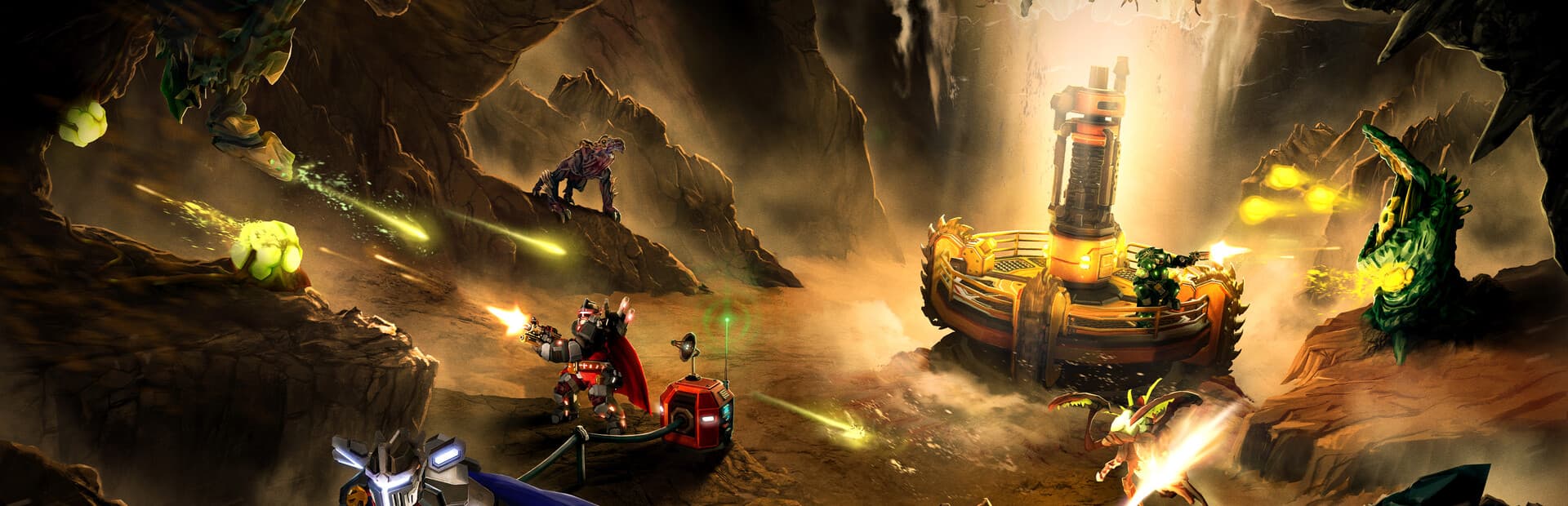
Deep Rock Galactic is listed as a co-op shooter with exploration, so its team focus is on combat roles and shooting together. PEAK keeps the group close too, but it swaps weapons for climbing routes, items and stamina management, so a mistake costs a fall or an injury rather than a firefight. Pick Deep Rock Galactic if you want a team that fights together; pick PEAK if you want a team that reads the mountain and sorts out its supplies together.
Consider it if you want
Pick it for cooperative problem-solving, physical climbing and funny mishaps that emerge from a group’s decisions.
It can also work solo if you want to read each route and manage the climb at your own pace.
Agree on who carries useful items and when to place ropes or spikes. In a group, stay close enough to help instead of racing ahead.
You might prefer something else if
An injury reduces stamina, so one mistake can make the next section harder; the mountain can be punishing rather than relaxing.
PEAK beginner tips
Arrange luggage before a Citadel campfire savePatch 2.6.a fixed Citadel campfire saves so they track the luggage and other objects placed around the fire. Set your items up around the fire before you save.
Rejoin through the room code after a dropRoom codes let you join a lobby directly, and patch 3.0.1 fixed them for other regions. Reconnecting players should no longer come back dead when they are still alive, so rejoin the same lobby instead of starting over.
Use the first attempt to read the islandThe map rotates every day, and you can give the same island several attempts in one day. Use an early attempt to learn the layout, then return with a plan.
Check Bookworm progress before a long sessionPatch 2.4.c fixed a bug where Bookworm badge progress reset at the start of every run and Guidebook Scrolls disappeared when opened. If you are working toward that badge, check your progress before a long session.
Choose it for a longer, building-focused survival game with boss preparation rather than vertical climbing; its listed categories lean toward building and exploration.
Pick it when you want short co-op missions built around shooting and team roles rather than routes and injuries; its listed categories are action, shooter and co-op.
Frequently asked questions
Does PEAK work on Steam Deck?
Yes. Steam rates PEAK Steam Deck Verified, so it should run and control well with the default settings.
Can you play PEAK with a controller?
Yes. Steam lists full controller support for PEAK.