


1,118 Gems.
That is enough for 1 Sack of 1,000 Gems, with 118 Gems left over. Yet in April 2015, a Steam user with exactly that total posted that packing no longer worked, even though it had worked before. Their Gems were split across several smaller stacks, so none of those stacks reached 1,000 on its own. The 2015 thread records the case of 1,118 Gems that still could not be packed.
Another report appeared in 2018. The stacks were:
890, 600, 710.
2,200 Gems in total. 0 Sacks.
The user was puzzled because Steam's Booster Pack Creator counted all 2,200 Gems, while packing did not. They used Steam to buy and play games; they did not want to move Gems between accounts just to work around one inventory problem. That 2018 complaint appears in the original discussion.
Neither user had added the numbers incorrectly. They had not missed a button. The total shown by Steam and the amount held in one stack were different things when they tried to pack a Sack.
> Source boundary — checked August 22, 2026: Steam's current Market listing confirms that one Sack of Gems contains 1,000 Gems. It does not publish a rule about merging separate stacks or explain why stacks appear split. The stack examples below are dated Steam Community user reports. Use them as troubleshooting clues, not as a Valve guarantee; inspect your own inventory and do not send Gems to a stranger just to test a workaround.
1,000 in Total Is Not the Same as One Stack of 1,000
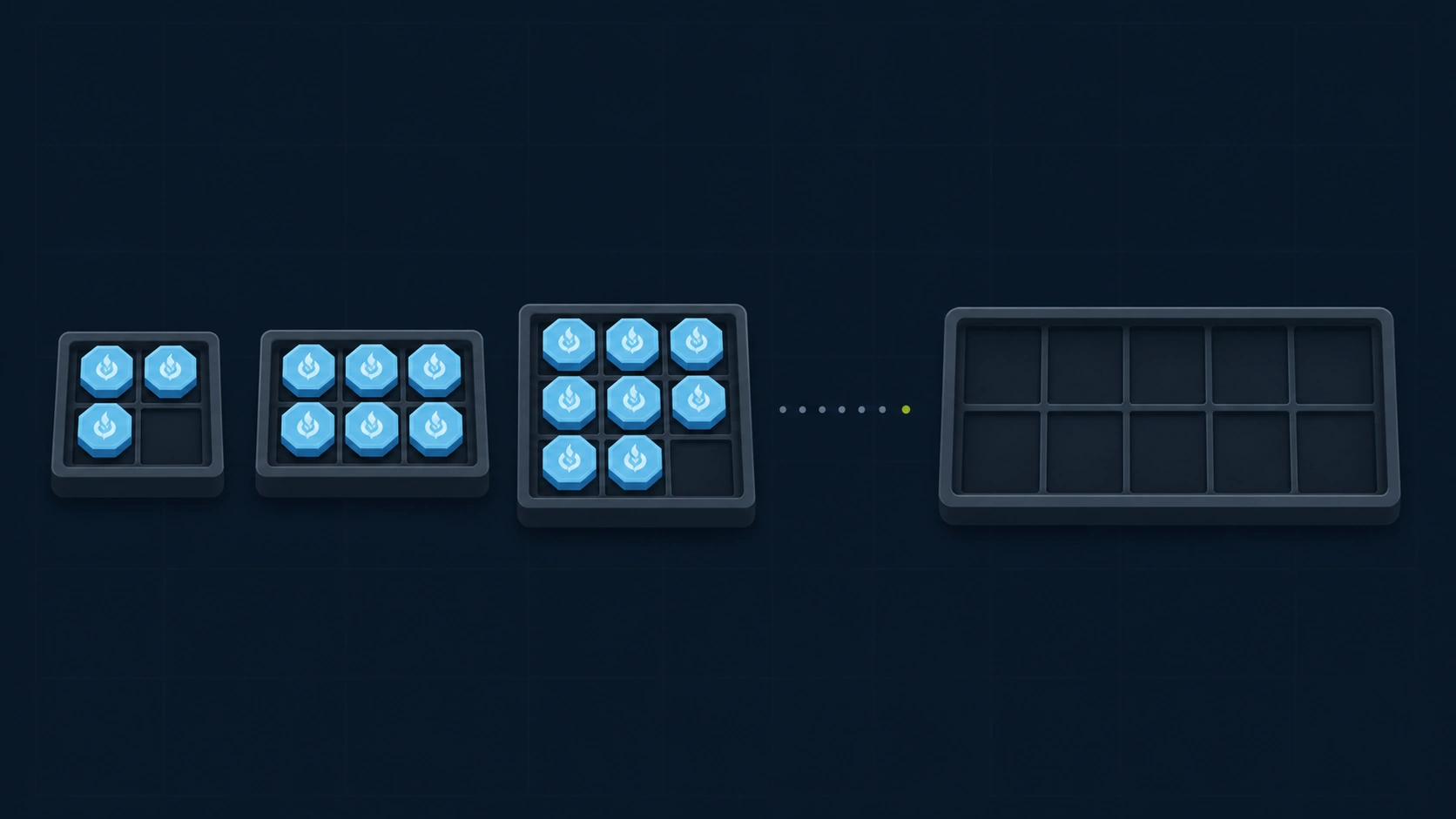
Check the Inventory Slots Before the Total
One Sack of Gems contains 1,000 Gems. Steam's official Community Market listing describes it as 1000 Gems.
Steam's listing stops at that definition; it does not explain split stacks. If your inventory shows 2,000 Gems, expecting to make two 1,000-Gem Sacks is reasonable.
A stack containing at least 1,000 Gems can be packed. A combined total above that mark may not be enough if it is divided into stacks such as 900 and 120, or 890, 600, and 710. Steam can display the sum at the top of the inventory without automatically drawing from several slots when you pack a Sack.
Set the total aside for a moment and inspect the inventory slots. How many stacks are there? Does any single stack reach 1,000?
900 + 100 is certainly 1,000. Steam may still treat those two stacks separately during packing, which is not obvious from the total alone.
Loose Gems and a Sack Are Related, but They Are Not the Same Inventory Item
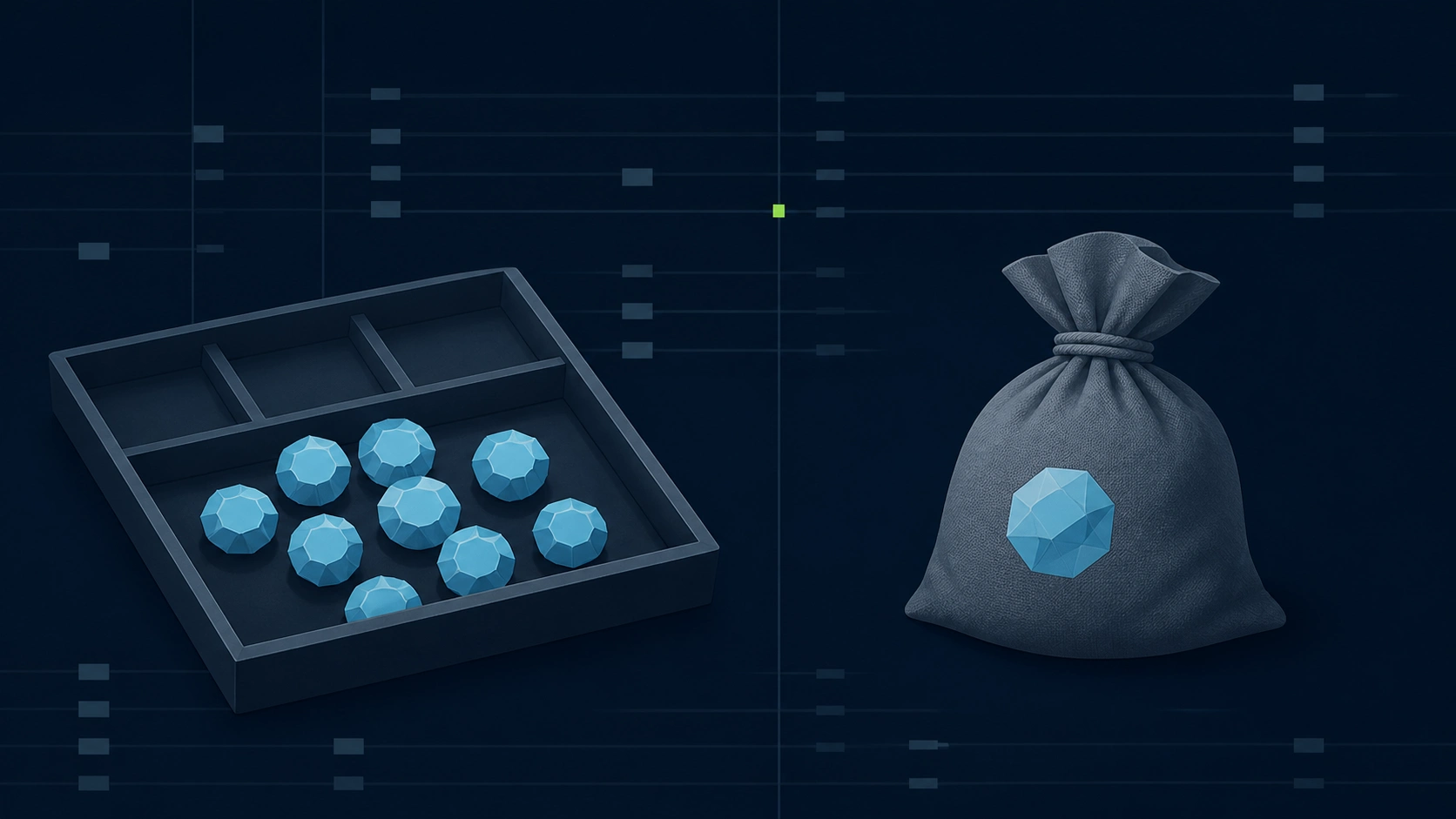
Both represent Gems, but Steam treats loose Gems and a Sack as different inventory forms.
Loose Gems appear as quantities in your Steam Inventory. Select certain trading cards, emoticons, or profile backgrounds and you may see Turn into Gems; using it replaces the original item with the displayed number of Gems. Not every item can be converted, so some items do not show the button at all.
Treating Gems like Steam Wallet balance only makes the system harder to follow. Gems are not money for buying games, and Steam does not promise a fixed exchange rate for them. They are closer to an inventory unit used to create card packs in the Booster Pack Creator or to even out small differences when users trade community items.
A Sack packages 1,000 Gems as one item. It has its own Community Market listing and appears as a single Sack in a trade offer. For trading, the package matters as much as the amount inside it.
Community reports suggest that Steam’s packing action may require a visible stack of 1,000 Gems rather than combining several inventory slots. Valve does not document that as a universal rule, so use it as a diagnostic possibility rather than a guarantee.
Are You Crafting a Booster Pack or Sending a Sack?
If you want to create a booster pack, you need loose Gems. According to the Steam Trading Cards FAQ, a booster pack contains three cards, while the Gem cost can vary by game. Unpacking one Sack does not guarantee exactly one booster pack for every game.
If you want to list the item on the Community Market or send it as one item in a trade, you need a Sack. Opening a Sack turns it back into loose Gems. If the Sack is what you intend to send, opening and repacking it serves no purpose—especially if split stacks have already caused trouble once.
> Not an official cause: Community posts do not prove that account sorting, load state, a particular time window, or a restriction always causes split stacks. Steam does not publish a merge-control or a single-stack diagnostic rule here. Treat the state you can see in the client as the limit of what this article can diagnose, and use Steam Support for an account-specific issue.
Trade Restrictions Are the Explanation Most Often Given for Split Gem Stacks
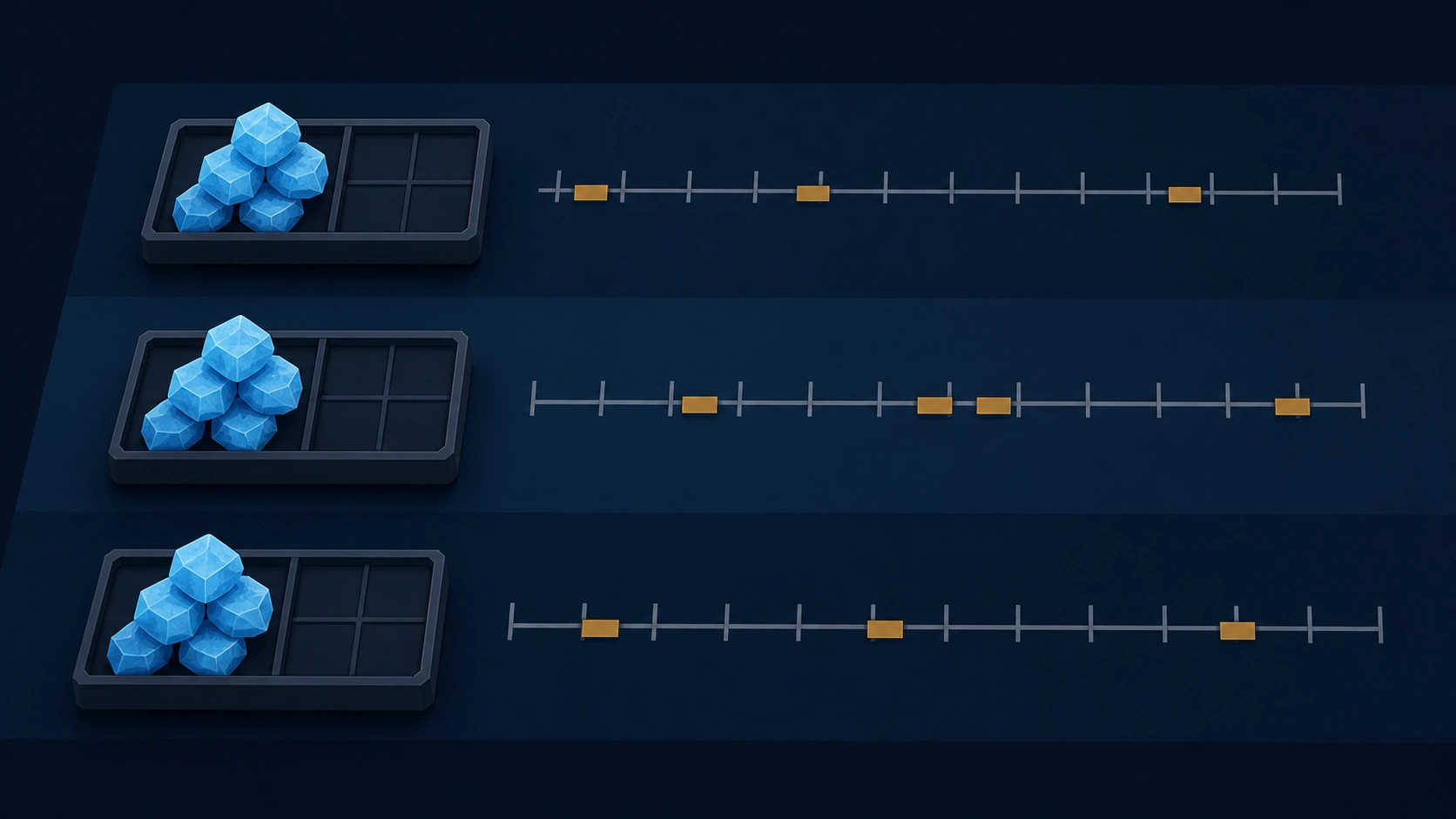
Old Steam discussions about split Gem stacks repeatedly point to trade restrictions.
In 2015, one user wrote that converting an item with a one-week trade restriction produced 2 stacks: ordinary Gems and Gems that still carried a restriction. The stacks did not merge automatically after the date passed. Replies in a 2020 discussion offered the same explanation: Gems converted from restricted items inherit those restrictions and remain in separate stacks. The discussion describes users running into the problem years later, including a user frustrated that the restriction was not displayed more clearly.
Repeated community answers are not the same as a Valve rule page.
Valve does not document every split Gem stack under one official cause on the pages we checked. A split alone does not prove that a trade restriction caused it. Use the tradable date and restriction text in your own inventory before relying on an old forum reply.
If your stacks separated just after you converted items with different tradable dates, check those dates first. Waiting may remove the restriction, but user reports say the stacks can remain separate afterward.
Few people note which card or background produced each batch of Gems. They clear out community items and only later discover that packing a Sack may require tracing a restriction back to the original item.
The Same Failure Still Appears in Recent Threads
In January 2025, another user reported that separate stacks of 600 and 400 would not pack into a Sack. A reply again attributed the split to restrictions on the original items converted into Gems. That report is still public.
The February 2026 example was larger: 3,700 Gems spread across six inventory slots. Only one slot held more than 1,000, so the user reported being able to make just one Sack. They already knew about trading Gems to another user to combine them, but argued that not everyone has a trading partner and that the inventory itself should offer a way to resolve the split.
Think Before Sending Gems to Another Account and Back
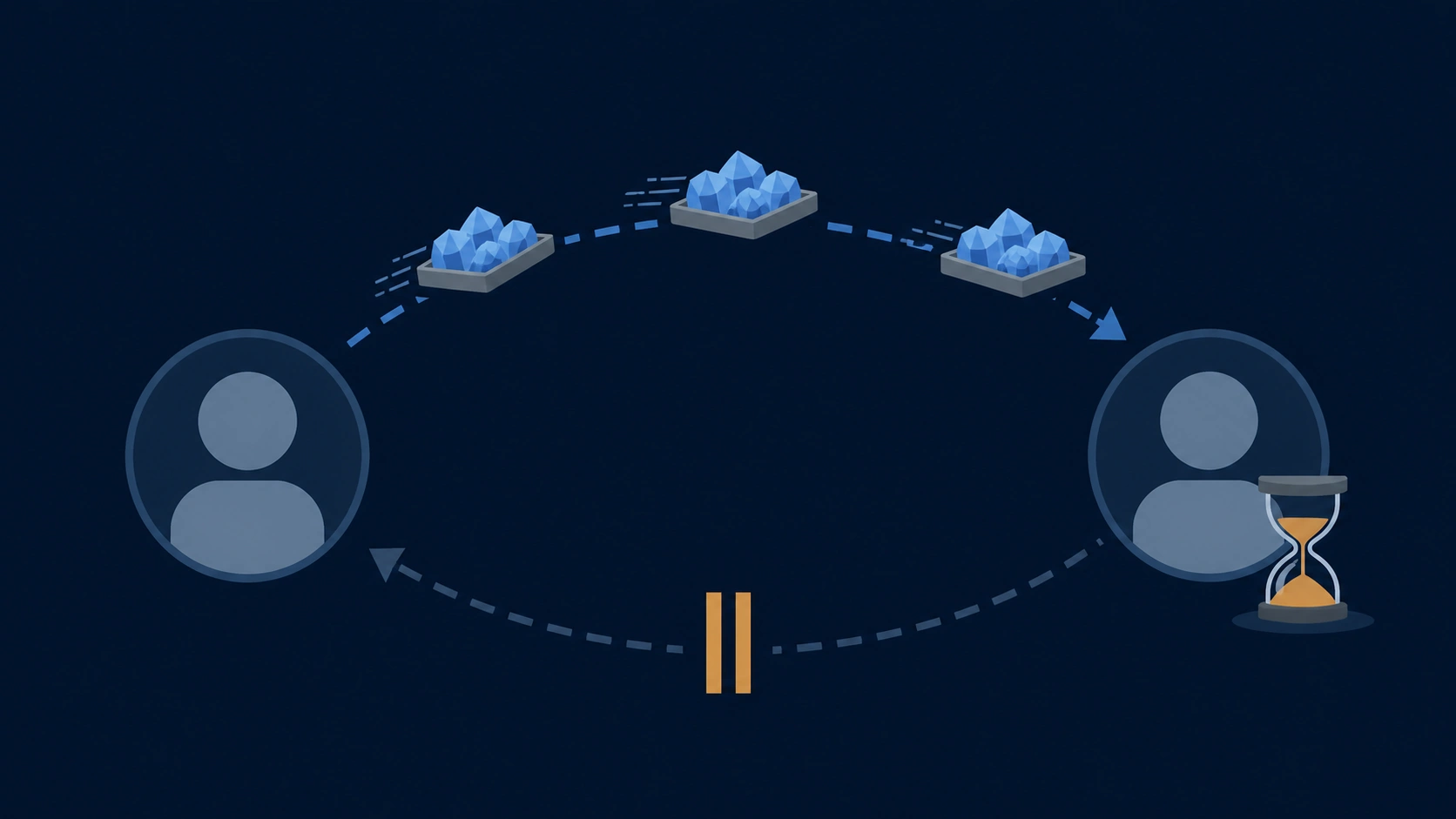
This Workaround Is Not an Official Merge Feature
Old replies usually suggest sending the split stacks to another account and then receiving them back. Several users said the stacks merged after the trade, and a follow-up comment in the 2015 thread said the method had worked.
That is a community-reported workaround, not an official merge feature provided by Steam.
The user with 2,200 Gems in 2018 did not think a little over 2,000 Gems justified spending money to unlock an alternate account and then waiting to trade. Making one Sack should not require finding someone trustworthy, sending Gems first, and hoping the same amount comes back.
A 2017 user moved split Gems to a limited alternate account and managed to pack the Sack there. Only afterward did they discover that the alternate account could not send the Sack back, so they asked whether Steam Support could return it to the original account. Community replies said the account restriction itself had to be removed.
Stop before trading Gems with someone you do not know. Steam does not guarantee this as a merging method, and it does not promise to reverse a mistaken trade. Check the simpler possibilities first:
- Look for a tradable date or restriction message on each Gem stack.
- If a restriction remains, check again after its date passes.
- If the button does not respond in the client, try the web browser as well.
- If the inventory still gives no clear reason, contact Steam Support with the current inventory screen in front of you.
Creating more Gems should come last. A new conversion may land in yet another slot, raising the total without producing a Sack.
Check Three Numbers Before Turning Cards or Backgrounds into Gems
Compare a Direct Sale with the Gem Equivalent
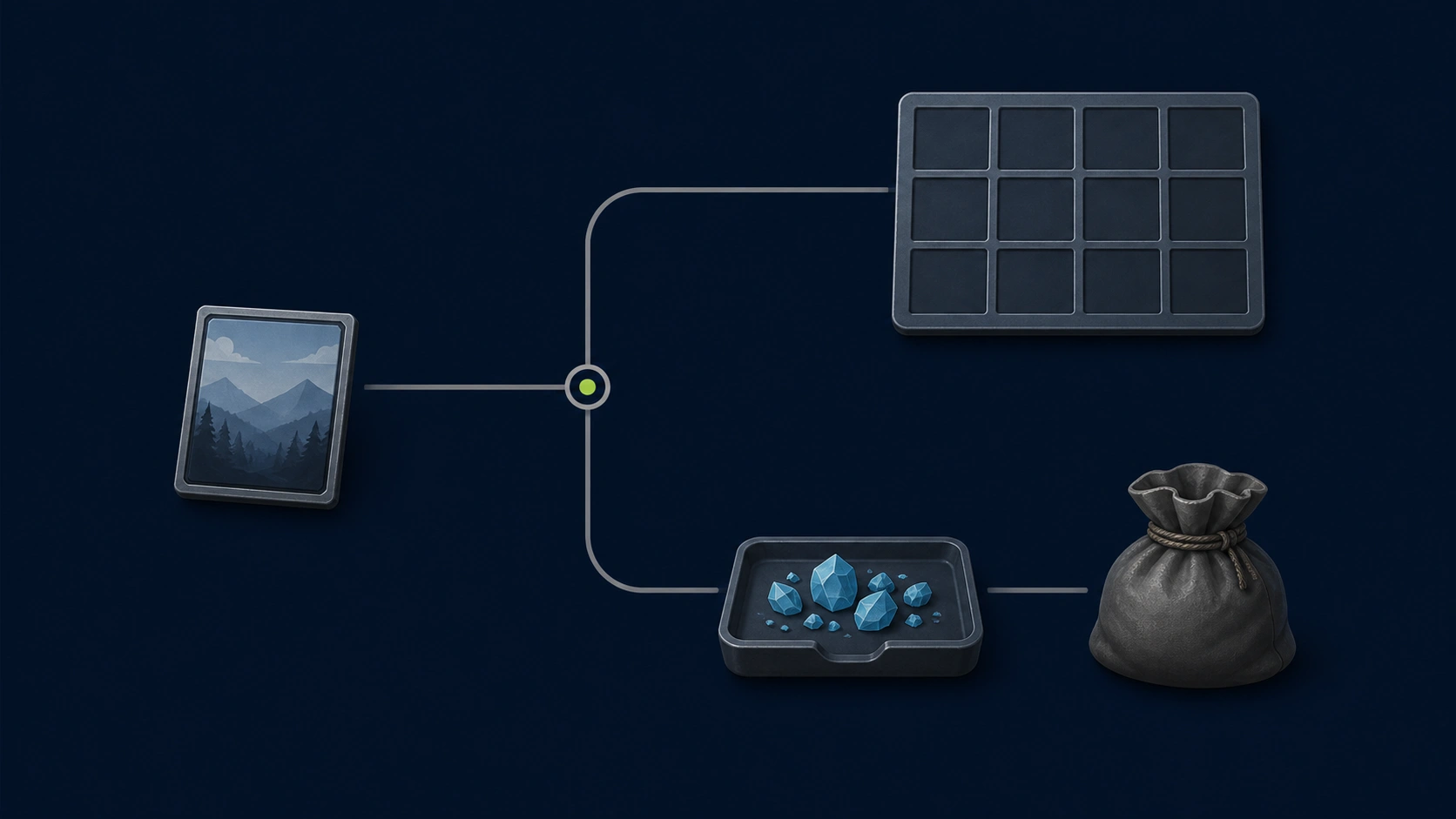
Turn into Gems looks like an inventory cleanup tool: a few clicks remove cards and backgrounds you no longer use.
In 2017, a user in the Steam Trading Cards Group said they learned only after a loss that cards and backgrounds do not all convert into the same number of Gems. They also could not find the Gem value of an item offered in a trade. They asked the group where that value could be checked.
A 2016 reply gave more concrete, but still personal, examples. The user compared getting 4 Gems from one card with getting 340 Gems from one foil card. In their view, 4 Gems barely mattered, while 340 was worth calculating. They stressed using the seller's net proceeds after Steam's cut when valuing a Sack. The 4-Gem example appears in a 2016 community answer explaining Gems; it is not a universal conversion rate.
For a direct comparison, put these three figures on the same basis:
1. What the seller receives after selling the original item on the Community Market 2. The number of Gems shown in the conversion screen 3. What the seller receives after selling one Sack on the Community Market
> Implied Gem value = Gems received ÷ 1,000 × seller proceeds for one Sack
If the conversion screen shows 80 Gems, the result is 0.08 of a Sack. Compare that implied value with what you would receive by selling the item directly. Do not substitute the buyer's total; first separate what the buyer pays from what the seller receives.
There is no need to reach for a calculator before converting every low-value card. The time spent finding a tiny difference may be worth more than the difference itself. Still, avoid converting a card or background that appears valuable without checking first. Once you use Turn into Gems, you cannot easily restore the original item.
SteamVaults Checks for Sacks, Not Your Total Number of Gems
SteamVaults Quotes the Sack, Not Loose Gems
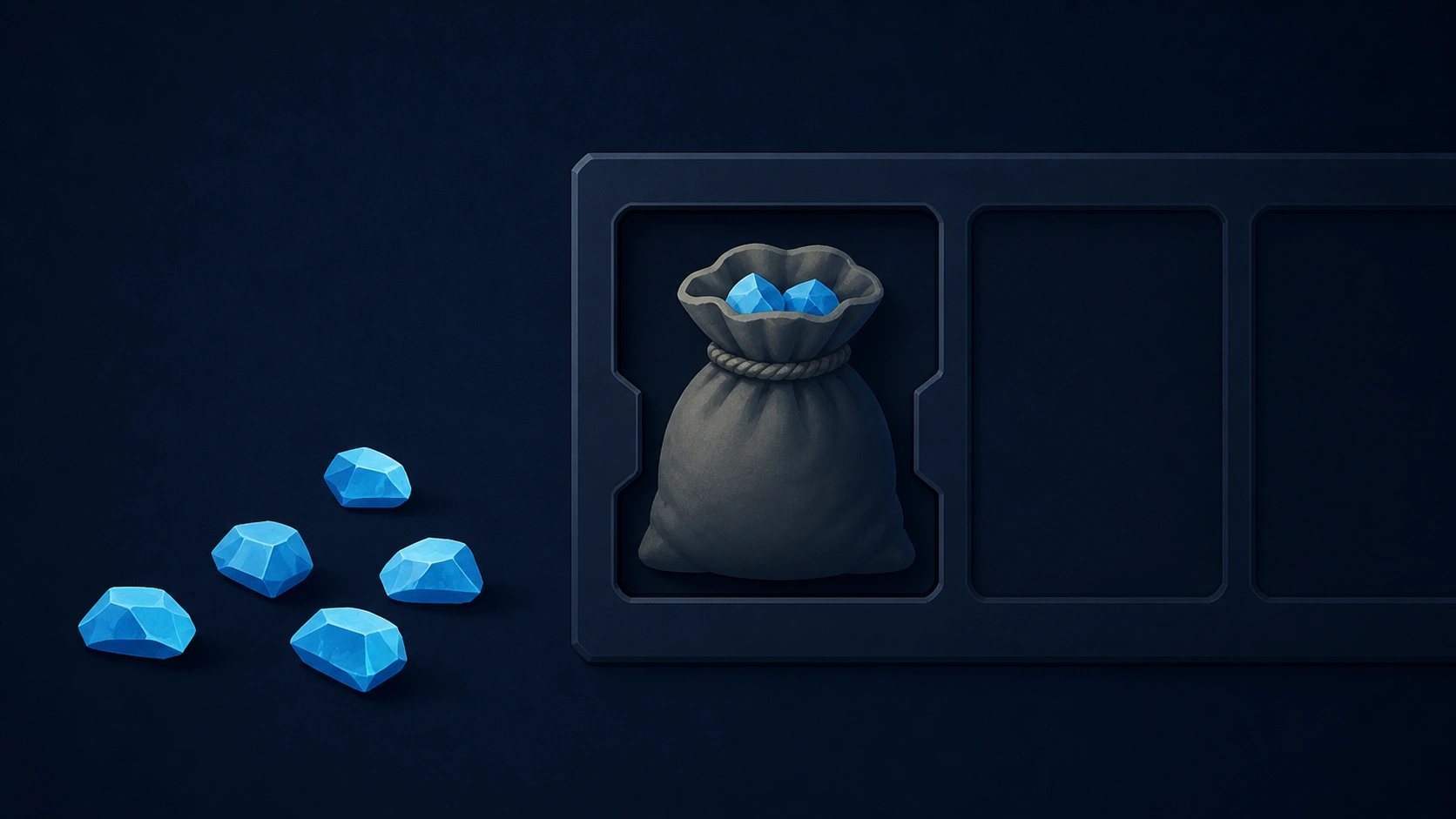
SteamVaults does not accept loose Gems as a trading item. The only item currently supported is a Steam-tradable Sack of Gems.
An inventory may show 3,700 Gems, but if they are split across stacks and no Sack exists, SteamVaults cannot quote them. If the inventory contains three tradable Sacks, SteamVaults can identify three units of the same item.
SteamVaults would inherit the same stack problem if it accepted loose Gems. A user might have to explain the source of 890 Gems, the restriction on 600, and why the remaining 710 sit in another slot. SteamVaults does not support that inventory state.
Each Sack represents 1,000 Gems. Unlike a skin, it does not require separate evaluation of wear, pattern, or stickers. SteamVaults checks the number of tradable Sacks; the platform then calculates price and inventory.
You may still have enough Gems in total and be unable to make a Sack. SteamVaults cannot trade that state, which is why the product does not use the claim 1,000 Gems are ready to sell.
The quote unit is one tradable Sack, not a total of 1,000 loose Gems.
Prices and inventory change. Before trading, check the current status on the Sack of Gems support page and the sell page. Even with a Sack, you cannot proceed when the feature is closed or the platform lacks capacity to receive it.
> Sources checked — 2026-08-22: We reviewed Steam's official Sack of Gems Community Market page and Trading Cards FAQ, then compared public reports published from 2015 through 2020 with similar questions from 2025 and 2026. The article keeps Valve's documented facts separate from causes and workarounds repeatedly suggested by users. Prices and SteamVaults availability can change, so neither is fixed in the text.